Why This Topic Matters
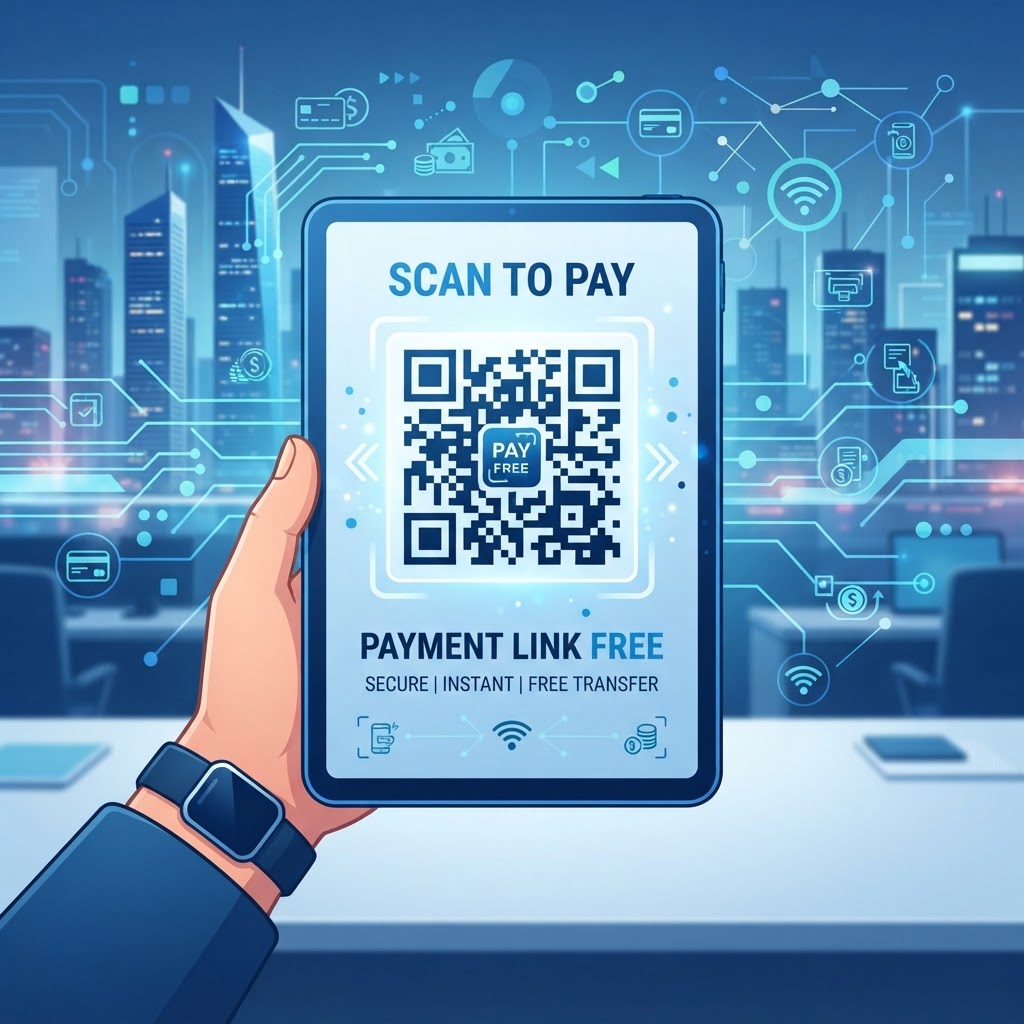
QR codes make paying faster and touchless, turning printed payment links into instant, scan-based actions that reduce friction at the moment of purchase.
Smartphone ubiquity and native camera-based QR scanning mean businesses can offer secure, modern payment flows without asking customers to install apps; using a qr code for payment link free from blueqrcode.com keeps costs down.
Key Points
- Speeds up checkout and reduces manual entry errors
- Works with native smartphone camera scanning — no extra app required
- Free generators like blueqrcode.com let you deploy without platform overhead
How QR Code Technology Works Technically for Secure Payments
Technical Details
A QR code for a payment link encodes a payment provider URL into a matrix of modules using error-correction algorithms so the code remains readable even if partially obscured or damaged.
When a phone camera captures the matrix, the device decodes it back to the original URL and opens the default browser to the payment page; the security of the transaction is provided by the payment gateway (SSL), not the QR code itself.
To improve reliability, use short or deep links to reduce code density; less dense patterns scan more easily across a wider range of phones and lighting conditions.
Try it now: Generate a free Qr Code For Payment Link Free →
Step-by-Step Guide
Follow these core steps to create a payment QR code quickly and reliably.
- Step 1: Obtain the correct payment URL from your merchant processor or payment provider.
- Step 2: Paste the full 'https://' URL into a URL QR generator (for example, on blueqrcode.com) and generate the code.
- Step 3: Download a high-resolution PNG or SVG, test the scan across multiple devices, and deploy on your customer-facing materials.
Step-by-Step Guide Using BlueQRCode.com
Creating your payment QR code on blueqrcode.com is designed for speed and simplicity.
First, obtain the correct payment URL from your merchant processor. Possible examples include:
- a personal payment profile link
- a generic business checkout page
- an invoice-specific link
Next, go to blueqrcode.com, choose the 'URL' category, and paste the full 'https://' link into the field.
Click the generation button, check contrast and design settings, then download as PNG or SVG. Test the QR code with multiple phones to confirm the payment page loads and is mobile-responsive.
Best Practices
Apply these practices to maximize scan success and customer confidence.
- Keep high contrast (dark code on a light background)
- Use SVG for large-scale prints to avoid pixelation
- Always test across multiple devices and browsers
Best Practices for Deployment: Size, Placement, and Format
Environment matters: size, placement, and print quality all affect scan rates.
Maintain a minimum scan size (about two inches square for stationary materials) and ensure sharp print quality on business cards or receipts.
- Place codes at eye level and avoid glare — matte finishes help
- Prefer black on white; if using brand colors, keep strong foreground/background contrast
- Add a clear CTA nearby like 'Scan to Pay Securely' to guide users
Common Mistakes to Avoid
Be mindful of avoidable errors that lead to unreadable codes or failed payments.
- Using a dead or rotated link without updating the QR code
- Placing graphics or text too close to the code, removing the required quiet zone
Common Mistakes to Avoid When Using Payment QR Codes
A broken link is a common and costly mistake; always verify the permanence of your payment URL before mass printing.
Respect the quiet zone around the QR code and avoid excessive branding modifications that interfere with data zones. Also test the landing page across platforms — an iPhone view may differ from an Android browser.
Finally, do not make the QR code the only payment method; keep a secondary option for accessibility or technical issues.
Concrete Use Cases by Industry and Sector
A qr code for payment link free is useful across many industries where speed and convenience matter.
Examples include:
- Restaurants — printed on bills to speed table turnover
- Freelancers — embedded on digital invoices to reduce DSO
- Retail pop-ups — accept payments without bulky POS hardware
- Home services — included on printed invoices left at sites
- Charities — enable quick micro-donations at events
100% Free — No signup required
Create your Qr Code For Payment Link Free in seconds
Create Free QR Code →Summary and Next Steps for Your Business
Integrating a free payment QR code is a low-effort, high-impact improvement to your payment flow that reduces friction and improves cash collection.
Your next steps:
- Audit where manual friction exists in your payment process
- Copy your secure payment link and generate a QR on blueqrcode.com
- Soft-launch on invoices or a counter display and refine placement based on feedback
Conclusion
Using a qr code for payment link free is an effective way to modernize transactions and improve customer experience with minimal cost or technical overhead.
Start small, test thoroughly, and iterate on placement and design to maximize adoption.
No watermark · No expiry · Works on all phones
Your QR code is ready in under 30 seconds.
Generate Free QR Code →