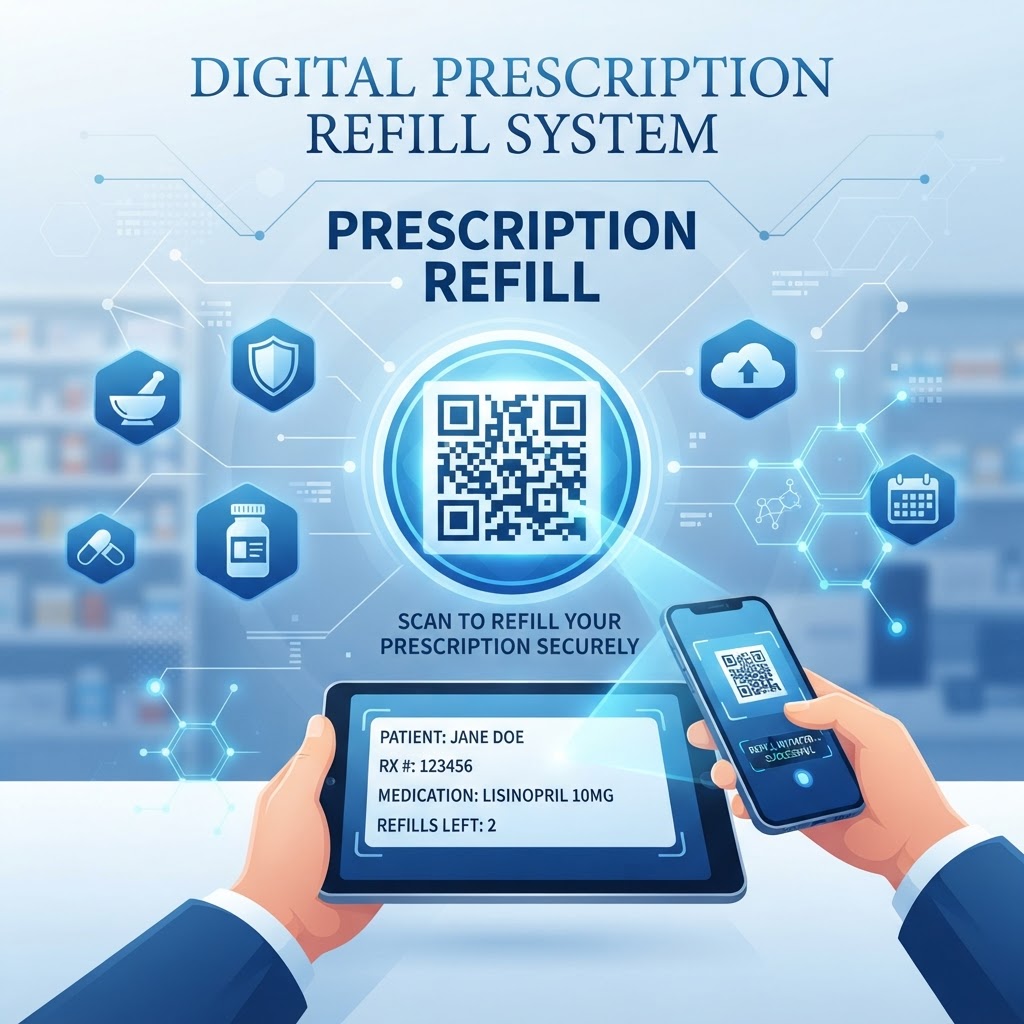
Why Integrating QR Code for Prescription Refill Matters in 2026
By 2026, patients expect instant access, real-time status updates, and the ability to manage their health needs from smartphones. A qr code for prescription refill directs patients to the appropriate portal or form, reducing the need to search for URLs, remember account credentials, or navigate phone menus.
Simplifying refills can help patients manage their medication before their supply runs out. Healthcare organizations can use platforms like blueqrcode.com to create codes for print materials, medication packaging, and clinical signage.
Key Points
- A QR code can direct patients to an online pharmacy portal or refill form.
- A mobile-friendly destination page helps patients submit refill requests.
- Easy access to the refill process may help patients manage their medication needs.
How the Technical Mechanism Works for Prescription Refills
A qr code for prescription refill stores a URL that directs a smartphone browser to a specific landing page. Most modern smartphones can scan QR codes using their built-in camera software, without requiring a specialized application.
The destination page should be optimized for mobile devices so patients can enter any required information, such as a prescription number or date of birth. The site receiving the request—often an electronic pharmacy portal or intake form—must handle data transmission securely.
Some QR codes point to dynamic URLs, which can allow the destination page or instructions to be updated without replacing printed codes. Platforms like blueqrcode.com can be used to generate QR codes for these purposes.
Try it now: Generate a free Qr Code For Prescription Refill →
Step-by-Step Guide to Generating Your QR Code
Use this process to create and prepare a QR code for prescription refill with blueqrcode.com.
- Step 1: Identify the destination URL, such as your online pharmacy portal, digital refill form, or contact page.
- Step 2: Visit blueqrcode.com, select the URL-based QR code option, and enter your link.
- Step 3: Test the destination on different devices to confirm that it loads quickly and works on mobile.
- Step 4: Customize the code if needed, while maintaining strong contrast between the code and its background.
- Step 5: Download a high-resolution file and save the URL associated with the code so you can manage your materials.
Best Practices for Deployment: Size, Placement, and Format
The success of a qr code for prescription refill depends on whether patients can see and scan it easily. Consider the distance from which it will be scanned, the surface where it will appear, and whether the code could be distorted or damaged.
- Use a code at least one inch by one inch on standard printed materials, and scale it up for larger signage.
- Place the code at eye level or within the natural field of vision at a counter.
- On bottles or curved packaging, choose a flat area where the code will not be distorted, covered, or smudged.
- Avoid textured surfaces, reflective glossy paper, folds, and areas exposed to moisture.
- Add a clear call to action, such as “Scan to Refill Your Prescription Instantly” or “Need a Refill? Scan Here.”
- If adding a logo, make sure it does not interfere with the quiet zone or the QR code’s data modules.
100% Free — No signup required
Create your Qr Code For Prescription Refill in seconds
Common Mistakes to Avoid in QR Code Implementation
A broken link, outdated destination, or page that does not work well on mobile can frustrate patients. Test the code on iOS and Android devices and in different lighting conditions before distributing it.
- Making the QR code the only refill option, which can leave patients with older devices, vision impairments, or limited comfort with technology without an alternative.
- Sending patients through multiple website pages before they can find the refill request form.
- Using low-contrast colors, such as a light gray code on a white background, which can make scanning difficult.
- Placing the code too close to busy text, images, or other graphics, which can make it harder for a camera to isolate.
Provide an alternative, such as a phone number or clearly labeled website URL, near the code. Keep the design simple and professional when using blueqrcode.com.
Concrete Use Cases by Industry and Sector
Hospitals and health systems can place QR codes on discharge paperwork to help patients access refill services as they transition to home care. Long-term care facilities can use codes in common areas or on medication carts to help staff initiate refill requests.
Home healthcare providers can place a code on a patient’s health binder or a laminated card, giving caregivers a way to access the pharmacy’s refill process. Retail pharmacies can also print codes on prescription packaging to offer patients a direct path to refill information.
Summary and Next Steps for Pharmacies
A qr code for prescription refill can make it easier for patients to reach a pharmacy’s online refill process. A clear destination, accessible placement, and careful testing help make the experience straightforward.
Review materials such as prescription labels, waiting room signs, and discharge packets to identify where a QR code could be useful. Create and test your codes, gather patient feedback, and refine the destination page as needed.
No watermark · No expiry · Works on all phones
Your QR code is ready in under 30 seconds.