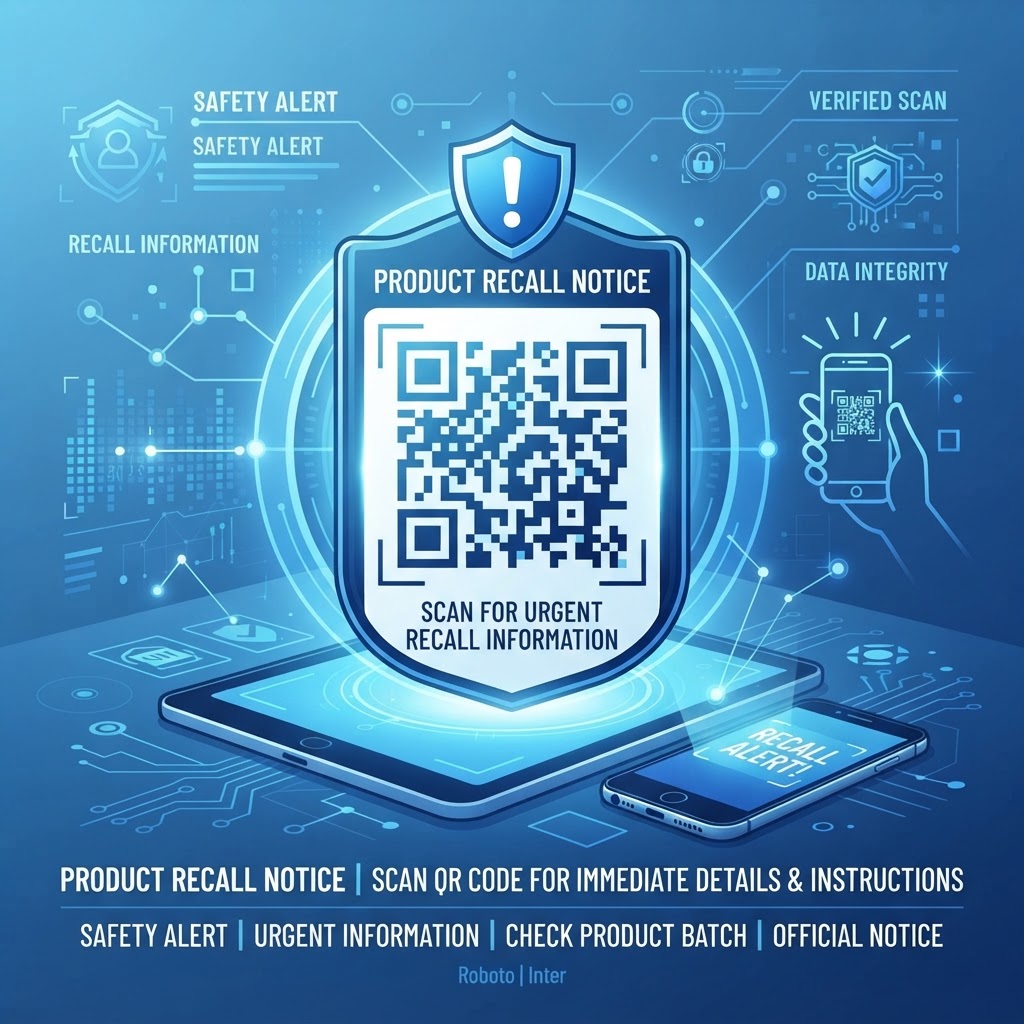
Why Using a QR Code for Product Recall Matters in 2026
As we navigate the technological landscape of 2026, the expectation for instant, accessible information has reached an all-time high. Consumers expect a seamless digital experience to learn about product safety, and delays in recall notifications can lead to significant health risks and legal liabilities.
A qr code for product recall notice transforms product packaging into a dynamic communication portal, connecting customers directly to current safety information. In sectors like food and beverage, electronics, and baby products, this can support timely communication and demonstrate a commitment to transparency and consumer welfare.
Key Points
- QR codes can connect customers to up-to-date recall information through a direct link to a landing page.
- Dynamic mapping lets businesses update a digital destination without replacing physical codes already in the field.
- Anonymous scan data can provide insights into the reach of recall efforts.
How the Technology Works for Instant Safety Notifications
A QR code functions as a pointer to a specific URL. When scanned, it directs the user’s browser to a mobile-optimized landing page containing recall details, such as model numbers, batch codes, product images, and return or repair instructions.
Businesses can use a URL QR code generator like the one offered at https://blueqrcode.com to create codes that remain functional if the destination URL changes. This dynamic mapping can support updates to batch information, return windows, or multimedia instructions, such as videos showing how to safely disable an appliance or identify a defect.
Try it now: Generate a free Qr Code For Product Recall Notice →
Step-by-Step Guide to Creating a Recall QR Code
Creating a professional QR code for product recall is straightforward when you use the tools at https://blueqrcode.com.
- Prepare the landing page: Choose a URL, preferably on your company domain, and include the necessary legal and safety information.
- Generate the code: Select the URL QR code feature on the BlueQRcode platform and enter your destination link. Use a dynamic QR code so you can update the destination if recall information changes.
- Customize the design: Align the code with your brand while maintaining strong foreground and background contrast. You can incorporate brand colors or a subtle logo.
- Test the code: Scan it with several mobile devices to verify that the redirect works correctly.
- Download and prepare: Download a high-resolution vector format such as SVG or EPS, then establish an internal process for activating or updating the redirect when needed.
Best Practices for Deployment, Size, and Placement
Strategic deployment is essential: if consumers cannot find or scan the code, it cannot direct them to recall information. Test placement during the packaging design phase and consider the product’s intended environment.
- Place the code somewhere accessible, such as the back of packaging, the bottom of an electronic device, or near warranty information in the user manual.
- Make the code at least 2cm by 2cm, and larger where space permits.
- Use a dark code on a light background, and avoid curved or wrinkled surfaces that could distort the pattern.
- Add clear instructions near the code, such as “Scan here for important product safety information.”
- Print a secondary static URL as a fallback for people who have difficulty scanning.
- For products intended for outdoor use, choose a printing method resistant to fading or moisture.
100% Free — No signup required
Create your Qr Code For Product Recall Notice in seconds
Common Mistakes to Avoid During Implementation
Some implementation mistakes can undermine a QR code for product recall. Avoid choices that make the code difficult to update, scan, or understand.
- Using a static code: A code that links to a page that cannot be updated may become ineffective if the recall notice or contact information changes.
- Skipping device and browser testing: A landing page that requires a specific app or is not mobile-responsive can frustrate consumers and reduce compliance.
- Cluttering the code area: Competing graphics or excessive text can confuse users and obscure the code from scanners.
- Requiring unnecessary personal information: Be transparent about data collection and avoid requiring an account or unnecessary details just to view safety instructions.
- Leaving affected products unclear: Include a printed expiration or batch-number warning near the code to help customers identify which products are affected.
- Neglecting link monitoring: A server outage can make the code useless, so ensure the hosting environment can handle traffic spikes during a recall.
Concrete Use Cases by Industry and Sector
The application of a QR code for product recall varies by sector. In food and beverage, a code on a perishable label can link to a batch-specific notice to help customers identify potentially contaminated items.
In electronics, a code on a device or in its power adapter manual can link to instructions for safely powering down and disconnecting hardware. For toys and baby products, codes can link to government safety alerts and return forms.
Automotive manufacturers can use codes on vehicle documentation or components to notify owners about parts that may need inspection. In textiles and furniture, a scan can provide instructions for identifying a defect. Across these sectors, the goal is to share information quickly and clearly.
Businesses across these industries can use https://blueqrcode.com to create a standard way to share critical information with customers.
Summary and Next Steps for Your Business
Implementing a qr code for product recall notice can provide customers with a direct link to critical information and support your commitment to safety and transparency. Assess your packaging and communication workflows, identify products that may need a recall contingency plan, and prepare your codes and processes in advance.
Visit https://blueqrcode.com to generate and manage these communication assets. Establishing digital channels before a crisis can help your business respond with greater efficiency and clarity.
No watermark · No expiry · Works on all phones
Your QR code is ready in under 30 seconds.