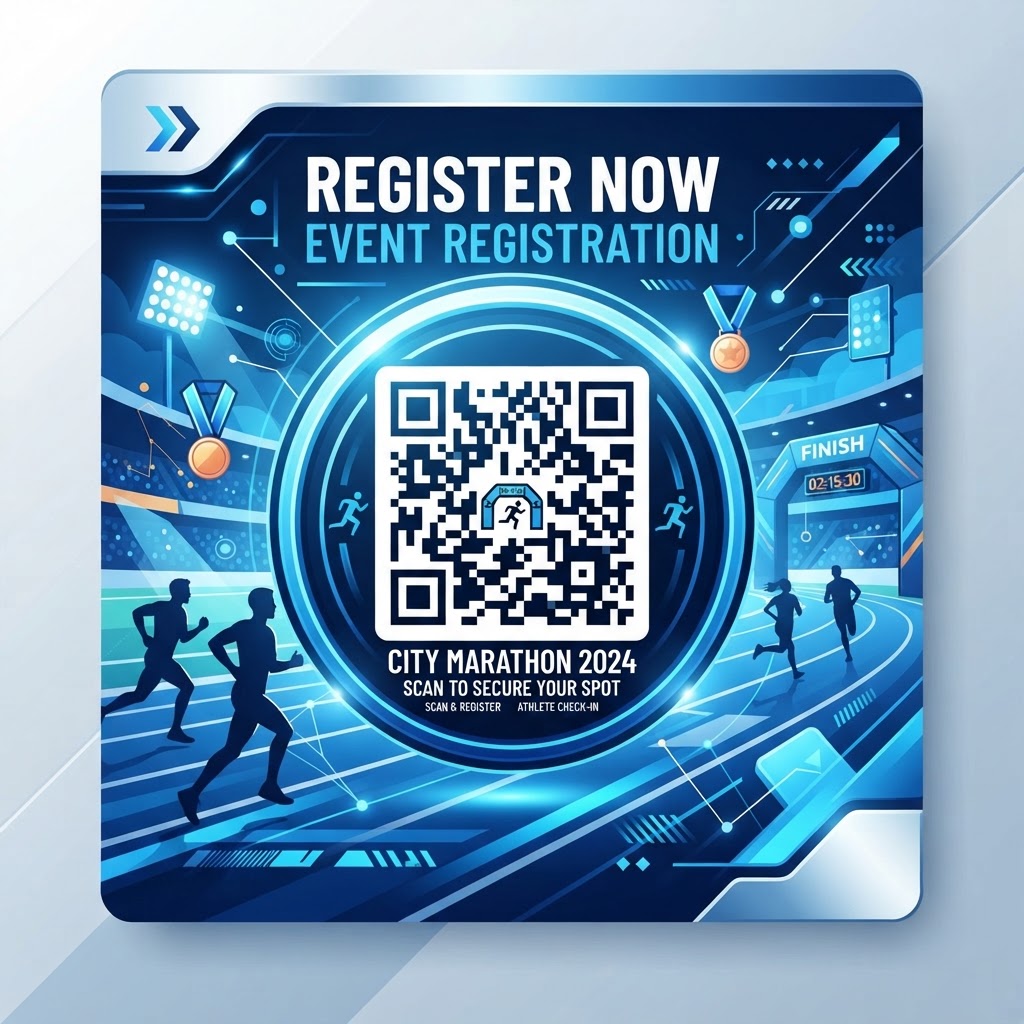
Why This Matters in 2026: The New Standard for Athletic Events
As event management evolves in 2026, QR codes help organizers replace paper-based registration with a faster, more efficient process. A qr code for race registration lets participants enter their own information using a smartphone, with no special scanning software required on most devices.
Directing participants to the registration platform can reduce errors from handwritten notes and mistyped contact details. QR codes can also help organizers compare registrations across marketing channels and plan future event budgets.
Key Points
- QR codes provide a direct link from event materials to the registration page.
- Mobile-friendly registration pages help make the signup process easier for participants.
- Tracking QR code performance can help organizers assess different marketing channels.
How It Works Technically: From Scan to Registration
A QR code is a two-dimensional matrix barcode that stores a URL. When a smartphone camera scans it, the device decodes the information and opens the destination in a browser, connecting a printed or displayed code with an online registration experience.
QR codes also use error correction, which can help them remain scannable if part of the graphic is obstructed or damaged. When generating a code through blueqrcode.com, consider the scan distance and physical format, and make sure the registration URL is hosted on a stable server.
Try it now: Generate a free Qr Code For Race Registration →
Step-by-Step Guide Using blueqrcode.com
Use these steps to create and prepare a QR code for race registration with blueqrcode.com.
- Prepare your registration URL: Confirm that your registration page works, is secure, and is optimized for mobile browsers.
- Choose a URL QR code: Visit blueqrcode.com, select the URL QR code option, and enter your registration link carefully.
- Customize the code: Adjust its appearance to align with your race branding, while keeping the code easy to scan.
- Generate and download: Create the code and download it in a format such as PNG, JPG, or SVG to suit your printing needs.
- Test and publish: Test the code on multiple Android and iOS devices, then add it to your flyers, marketing materials, or event signage.
Best Practices for Deployment: Size, Placement, and Format
Make your code easy to see and scan by matching its size to the scanning distance. A general rule of thumb is that the scanning distance should be approximately ten times the width of the QR code itself.
- Use strong contrast: A black code on a white background is a reliable choice; avoid textures and glossy finishes that may cause glare.
- Add a clear call to action: Tell people what the code does, such as “Scan to Register for the 2026 Marathon” or “Sign Up Instantly.”
- Choose suitable locations: Place the code in high-traffic, stationary areas, such as packet pickup lines or fitness center entrances.
- Keep it at eye level: Position the code where participants can interact with it comfortably.
- Preserve the quiet zone: Leave white space around the code so scanners can distinguish it from surrounding graphics.
100% Free — No signup required
Create your Qr Code For Race Registration in seconds
Create Free QR Code →Common Mistakes to Avoid
Small issues with the registration page, code design, or event materials can make scanning harder and discourage sign-ups. Review the full participant journey before distributing your QR code.
- Using a non-mobile-responsive page: A desktop-heavy registration site can be difficult to use on a phone and may lead participants to abandon the process.
- Crowding the code: Too much text, imagery, or nearby logos can interfere with scanning.
- Skipping device testing: Test the code across multiple devices and operating systems rather than assuming it works everywhere.
- Omitting a fallback URL: Print a short, memorable URL beneath the code for people who cannot scan it or prefer to type it manually.
- Ignoring tracking: Without UTM parameters, you may miss information about which locations or materials generated registrations.
3-4 Concrete Use Cases by Industry/Sector
A qr code for race registration can support events beyond traditional marathons by making signup accessible through familiar community and workplace channels.
- Corporate wellness: Companies can place codes on breakroom bulletin boards or in internal email blasts to help employees sign up for fun-runs.
- Fitness clubs and gyms: A code at the front desk or on treadmill consoles lets members register for a weekend challenge when they hear about it.
- Non-profit charity races: Codes on event flyers can direct donors to a registration portal where participants can register and pay entry fees.
- Municipal events: Parks and recreation departments can place codes at community centers or trailheads to promote upcoming town races.
Summary and Next Steps
Using a qr code for race registration can help organizers improve efficiency, reduce data-entry errors, and create a more convenient participant experience. With a mobile-ready registration page, thoughtful placement, and careful testing, QR codes can connect event promotion directly to signup.
Review your registration process, prepare your portal, generate a code with blueqrcode.com, and test it across devices before publishing. Track registration results to help refine your approach for future events.
No watermark · No expiry · Works on all phones
Your QR code is ready in under 30 seconds.
Generate Free QR Code →