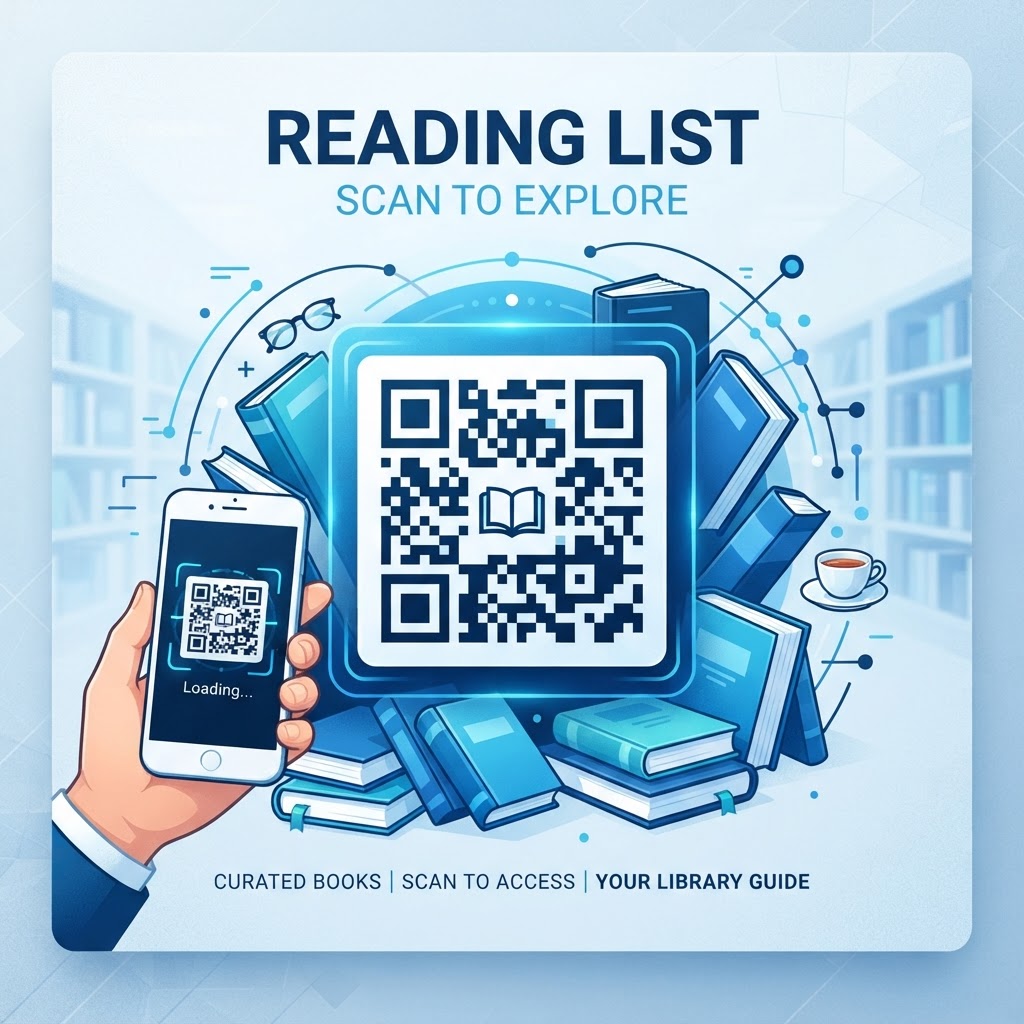
Why Integrating a Reading List QR Code Matters in 2026
As we move deeper into 2026, the reliance on rapid information retrieval has reached an all-time high. Users no longer have the patience to manually input long, complex URLs into their mobile browsers. This is where the QR code for a reading list becomes a cornerstone of digital accessibility. By creating a direct gateway to your collection—whether it consists of academic journals, trade publications, or curated blog posts—you significantly reduce the "activation energy" required for a reader to engage with your curated content. Most smartphones today come with native QR scanning capabilities embedded directly into the camera application, meaning there is no longer a barrier to entry for the end user. This ubiquity ensures that whether you are pinning a list to a bulletin board or printing it on a conference brochure, your audience can access the material in less than a second.
Furthermore, the digital-first nature of modern workflows means that reading lists are frequently updated. Traditional printed lists become obsolete as soon as a new essential book or article is published. However, by using a dynamic URL-based QR code generated via blueqrcode.com, you can update the destination link on the backend without ever needing to reprint the physical QR code. This flexibility is a game-changer for businesses and educators who maintain evergreen content lists. It ensures that the reading material remains current, relevant, and accurate, regardless of how many times the underlying list changes. This efficiency not only saves physical resources like paper and ink but also establishes a reliable habit of trust with your audience, who learn that your QR code will always point to the most relevant and updated version of your collection.
How It Works Technically: Behind the Scenes of the QR Code
Technically speaking, a QR code is a matrix barcode that stores information in a two-dimensional grid of black squares and white spaces. When you create a QR code for a reading list, you are essentially encoding a URL—a Uniform Resource Locator—into this visual pattern. When a user scans the code, their device decodes this pattern and instantly triggers a browser request to the specific web address linked to that list. This process is seamless because the QR code acts as a compact, machine-readable envelope for a long string of data that would otherwise be far too cumbersome to type. When using the url-qr functionality provided by platforms like blueqrcode.com, you are often utilizing dynamic redirection, which is the secret sauce behind the flexibility of these codes.
The backend of this process involves a redirect server. Instead of the QR code pointing directly to your final reading list document, it points to a lightweight intermediary link managed by the generation tool. When the server receives a request from a phone, it instantly forwards the user to your final destination—be it a cloud document, a public reading list on a social platform, or a private web page. This abstraction layer is what allows you to change the target destination at any time. The technical reliability of this system is robust; because the encoding standard is open and universally recognized, you do not need to worry about compatibility issues. Whether a user is on an entry-level smartphone or a high-end tablet, the decoding process is governed by standardized protocols that ensure the QR code translates into the exact, intended destination URL every single time. This high level of technical consistency makes QR codes one of the most reliable methods for bridging the physical and digital divide in modern information management.
Try it now: Generate a free Qr Code For Reading List →
Step-by-Step Guide to Creating Your Reading List QR Code
Creating your reading list QR code is a straightforward process that begins with preparation. First, you must have your reading list hosted on a platform that is accessible via a URL. This could be a publicly shared Google Doc, a Notion page, a curated list on a bookstore website, or a simple blog post on your own domain. Once your destination URL is ready, head over to blueqrcode.com. The interface is designed for speed and usability, focusing on the core task of generating functional codes. Begin by selecting the 'URL' option in the generator dashboard, as this is the most effective format for linking to digital documents or online resource lists.
Next, copy and paste your target URL into the designated input field. It is critical to double-check this URL; a single character mistake will lead to a broken link. Many businesses prefer using dynamic QR codes here because they allow for link editing, as mentioned previously. Once the URL is submitted, you can customize the aesthetic of the code. While the default black-and-white square is universally recognized, you can often adjust the color schemes to match your branding or personal style. After confirming the design, generate the code to see a preview. Before finalizing, always conduct a 'scan test' with your own phone and perhaps one other device to ensure the link redirects properly. Finally, download the QR code in a high-resolution format like PNG or SVG. PNG is ideal for web usage, while SVG is perfect for high-quality printing, as it can be scaled to any size without losing clarity. Once saved, your QR code is ready for deployment across your materials.
Best Practices for Deployment: Size, Placement, and Format
The effectiveness of a QR code is highly dependent on how it is deployed within a physical space. For a reading list, the placement must be intuitive and easily accessible. Avoid placing the code in areas that are hard to reach, such as the bottom corner of a poster on the floor or behind a glass display that may cause unwanted glare from overhead lights. For posters or print materials, a minimum size of 2cm by 2cm is recommended to ensure that even mid-range smartphone cameras can focus on the pattern without difficulty. If the code will be viewed from a distance, such as on a wall in a public library, the size should increase proportionally—larger codes are significantly easier to scan from several feet away.
In addition to placement, consider the contrast of the code. The standard rule is a dark foreground against a light background. While many businesses like to experiment with brand colors, avoid using low-contrast color combinations, such as yellow or light gray on white, as these will likely fail to scan. Always maintain a 'quiet zone,' which is the empty white margin around the QR code. This buffer area is essential for the scanner to isolate the code from the surrounding text or imagery. When incorporating the code into a design, you can add a short, clear call to action (CTA) next to it. Phrases such as 'Scan to view our essential reading list' or 'Get the full list on your phone' help the user understand exactly what will happen when they scan. By following these visual and spatial guidelines, you ensure the highest possible engagement rate for your digital reading collection.
Common Mistakes to Avoid When Using QR Codes
Even with a well-designed QR code, several common pitfalls can derail your efforts. The most frequent mistake is neglecting to optimize the destination URL for mobile devices. If your reading list is hosted on a desktop-only page that requires horizontal scrolling or is difficult to read on small screens, your users will likely close the page immediately. Ensure your reading list page uses a responsive design that adapts to mobile viewports. Another common error is failing to test the QR code before mass-printing materials. Printing five thousand brochures only to realize the code leads to a dead link is a costly mistake. Always perform a rigorous testing phase, checking the link on both iOS and Android platforms to ensure full compatibility.
Furthermore, avoid overcomplicating the QR code design. While customizing colors is a great way to build brand identity, do not place images or logos inside the QR code in a way that obscures too many of its functional dots. If the error correction level is not high enough, or if the logo is too large, the scanner will struggle to reconstruct the data. Stick to minimal branding within the code itself. Finally, many people forget to check their link's status periodically. If you host the reading list on a third-party site, ensure that you haven't accidentally set the document to 'private' or deleted the file entirely. If you use a dynamic code, you have the advantage of being able to fix these issues on the fly, but for static codes, a broken link is permanent. Treat your QR code as a living part of your content strategy rather than a 'set it and forget it' element.
Concrete Use Cases by Industry and Sector
The utility of a reading list QR code spans numerous sectors, each finding unique ways to leverage this technology. In the educational sector, professors often print a QR code on the front page of a physical syllabus. This allows students to instantly bookmark the reading list in their browser, ensuring they have quick access to links for articles, databases, and e-books throughout the semester. This reduces the time spent distributing links via email, which can easily be lost. In the corporate world, human resources departments use QR codes on onboarding materials to point new hires to a curated library of internal documentation, industry guides, and professional development resources, streamlining the integration process significantly.
Retail bookstores and libraries are also heavy users of this technology. A bookstore can place a QR code on a shelf tag, allowing customers to scan and see a 'Staff Picks' list that expands on the specific genre they are browsing. This provides a more personalized experience, helping customers discover books they might otherwise overlook. In the non-profit sector, organizations often use QR codes in their fundraising and advocacy materials to link supporters to a reading list of reports, case studies, and news articles that highlight their mission and the urgency of their cause. By centralizing this information, they make it easy for potential donors to get educated on the issues quickly. Whether it is a conference organizer sharing a list of recommended reading for an upcoming seminar or a local hobbyist group sharing resource links, the QR code for a reading list serves as a versatile tool that turns passive readers into active learners.
Summary and Next Steps for Your Implementation
In summary, implementing a QR code for your reading list is a powerful, low-effort, high-impact strategy for improving information sharing in 2026. We have explored the technical foundations of how these codes function, the importance of choosing the right destination for your audience, and the critical best practices for ensuring successful scans every time. By avoiding common mistakes and tailoring the deployment to your specific industry needs, you can turn a simple list of resources into a dynamic and accessible digital tool. The ability to update your information in real-time using dynamic links from blueqrcode.com ensures that your readers always have access to the latest, most accurate content available.
Your next step is to consolidate your reading list into a clean, mobile-optimized format. Choose a hosting platform that is reliable and easy for you to manage. Once your content is ready, visit blueqrcode.com to generate your first professional QR code. Remember to conduct thorough testing across multiple devices and ensure your design maintains high contrast and sufficient sizing for the intended physical environment. Once deployed, monitor your engagement if your platform provides analytics, and refine your approach as you learn more about how your audience interacts with your materials. The digital landscape continues to evolve, and by adopting simple yet effective tools like QR codes, you position yourself to remain ahead of the curve, providing maximum value to your audience with minimal technical friction. Start creating your reading list QR code today and watch how it transforms the way your information is discovered and utilized.
No watermark · No expiry · Works on all phones
Your QR code is ready in under 30 seconds.
Generate Free QR Code →