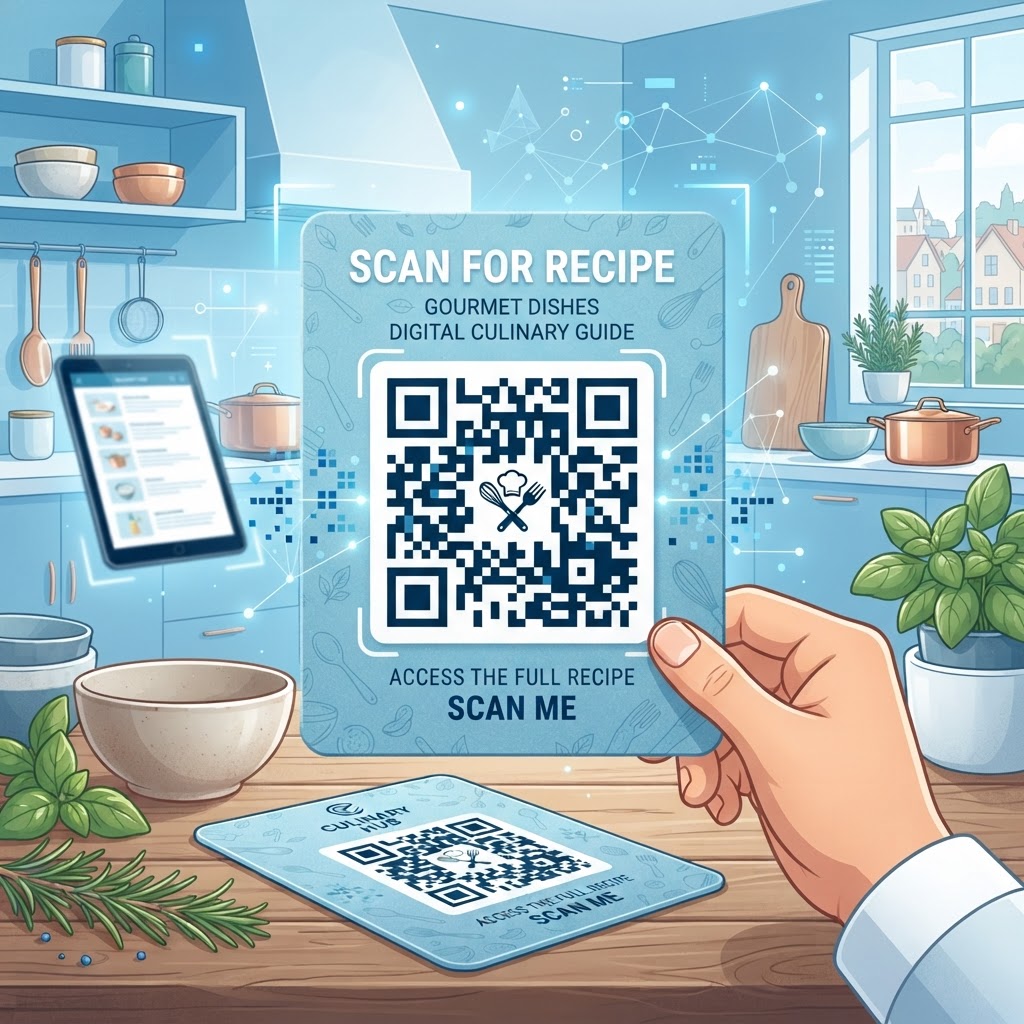
Why the QR Code for Recipe Cards Matters in 2026
The culinary world in 2026 demands efficiency, accuracy, and accessibility. Historically, recipe cards were limited by the physical surface area of the paper, forcing authors to shrink fonts or omit crucial details to fit instructions onto a 4x6 inch card.
This design flaw often leads to errors in cooking, frustration among users, and a lack of visual representation for the final product. By incorporating a QR code for recipe cards, you effectively bypass these limitations by providing a digital portal that expands the capacity of the card indefinitely.
Users can now scan a physical card to access high-resolution image galleries, step-by-step video tutorials, and interactive ingredient lists that can be scaled for different serving sizes.
Benefits of Digital Recipe Extensions
- Access to high-resolution image galleries
- Step-by-step video tutorials
- Interactive ingredient lists that support serving-size adjustments
- Allergy information, sourcing details, and pairing suggestions
- Real-time updates without reprinting physical cards
Moreover, the integration of digital technology into the kitchen environment fosters a better user experience. Many businesses in the hospitality and retail sectors have already adopted this technology to share allergy information, sourcing details, and pairing suggestions that would be impossible to fit on a traditional recipe card.
The shift toward paperless extensions allows for real-time updates. If you discover a better technique for a specific step or need to update an ingredient based on seasonal availability, you can simply update the linked digital content without needing to reprint the physical cards.
This dynamic nature is a cornerstone of modern information management, providing value long after the initial interaction. Utilizing a reliable tool like blueqrcode.com ensures that these links remain stable and professional, allowing for a seamless transition from a physical piece of paper to a rich multimedia environment that serves the cook’s needs at every stage of the culinary process, from grocery shopping to the final plating of the dish.
How QR Code Technology Works for Culinary Content
Technically speaking, a QR code functions as a two-dimensional matrix barcode that stores data, which in the context of recipe cards, is almost always a URL pointing to a digital asset. When a user scans the code using most smartphones, the built-in camera software decodes the pattern and prompts the user to visit the destination webpage.
For a recipe, this destination can be a PDF file containing the full, print-ready document, a blog post with embedded video content, or even an interactive landing page that allows the user to click checkboxes for items they have already added to their cart.
The simplicity of the user experience hides a complex structure of error correction algorithms. These algorithms ensure that even if the physical card is slightly damaged, folded, or stained with flour or oil—common hazards in a kitchen—the code remains scannable.
Dynamic QR Code Flexibility
Understanding the backend of these codes is crucial for long-term reliability. When you generate a code via blueqrcode.com, you are creating a reliable pointer.
If you choose to point your QR code to a dynamic URL, you maintain the flexibility to change the destination later. This is technically managed through a redirection server that translates the short URL encoded in the square pattern to your intended final destination.
This separation of the physical graphic and the destination URL is vital for recipe cards, as the content of the recipe may evolve or move platforms over the years. By mastering the technical delivery of this content, you create an archival system that is not only robust against physical wear and tear but also adaptable to the ever-changing digital landscape.
Whether you are aiming to store a complex molecular gastronomy guide or a simple family cookie recipe, the underlying technology remains a powerful, lightweight, and incredibly effective method of bridge-building between the tangible kitchen and the vast repository of the internet.
Try it now: Generate a free Qr Code For Recipe Card →
Step-by-Step Guide Using BlueQRCode
Creating your first QR code for a recipe card is a straightforward process when using the intuitive tools provided by blueqrcode.com.
- Step 1: Prepare your digital recipe content and host it on Google Drive, your personal food blog, or your own server.
- Step 2: Navigate to the generator interface, select a URL-based code, and paste in the permanent URL without extra spaces or formatting errors.
- Step 3: Customize the code’s appearance by adjusting the foreground and background colors while maintaining a high-contrast ratio.
- Step 4: Test the code using various Android and iOS devices to confirm that the framing and resolution work correctly.
- Step 5: Download the code in a high-resolution format, such as PNG or SVG, and import it into Canva, Adobe Illustrator, or other graphic design software.
- Step 6: Add the code to the physical card alongside a prompt such as “Scan for video tutorial” or “Scan to scale ingredients.”
Once the destination is set, the tool allows you to customize the appearance of the code. While the standard black-and-white pattern is perfectly functional, many users prefer to integrate colors that match the branding of their recipe card design or their personal kitchen aesthetic.
It is important to test the code using various devices—both Android and iOS—to ensure the framing and resolution meet the standards of most smartphones. Once you are satisfied with the design, download the code in a high-resolution format, such as PNG or SVG, which will allow you to import it directly into your graphic design software like Canva or Adobe Illustrator.
Incorporate the code into your physical card layout, perhaps alongside a small icon or text prompt such as “Scan for video tutorial” or “Scan to scale ingredients.” This clear instruction encourages users to engage with the digital component, ultimately increasing the utility of the printed card you have put so much effort into creating.
Best Practices for Deployment and Presentation
The placement and sizing of your QR code on a recipe card are paramount to its success. A common mistake is placing the code in an area that is too small or too cluttered with decorative text and borders.
- Make the QR code at least one inch by one inch (2.54 cm x 2.54 cm).
- Place the code in a bottom corner or dedicated sidebar.
- Maintain a quiet zone of white space around the code.
- Use high-contrast colors for reliable scanning.
This size allows most smartphones to focus on the code quickly without the user needing to struggle with the angle or distance. In terms of placement, the bottom corner or a dedicated sidebar is usually the best position, as it does not interfere with the primary text of the recipe instructions.
Furthermore, ensure there is a “quiet zone” around the QR code—a thin margin of white space that separates the code from other graphic elements. This margin prevents interference and allows the scanning software to isolate the code from the background artwork more efficiently.
Choose Suitable Print Materials
When choosing your paper stock for the recipe card, consider the environment of use. If the card is intended for heavy kitchen use, consider using a matte finish rather than a high-gloss finish.
Glossy surfaces can create glare under kitchen lighting, which can obscure the QR code and make it difficult for a camera to interpret the pattern. If you must use a glossy card, ensure that the design does not feature metallic foils or overly reflective materials near the code.
Additionally, consider providing a fallback URL in small, legible text below the code, such as “Visit link.com/recipe” for those who may have technical issues or prefer manual entry.
By following these guidelines for print design and placement, you guarantee that your digital integration remains a helpful feature rather than a cumbersome hurdle, enhancing the overall professional quality of your culinary materials while providing genuine added value to the end user who relies on your instructions.
Common Mistakes to Avoid in QR Code Usage
Even with the best intentions, several common pitfalls can render your QR code for recipe cards ineffective. The most frequent error is neglecting to verify the destination link before printing.
- Printing a code without verifying that the destination link works
- Using an overly complicated design with decorative patterns, logos, or gradients
- Failing to provide context or a clear call-to-action
- Using temporary links that may expire or require permissions
- Skipping real-world testing with a printed card and smartphone
A broken link leads to an immediate dead end, which erodes trust in your brand or personal kitchen project. Always perform a final, “real-world” test by scanning your physical printed card with a smartphone that hasn’t visited the site before, ensuring that the link opens correctly and that the mobile version of the website is properly formatted.
Another frequent mistake is over-complicating the design of the QR code itself. While decorative patterns, logos, and intricate color gradients are possible, they can often reduce the error-correction capacity of the code. If the design is too busy, it may become unreadable in low-light kitchen conditions.
Another significant oversight is failing to provide context for the user. A random QR code printed on a card without explanation might be ignored by many people. Always include a clear call-to-action (CTA) such as “Scan to see step-by-step photos” or “Scan for an interactive timer.” This simple step drastically increases engagement rates.
Lastly, avoid using “temporary” links that may expire, such as links generated by social media post drafts or private file-sharing folders that require permissions. Use permanent, public-facing URLs to ensure that years down the line, the recipe is still accessible.
By being mindful of these technical and user-experience pitfalls, you protect your content from becoming obsolete. At blueqrcode.com, we emphasize the importance of permanence and clarity to ensure that every QR code you deploy serves its purpose effectively, keeping your culinary documentation functional, reliable, and accessible for the long haul in any home or professional kitchen environment.
Use Cases by Industry and Sector
The application of QR codes for recipe cards spans a variety of sectors, each finding unique ways to leverage the technology.
- Artisanal bakeries can share recipes or care instructions through codes attached to flour bags or pastry boxes.
- Restaurants and catering businesses can use “Chef’s Tips” cards to share dish origins or preparation techniques.
- Cooking classes and community gardens can distribute comprehensive digital recipe folders through a single card.
- Culinary influencers and bloggers can direct event attendees to their digital platforms.
For artisanal bakery owners, attaching a QR code to a bag of specialized flour or a box of pastries allows them to provide the exact recipe or care instructions to their customers. This elevates the customer experience from a simple transaction to a long-term engagement.
In the restaurant industry, chefs and catering businesses often print “Chef’s Tips” cards for VIP events, where a QR code leads to a secret video tutorial explaining the origin of a dish or a complex technique used in its preparation.
This adds a layer of exclusivity and storytelling that print alone cannot achieve, fostering a deeper connection between the kitchen and the guest. In the education and community sector, cooking classes and community gardens use these cards to distribute recipes in a way that respects the environment.
Instead of printing hundreds of pages of handouts, they provide a single card that links to a comprehensive digital folder containing all the session’s recipes. This is a sustainable and efficient practice that many organizations are adopting to reduce paper waste while providing high-quality educational resources.
Similarly, culinary influencers and bloggers use these codes at pop-up events and trade shows to direct traffic from physical interactions back to their digital platforms. By using a QR code for recipe cards, they can track interest and ensure that the audience has a way to keep engaging with their content long after the event ends.
Whether it is a small-scale home project or a large-scale commercial distribution, the versatility of this technology is limited only by the creator’s imagination, providing a bridge between the physical taste and the digital knowledge.
Summary and Next Steps
In conclusion, the QR code for recipe cards is more than just a passing trend; it is a fundamental evolution in how we document and share culinary knowledge. By bridging the gap between physical cards and digital resources, you create a richer, more accessible experience for everyone involved.
Throughout this guide, we have examined the “why”—the need for efficient, adaptable, and informative culinary tools—and the “how”—the technical process of generating and deploying these codes for maximum effectiveness. We have highlighted the importance of testing, clear placement, and maintaining permanent links to ensure that your work remains useful over time.
As we look toward the future, the integration of physical and digital media will only become more essential in the kitchen. Your next step is simple: organize your digital recipe content, ensure your links are live and accessible, and use the tools at blueqrcode.com to create your first set of QR codes.
Whether you are improving your personal recipe box, creating materials for a cooking class, or building brand assets for a culinary business, start by generating a few test codes to see which styles and layouts work best for your needs. Once you have a system that works, scale it up to include more of your favorite recipes.
Remember that the goal is to enhance the cooking experience, so focus on content that provides genuine value—like instructional videos, ingredient substitutions, or nutritional breakdowns. With these resources in place, your recipe cards will become essential kitchen companions, bridging the gap between tradition and innovation for years to come.
No watermark · No expiry · Works on all phones
Your QR code is ready in under 30 seconds.
Generate Free QR Code →