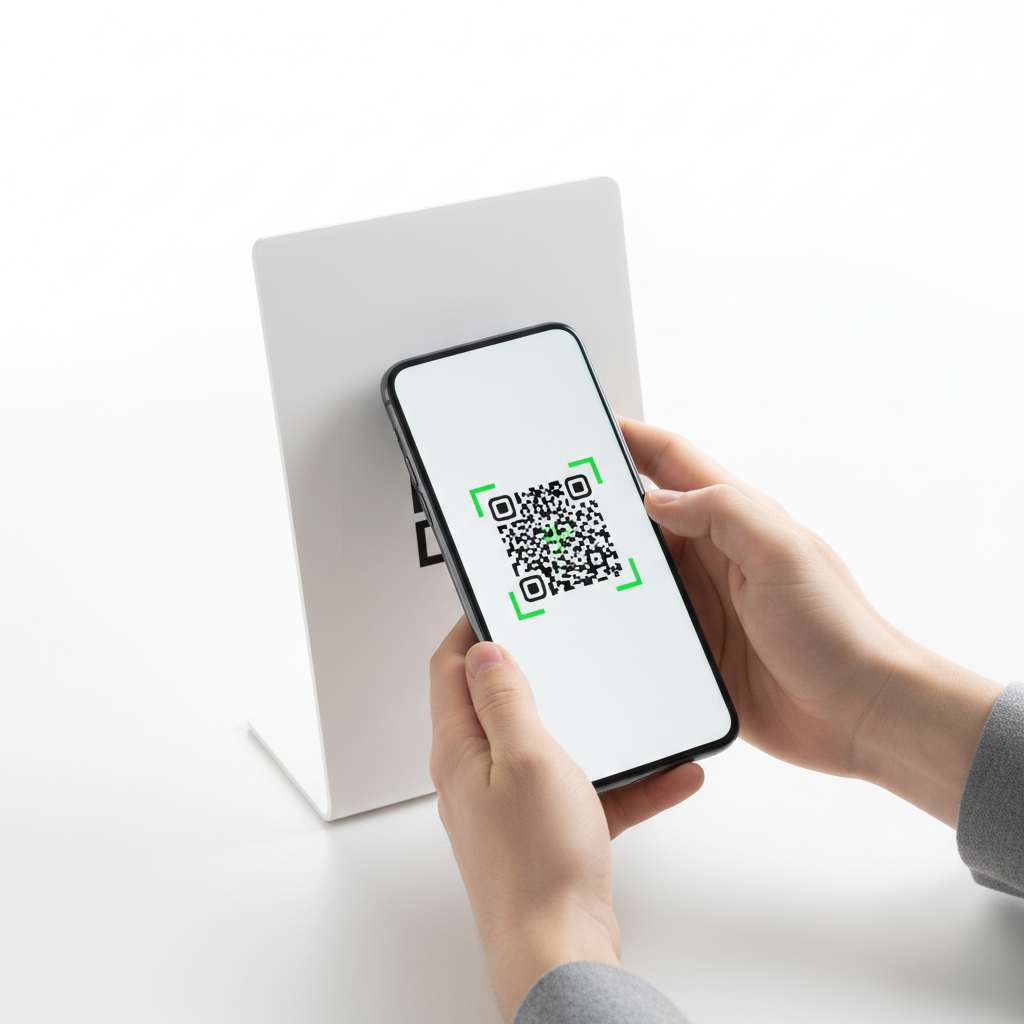
What Is QR Code For Restaurant Menu Contactless and Why It Matters in 2026
A QR code for restaurant menu contactless is a scannable, two-dimensional barcode that directs a customer's smartphone to a digital menu without touching shared surfaces. Guests point their camera at the code and instantly browse the full menu on their device.
The shift toward contactless dining began as a hygiene necessity and has matured into a permanent operational upgrade. For restaurants, the QR approach reduces printing costs, keeps menus current, and presents a cleaner table aesthetic.
Key Points
- Contactless QR menus improve hygiene and speed up guest access to menus.
- Static URL QR codes on blueqrcode.com do not expire if the destination URL remains active.
- High error correction and proper sizing ensure reliable scanning in restaurant environments.
How QR Code For Restaurant Menu Contactless Works — The Technical Foundation
At its core, a contactless restaurant menu QR code encodes a URL into a matrix of black-and-white squares. A smartphone camera detects and decodes that pattern and opens the linked menu in a browser.
On blueqrcode.com, you select the URL QR code type and input the menu's web address. The generator produces a static QR code that remains valid so long as the destination URL stays active.
Error correction is important in dining settings; blueqrcode.com supports up to Level H (30%) error correction to tolerate surface damage. The service offers output formats such as PNG for print and SVG for digital/web.
Compatibility is broad: the generated QR codes work with 95%+ of modern smartphones from 2020 onward. For print, maintain a minimum size of 2.5 cm × 2.5 cm to ensure reliable scanning.
Step-by-Step: Create Your QR Code For Restaurant Menu Contactless on blueqrcode.com
Follow these steps to generate a ready-to-use contactless menu QR code using blueqrcode.com.
- Step 1: Prepare your menu URL by uploading your menu (for example to Google Drive set to "Anyone with the link can view") or publishing it on your website and copy the full https:// link.
- Step 2: Visit the generator at https://blueqrcode.com/qr-code-generator and choose the URL QR type.
- Step 3: Paste the menu link into the input field and confirm it is correct and active before generating.
- Step 4: Generate the code and scan it with a smartphone to verify it directs to the intended menu page.
- Step 5: Download the QR code in PNG for print or SVG for scalable digital use.
- Step 6: Ensure printed codes are at least 2.5 cm × 2.5 cm and add a short instruction like "Scan to view our menu" to boost scan rates.
- Step 7: If your menu URL changes, regenerate a new code; static codes do not update to new destinations automatically.
blueqrcode.com produces static QR codes with no account, no watermark, and no expiration as long as the destination URL remains active.
Deployment Best Practices for QR Code For Restaurant Menu Contactless
Placement, durability, and visual clarity determine how effectively guests can use your contactless menu. Follow practical deployment strategies to minimize friction and maximize scan success.
- Table placement: use upright table tents or small stands so the code is visible when seated.
- Laminate for durability: protect printed codes from spills and wear; use acrylic stands or laminated cards.
- Contrast and lighting: print dark-on-light (black on white) and ensure enough ambient light for camera focus without glare.
- Add context text: include short instructions like "Scan to view our full menu" and a smartphone icon to reduce hesitation.
- Multi-language options: host language-specific pages and label QR codes accordingly for international guests.
Common Mistakes to Avoid With QR Code For Restaurant Menu Contactless
A well-generated QR code can still fail in practice if common implementation errors are overlooked. Anticipate these issues before rollout.
- Non-mobile-optimized link: Linking to a page or PDF that is not mobile-friendly forces guests to pinch-to-zoom or scroll horizontally, creating friction.
- Changing the URL without updating codes: Because blueqrcode.com creates static QR codes, moving your menu to a new URL breaks existing printed codes unless you reprint them or use a stable redirectable link.
- Printing too small: Codes below the recommended 2.5 cm × 2.5 cm risk failing to scan, especially on older devices or in low light.
- Skipping test scans: Not performing end-to-end tests (generate, download, print/display, then scan) can lead to embarrassing in-service failures.
- Neglecting content updates: Failing to update menu content defeats the benefit of digital menus; assign responsibility for keeping the linked menu current.
Real-World Use Cases: QR Code For Restaurant Menu Contactless Across Industries
The contactless menu QR code adapts across many food service and hospitality models, each gaining distinct operational benefits.
100% Free — No signup required
Create your Qr Code For Restaurant Menu Contactless in seconds
Create Free QR Code →Full-service restaurants use QR codes to present rich digital menus with photos, descriptions, and wine pairings while updating seasonal offerings instantly.
Casual dining and fast-casual chains use QR menus to reduce table turnaround friction and speed decision-making during peak hours.
Food trucks and pop-up vendors place a single QR sticker linking to an updatable menu, avoiding constant reprints as offerings change.
Hotel restaurants and room service replace in-room binders with bedside or TV-stand QR codes for room service and dining menus.
Bars and cocktail lounges display rotating cocktail lists via QR codes on coasters or bar cards to avoid frequent reprints.
Cafés supplement chalkboard aesthetics with QR links to an online board updated daily.
Event catering and banquet halls distribute event-specific menus via a single QR card per place setting to cut paper waste and printing costs.
Frequently Asked Questions
Does a QR code for a restaurant menu ever expire?
No. QR codes generated on blueqrcode.com are static QR codes that never expire as long as the destination URL remains active. The code only stops working if the linked menu URL becomes unavailable or changes.
What format should I download for printing table cards and stickers?
For print materials such as table tents, stickers, and laminated cards, download the QR code in PNG format. For digital or scalable use (websites, signage), choose SVG format. Always ensure the printed code is at least 2.5 cm × 2.5 cm.
Do my customers need to download a special app to scan the menu QR code?
No special app is required. Most modern smartphones from 2020 onward scan QR codes natively in their camera apps. blueqrcode.com's codes are compatible with 95%+ of modern smartphones, so guests simply open the camera and tap the notification to open the menu link.
Can I use a QR code to share my restaurant's WiFi password as well as the menu?
Yes. blueqrcode.com supports 13 different QR code types, including a dedicated WiFi QR code that encodes SSID, password, and encryption type. Generate a separate WiFi QR and place it alongside your menu QR code for seamless guest connectivity.
What if my menu changes frequently — do I need to regenerate the QR code each time?
No. The QR code encodes your menu's URL, not the menu content itself, so updating the page content updates what guests see without changing the printed code. You only need a new QR code if the URL address itself changes.
Ready to go contactless? Generate your free restaurant menu QR code at blueqrcode.com — no account required, no watermark, no expiration.
Conclusion
Implementing a qr code for restaurant menu contactless is a low-cost, high-impact upgrade that improves hygiene, guest convenience, and operational flexibility. With proper deployment and testing, QR menus deliver a consistent, modern dining experience across venues.
No watermark · No expiry · Works on all phones
Your QR code is ready in under 30 seconds.
Generate Free QR Code →