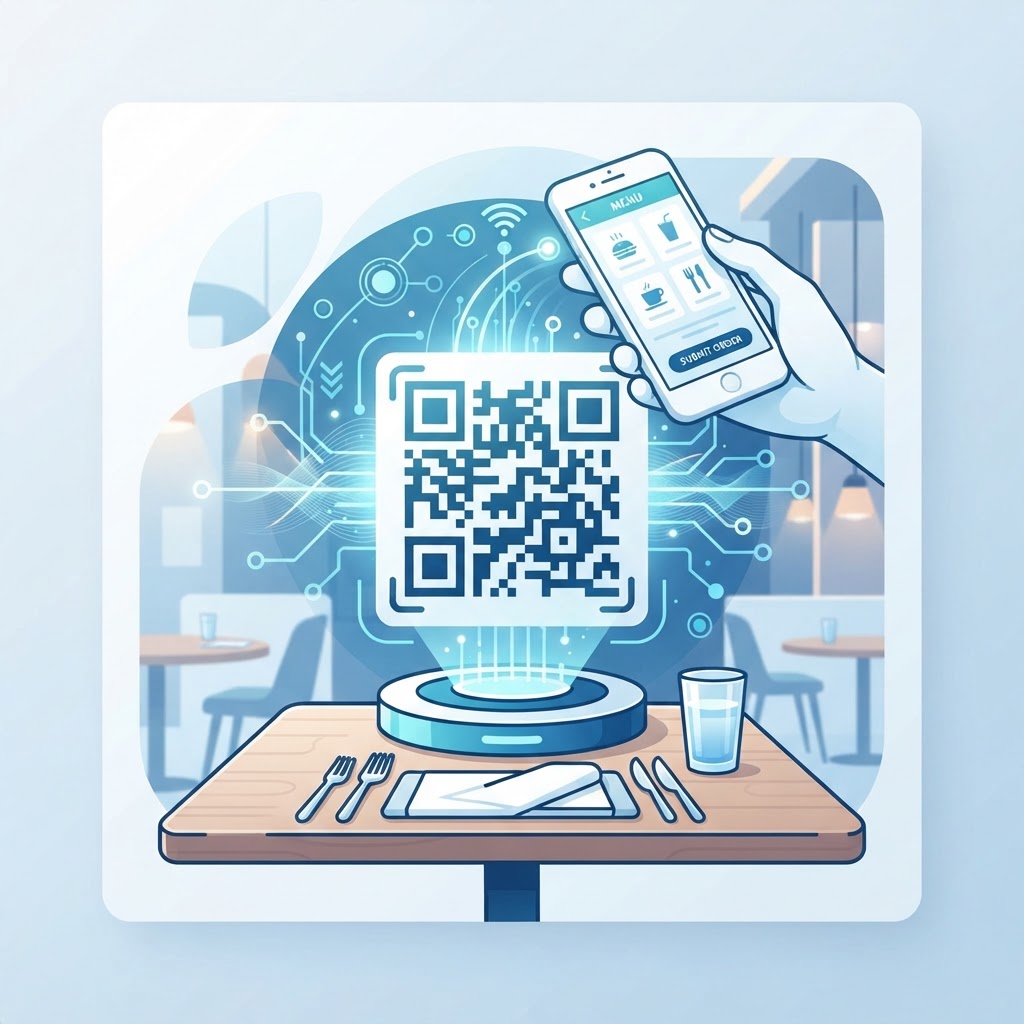
The Future of Dining: Implementing QR Code Table Ordering in 2026
Why This Topic Matters
QR code table ordering is reshaping restaurant service by letting diners view menus, place orders, and pay directly from their phones. This reduces wait times and frees staff to focus on guest experience.
Platforms like Generate your Qr Code For Restaurant Table Ordering → make it simple to create static, no-expiry codes without accounts or watermarks, lowering the barrier to adoption.
Key Points
- qr code for restaurant table ordering improves speed and order accuracy
- Static QR codes (no expiry) simplify long-term table deployments
- Mobile-optimized menus support accessibility, dietary filters, and inventory control
Step-by-Step Guide
Quick steps to implement QR code table ordering in your restaurant.
- Step 1: Generate a static URL QR code using a reliable service and point it at your mobile-optimized menu or ordering page.
- Step 2: Print high-quality codes and place them in visible, wipeable locations on each table; use a minimum size of 2.5cm × 2.5cm for reliable scanning.
- Step 3: Monitor orders and use the captured data to refine staffing, menu mix, and inventory—update the linked page as needed without reprinting static codes if the URL remains the same.
Best Practices
Implement QR ordering thoughtfully to maintain hospitality while gaining efficiency.
- Provide a small number of physical menus as a backup for connectivity or battery issues
- Ensure the menu page is responsive, fast-loading, and includes allergen and dietary filters
- Print codes on durable, wipeable materials and assign unique table codes to track order origin
| QR Code Type | Primary Use Case in Restaurants | Key Benefit |
|---|---|---|
| URL (Ordering) | Digital Menu and Ordering | Real-time menu updates |
| WiFi | Guest Internet Access | Improved connectivity without password sharing |
| Google Review | Customer Feedback | Boosts local search visibility |
| Social Media Engagement | Showcases visual brand identity | |
| Customer Inquiries/Bookings | Streamlined communication channel | |
| Phone | Table Reservations | Easy "click-to-call" functionality |
Common Mistakes to Avoid
Be aware of common pitfalls when deploying QR code ordering so you maintain service quality.
100% Free — No signup required
Create your Qr Code For Restaurant Table Ordering in seconds
Create Free QR Code →- Relying solely on digital ordering and removing human interaction — keep servers for hospitality and assistance
- Using low-resolution or tiny prints that fail to scan — this frustrates guests and increases staff workload
Conclusion
Adopting qr code for restaurant table ordering is a cost-effective way to modernize service, reduce errors, and gather actionable data. With careful implementation and backups, restaurants can enhance both efficiency and guest satisfaction.
Frequently Asked Questions
Can I generate a QR code for my menu without creating an account?
Yes. Many businesses prefer platforms like blueqrcode.com because they allow you to generate 13 different types of QR codes, including menu links, without the need to sign up for an account. This keeps the process quick and private.
Do static QR codes used for table ordering ever expire?
Static QR codes generated through our service never expire. This is ideal for restaurants, as it means your table codes will remain functional indefinitely, provided the target URL link remains active on your website.
Are these QR codes compatible with all phones?
Our QR codes are compatible with 95%+ of modern smartphones. Since 2020, virtually every major device has integrated native QR scanning capabilities directly into the camera application, ensuring that most smartphones can access your menu without extra apps.
Is there a minimum size I should follow when printing these codes?
To ensure consistent and reliable scanning for your guests, we recommend a minimum print size of 2.5cm × 2.5cm. Using this size ensures that the code is easy to detect for the camera, even in various lighting conditions found within a dining room.
Do these QR codes have watermarks?
No. When you use a professional service like blueqrcode.com, you get clean, high-quality QR codes without any intrusive watermarks, ensuring that your branding remains the primary focus on your menus and table displays.
No watermark · No expiry · Works on all phones
Your QR code is ready in under 30 seconds.
Generate Free QR Code →