Why This Matters in 2026
In 2026, the retail sector faces rising operational costs, high consumer expectations for convenience, and a permanent shift in how people prefer to interact with physical spaces. Contactless, self-service checkout is now about operational efficiency and personal convenience, not just safety or hygiene.
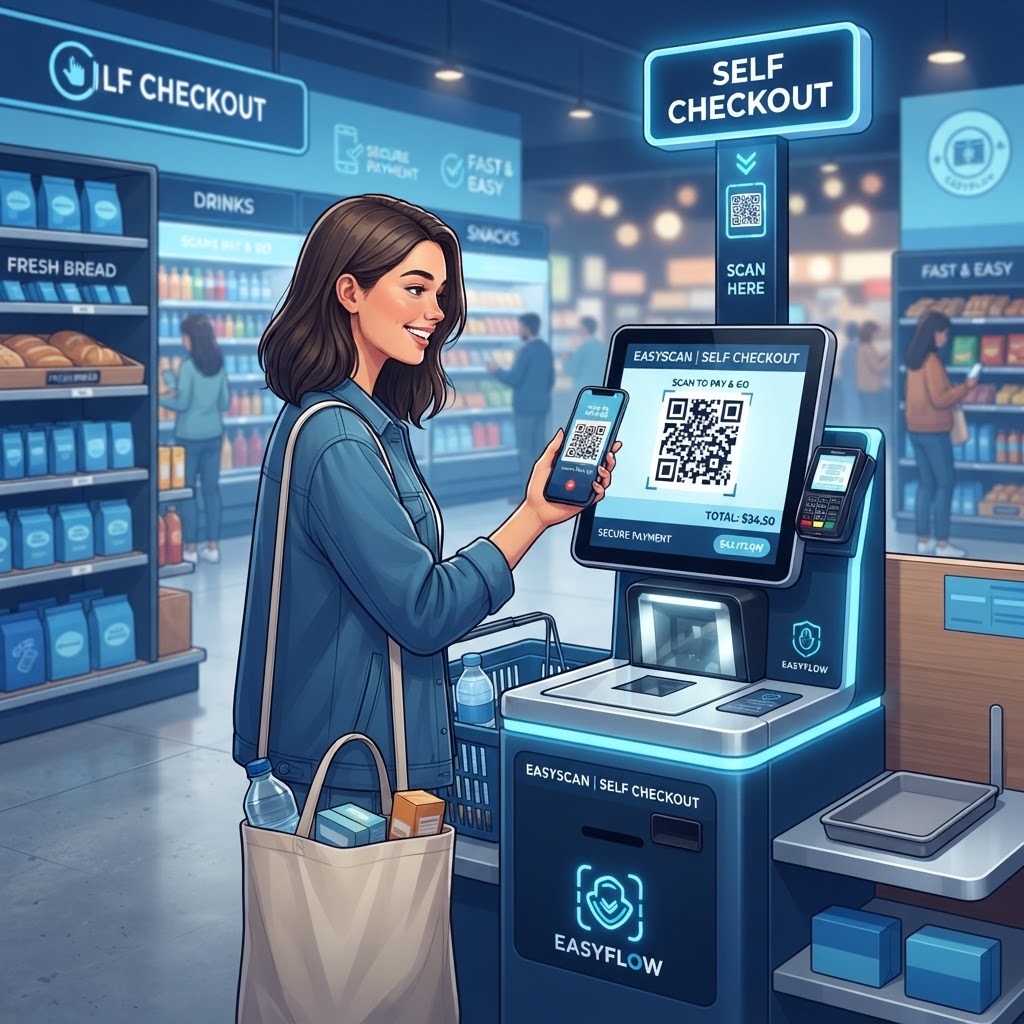
By deploying a qr code for retail self checkout, retailers can turn shoppers’ smartphones into personalized point-of-sale terminals. This decentralizes checkout, reduces queues, and can free up floor space for inventory or promotional displays. You can easily generate yours here to get started with your own pilot program.
When shoppers use their own devices, they may also engage with loyalty programs, digital receipts, and personalized offers. QR code-based self-checkout can support data collection and automated transactions without requiring specialized hardware installations or expensive proprietary apps.
Key Points
- QR codes can direct shoppers to a mobile checkout portal or product-scanning interface.
- Self-checkout can reduce reliance on fixed-point-of-sale registers and help manage checkout bottlenecks.
- Mobile checkout can connect shoppers with loyalty programs, digital receipts, and personalized offers.
How It Works Technically
A QR code for retail self-checkout acts as a gateway to a secure URL. When generated via our free URL QR Code Generator, it can direct a shopper’s mobile browser to a Progressive Web App (PWA) or mobile-optimized checkout portal.
The scanned code can contain encrypted parameters that identify the store location, terminal session ID, or inventory data. A product-specific code can add an item to a virtual cart, while a store-wide entry code can launch a product lookup or barcode-scanning interface.
The session can be maintained through encrypted session tokens to keep each shopper’s cart data isolated. Payments can use mobile wallet integrations or secure tokenized card gateways, minimizing the need for merchants to store sensitive financial data locally.
Web-based QR interactions can be resumed if network speeds fluctuate. Their lightweight nature can provide a reliable transaction pathway without specialized hardware installations or expensive proprietary apps.
Step-by-Step Guide Using blueqrcode.com
Implementing a retail self-checkout system starts with generating reliable QR codes that connect shoppers to a mobile-friendly checkout page.
- Prepare your landing page: Build a checkout page optimized for mobile devices, where customers will spend most of their time during the transaction.
- Generate your QR code: Navigate to blueqrcode.com, select the URL-based QR code generator, and enter the URL for your checkout page.
- Test the code: Scan it with various smartphone models and check that the landing page loads correctly under different browser conditions.
- Customize and download: Choose a high-contrast design. blueqrcode.com allows you to customize the aesthetic to match your brand colors without sacrificing scannability. Download the high-resolution vector file so the printed code remains crisp and readable.
- Track and refine: Consider using dynamic QR codes to track scan rates at different store locations and adjust your deployment based on consumer behavior.
Best Practices for Deployment
Successful deployment depends on accessibility, clear instructions, and careful placement. Position codes where customers naturally interact with products, such as directly beneath an item’s price tag.
- Use intuitive signage such as “Scan to Pay” or “Self-Checkout: Scan Here.”
- For shelf-edge applications, make codes at least two inches by two inches so customers can scan them without getting uncomfortably close.
- Scale codes appropriately when they are intended to be scanned from a distance, such as on a large poster or wall display.
- Avoid highly reflective surfaces and poorly lit areas where glare or shadows may make codes unreadable.
- Inspect checkout areas regularly to ensure codes are not damaged, obscured by inventory, or replaced by unauthorized stickers.
Common Mistakes to Avoid
Self-checkout can frustrate shoppers if the QR code or mobile checkout experience fails. Provide a reliable destination page and a clear way to get help.
- No fallback or help mechanism: A timeout or broken link can lead to cart abandonment, so include a visible “Help” or “Staff Support” link in the mobile interface.
- Using only static, untracked codes: Without engagement data, you may not be able to identify which aisles have high usage or which checkout flows are failing.
- Neglecting the landing page: A cluttered, slow, or poorly optimized mobile site can cause shoppers to disengage.
- Adding unnecessary checkout steps: Keep the flow minimal and offer Guest Checkout rather than requiring users to create full accounts before shopping.
- Overlooking security: Serve the landing page via HTTPS and encrypt data transmissions to help build customer trust.
Retail Self-Checkout Use Cases
The QR code self-checkout model can be adapted to different retail sectors. Each use case can support distinct shopping and fulfillment needs.
- Grocery: Shelf-label QR codes can let shoppers scan items into an “endless basket,” update their total in real time, and pay without visiting a traditional register. This can suit high-traffic urban stores where floor space is limited.
- Apparel: Codes near fitting rooms or on product tags can help shoppers check local inventory or arrange home shipping when an item is unavailable in their size.
- Convenience stores: Entrance codes or codes on specialized “fast-track” aisles can let time-poor customers initiate a session, scan items, and complete a transaction while bypassing busy periods.
- Hardware and home improvement: Customers can scan the location code of a large item, pay for it, and receive a digital pickup slip to show a warehouse attendant.
Summary and Next Steps
A qr code for retail self checkout can help retailers decentralize transactions, improve throughput, and give shoppers more control over their shopping journey. Platforms like blueqrcode.com provide a way to generate codes for a range of retail settings.
Start with a pilot at one location, focusing on a specific checkout pain point. Create a secure landing page, generate QR codes using our URL QR Code Generator, monitor results and feedback, and refine the deployment before expanding its functionality.