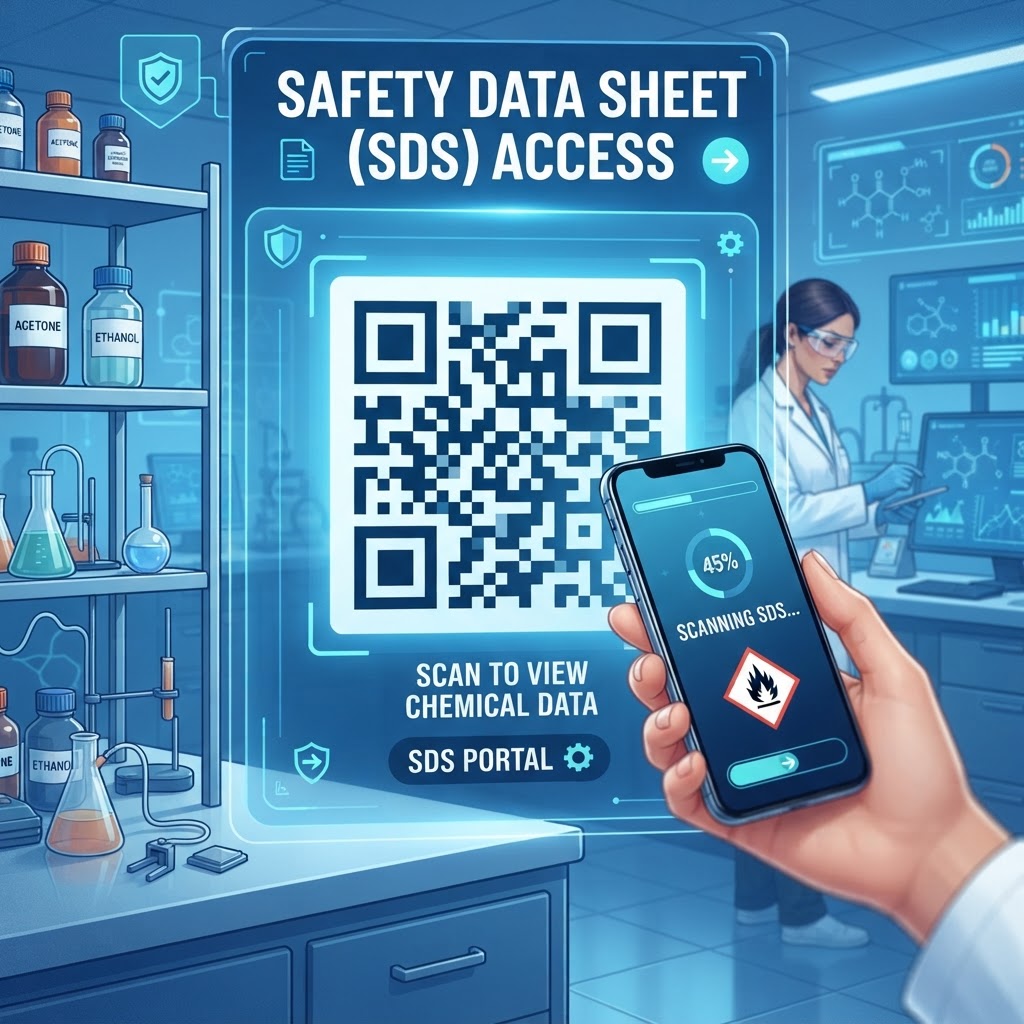
Why This Matters in 2026: The Digital Shift in Workplace Compliance
The modern industrial environment is increasingly characterized by rapid workflows and complex chemical inventories. As of 2026, digital infrastructure has become an essential component of OSHA and international safety compliance standards.
When an emergency occurs—such as a chemical spill or accidental exposure—seconds matter. A qr code for safety data sheet access helps employees find specific safety protocols without searching through physical binders.
Most smartphones now have native QR scanning capabilities, turning workers’ devices into potential safety terminals. A QR-based system centralizes documents, allowing safety managers to update files so scans direct workers to the latest version.
This approach can help organizations reduce compliance drift and demonstrate a commitment to current safety protocols. It also gives employees quick access to guidance when they need it.
Key Points
- Digital access can help workers find safety information more quickly.
- Centralized files make it easier for safety managers to update SDS documents.
- QR codes work with standard smartphone cameras and web browsers.
How It Works Technically: From Scan to Insight
A QR code acts as a visual gateway from a physical label to a digital document. When a user scans it, the phone decodes the pattern into a URL linked to a cloud-based repository or server where the SDS PDF is stored.
Most smartphones open the link in a standard web browser, so workers typically do not need specialized software. For high-reliability environments, a PDF-based QR system, such as the solution offered at blueqrcode.com, can link users directly to the document.
Depending on how the file is hosted, the SDS may display in the browser or be available as a downloadable file. Mobile-optimized hosting can make the document easier to view on a phone screen, including its hazard identification and emergency first-aid sections.
Try it now: Generate a free Qr Code For Safety Data Sheet →
Step-by-Step Guide Using BlueQRCode.com
Deploying a qr code for safety data sheet access via blueqrcode.com is a streamlined process. Prepare the document, generate the code, and test it before placing it in the workplace.
- Step 1: Identify the chemical or hazardous material and prepare its SDS as a clean, high-resolution PDF.
- Step 2: Navigate to blueqrcode.com, select the appropriate document or URL tool, and upload the finalized PDF using a clear file name such as 'SDS_ChemicalName_Date'.
- Step 3: Generate the QR code and customize it with a frame or call-to-action text, such as 'Scan for Safety Data'.
- Step 4: Download the code in a high-resolution format, such as PNG or SVG, and test it with multiple mobile devices to confirm that the PDF loads correctly.
- Step 5: Print the validated code on durable, weather-resistant material and place it on chemical containers, storage cabinets, or near eyewash stations.
100% Free — No signup required
Create your Qr Code For Safety Data Sheet in seconds
Create Free QR Code →Best Practices for Deployment: Size, Placement, and Format
Effective deployment requires attention to the physical and environmental context where codes are placed. Make sure the code is visible, scannable, and protected from workplace conditions.
- Choose an appropriate size: Use a code at least one inch by one inch, and consider a larger size where workers need to scan from a distance or in poor lighting.
- Select a suitable location: Place codes at eye level and away from spills or abrasive wear. Protect labels on tanks or containers with a clear, chemical-resistant cover.
- Use strong contrast: Print with high-contrast colors, typically black on a white background, and avoid reflective surfaces that may cause glare.
- Optimize the document: Use a mobile-optimized, compressed PDF to help reduce load times, especially where cellular data may be limited.
Common Mistakes to Avoid
Small oversights can compromise the usefulness of a QR-based safety system. Build regular checks and backup access into your process.
- Leaving an outdated document linked: An obsolete SDS may contain inaccurate first-aid instructions or omit new hazards. Use a stable URL that lets you replace the underlying file without changing the printed code.
- Relying only on online access: Workers may not be able to open documents where Wi-Fi or cellular service is unavailable. Keep a physical binder in a nearby, visible location as a backup.
- Skipping staff training: Employees may not know how to scan the code or locate key information. Brief staff on scanning and finding emergency contacts and spill protocols in the SDS.
- Placing codes where they can be damaged: Chemicals or machinery can make labels unreadable. Choose durable materials and accessible locations.
3-4 Concrete Use Cases by Industry
QR codes for Safety Data Sheets can support different workplace needs across industries. Their use can help workers access chemical safety information at the point of use.
- Manufacturing: Codes on chemical storage cabinets can help workers check personal protective equipment requirements before maintenance tasks.
- Construction: Waterproof labels on hazardous material containers can give workers access to safety protocols at changing or remote job sites.
- Healthcare: Codes in janitorial closets can link to SDS documents for floor cleaners, disinfectants, and solvents, helping staff check product information.
- Laboratory research: Codes on reagent bottles can link researchers to stability information for hazardous materials.
Summary and Next Steps
Integrating a qr code for safety data sheet access can help modernize workplace safety documentation and make it easier for workers to find relevant information. A well-maintained system depends on reliable documents, practical placement, and continued review.
Start by auditing your chemical inventory and prioritizing high-risk items. Create and test a pilot set of labels using blueqrcode.com, gather worker feedback, and review digital documents regularly.
No watermark · No expiry · Works on all phones
Your QR code is ready in under 30 seconds.
Generate Free QR Code →