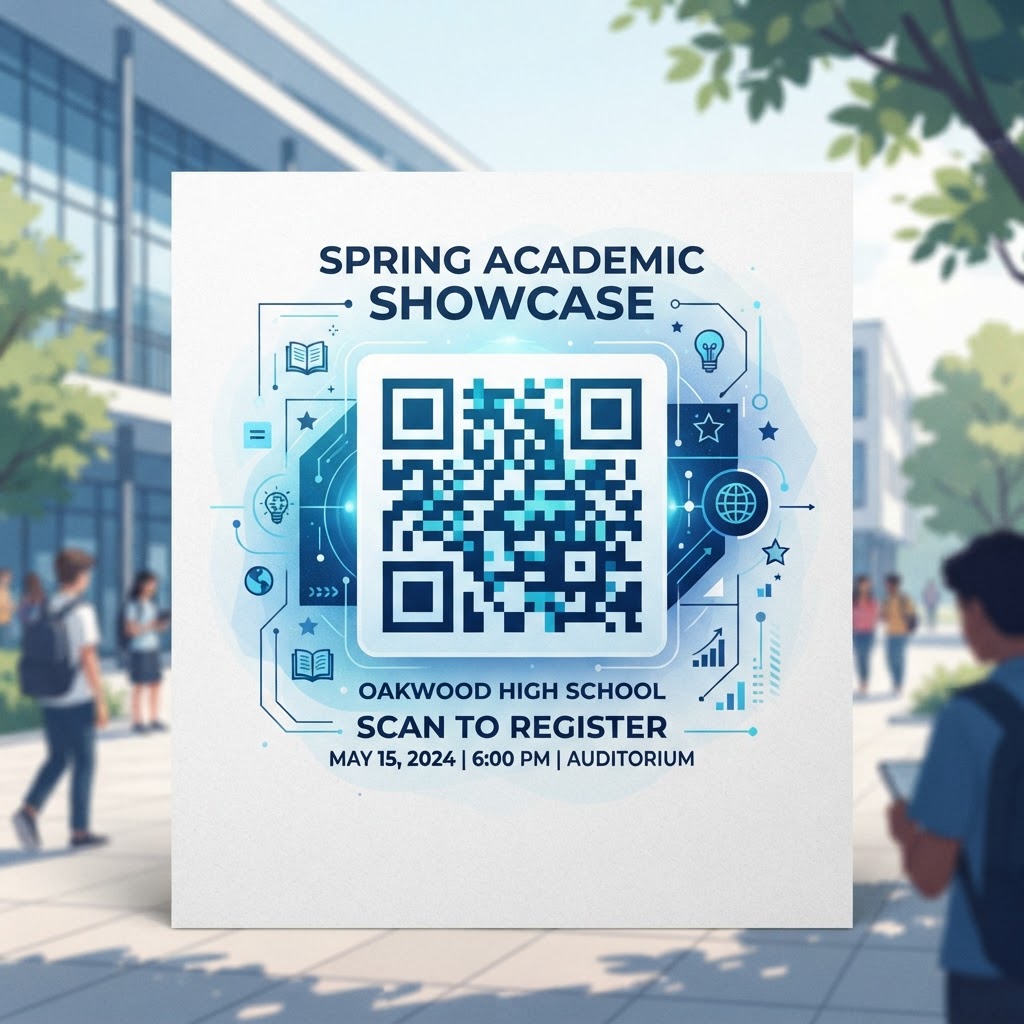
Why QR Codes for School Events Matter in 2026
As we move deeper into 2026, the pedagogical and administrative landscape in schools continues to digitize rapidly. Traditional paper flyers, bulky event programs, and static notice boards are increasingly being replaced by dynamic, interactive digital solutions. The primary reason for this shift is the near-ubiquity of smartphones among parents, students, and attendees, creating an environment where a simple, scannable image can serve as a powerful gateway to vast amounts of information. When an event organizer deploys a QR code, they are providing a frictionless pathway that eliminates the need for attendees to type out long URLs or search through complex website menus during a high-traffic moment. This efficiency is vital during large-scale school events where crowds move quickly and attention spans are limited.
Furthermore, sustainability goals are high on the agenda for most modern schools. By using QR codes to host event programs, menus, or feedback forms online, schools can significantly reduce their reliance on printed materials, leading to cost savings and a positive environmental impact. Beyond sustainability, QR codes offer a layer of agility that static prints cannot match. Because most smartphones now feature native QR scanners, the technology has reached a maturity level where user adoption is essentially universal. This accessibility ensures that when a school hosts a fundraiser or a theater production, the provided QR code is understood and utilized immediately. The value proposition is clear: by providing instantaneous access to digital assets, schools foster a more organized, environmentally conscious, and tech-forward experience that aligns with the expectations of the current academic community.
How QR Code Technology Works Technically
At its core, a QR code—or Quick Response code—is a two-dimensional matrix barcode that acts as a bridge between the physical world and digital data. When you visit blueqrcode.com to generate your code, you are effectively encoding a string of information into a visual pattern of squares. Technically, these patterns represent binary data which is interpreted by the camera software on most smartphones. When an attendee points their device at the code, the onboard image processor identifies the unique alignment markers in the corners of the square, reconstructs the data matrix, and executes the programmed action—usually opening a specific URL in a browser or initiating a download. This process happens in milliseconds, providing an experience that feels instantaneous to the end-user.
It is important for school administrators to distinguish between static and dynamic QR codes, as this technical difference impacts how they manage event data. A static QR code encodes the target URL directly into the visual pattern, meaning the destination cannot be changed once the code is printed. In contrast, dynamic QR codes—which many professional generators like blueqrcode.com support—link to a flexible backend URL that redirects the user to the final destination. This means that if an event schedule changes, a room location is updated, or a digital file is replaced, the administrator can update the destination link on the server side without needing to reprint the physical flyers. This technical flexibility is essential for events where details are subject to last-minute adjustments, ensuring that attendees always arrive at the most current, accurate information without the need for manual distribution of corrected paper copies.
Try it now: Generate a free Qr Code For School Event →
Step-by-Step Guide Using BlueQRCode
Generating a high-quality QR code for your school event is a straightforward process when utilizing the tools at blueqrcode.com. To begin, first identify the specific goal of your code. Are you directing parents to a digital school map, a sign-up sheet, or an event itinerary? Once you have the target URL, navigate to the generator interface. Select the appropriate category—in most cases, you will use the URL-QR functionality—and paste your link into the designated field. Ensure the link is complete, including the protocol (http:// or https://), to prevent any broken redirects for your attendees. Once the data is entered, the system will instantly render a preview of the code, which you can then customize to better fit your school’s branding by adjusting the color scheme or adding a frame.
After the code is generated, the next step involves rigorous testing. Before printing your materials, scan the code with multiple devices to verify that the target landing page is mobile-optimized and loads quickly on various cellular networks. Once satisfied, download the code in a high-resolution format, such as PNG or SVG, to ensure the graphic remains sharp even when scaled for larger signage like posters or vinyl banners. Finally, incorporate the code into your marketing collateral. Remember to add a clear call-to-action (CTA) next to the QR code, such as 'Scan to view the event schedule' or 'Scan for interactive campus map.' This added instruction removes any ambiguity, letting your guests know exactly what happens after the scan, which significantly increases engagement rates and ensures the technology is adopted by all attendees across your school event.
Best Practices for Deployment: Size, Placement, and Format
The successful deployment of QR codes at school events relies heavily on strategic placement and adherence to design principles. First, consider the physical size of the QR code in relation to the distance from which users will be scanning it. A code printed on a small table tent card needs a much smaller footprint than a code on a banner hanging from a gymnasium ceiling. As a general rule of thumb, ensure the QR code is at least 2cm by 2cm for close-up scanning. For larger signage, maintain a clear ratio between the scan distance and the code size. If a code is placed too far away, users will struggle to focus their camera, leading to frustration and abandonment. Furthermore, always ensure there is enough 'quiet zone'—a small margin of white space—around the code to prevent interference from adjacent text or graphics.
Placement is equally important. Avoid mounting codes on curved, uneven, or reflective surfaces, as these can distort the visual pattern and prevent the camera from recognizing the squares. Ideally, place the codes at eye level in high-traffic areas, such as entrance gates, ticket booths, or bulletin boards, where people naturally pause to gather information. Additionally, think about the environment. If you are placing a code outdoors during a school sports event, ensure the print quality is high and the material is durable enough to withstand potential glare or weather conditions. Always provide an alternative link if the scan does not work, but prioritize high-contrast designs—like black patterns on a white background—to guarantee maximum readability. By following these architectural principles, you ensure the QR code acts as an inviting and functional tool for your school community.
Common Mistakes to Avoid
Even with the most intuitive technology, schools often fall into common traps that diminish the effectiveness of their QR code strategy. One of the most prevalent errors is failing to optimize the destination URL for mobile devices. Many schools link to a standard desktop website, which may contain heavy graphics or complex navigation that loads slowly on a mobile data connection. If the user arrives at a page that is not mobile-responsive, they are likely to leave before finding the information they need. Always ensure that the destination content is lightweight, clean, and easily navigable on small screens. Another mistake is forgetting the call-to-action. Simply placing a square box on a flyer without an explanation leaves users confused; clearly stating what the code does is the best way to encourage participation.
Additionally, avoid over-complicating the QR code design. While many generators allow for intricate colors, gradients, and logos, these can occasionally interfere with the scanability of the code. Maintain high contrast between the foreground and background at all times. Another technical pitfall is using a URL that is too long or prone to errors; instead, use a URL shortener or the dynamic link feature offered by blueqrcode.com to keep the encoded data structure as simple as possible, which aids in faster recognition. Finally, avoid placing codes in areas with poor cellular service, such as deep within basement storage rooms or thick concrete stadium structures, without ensuring that Wi-Fi access information is provided nearby. If users cannot load the landing page, the entire purpose of the QR code is lost. By preemptively addressing these issues, you ensure a smoother experience for everyone involved.
3-4 Concrete Use Cases by Industry/Sector
In the education sector, the utility of QR codes extends across many departments and event types. For athletic programs, a QR code placed on the back of event programs or on a banner at the stadium entrance can lead spectators directly to a live, updated scoreboard or a digital roster of the players, providing a professional experience that enhances the game-day atmosphere. For school theater departments, a QR code in the program guide can provide instant access to the digital cast list, behind-the-scenes content, or even a direct link to buy tickets for future shows, transforming a static piece of paper into a multi-dimensional marketing asset that keeps parents connected to the arts program throughout the school year.
In administrative contexts, parent-teacher nights often suffer from long lines and confusing room assignments. Schools can place QR codes at the entrance that link to an interactive map of the school building, color-coded by department or teacher. This allows parents to navigate the hallways independently, reducing the burden on staff to provide directions. Furthermore, for school-wide fundraisers or science fairs, a QR code can be used at project booths to link to a digital registration form, a gallery of student projects, or even a secure donation portal. This streamlines the interaction, allowing attendees to engage with student work in a way that is modern, recordable, and efficient. These practical use cases demonstrate that by tailoring the QR code destination to the specific event's goals, schools can significantly elevate the quality of their events while simplifying the logistical workload for staff and volunteers alike.
Summary and Next Steps
To conclude, integrating QR codes into your school event planning is a low-effort, high-reward strategy that fundamentally enhances the attendee experience. In 2026, the expectation for digital convenience is absolute, and by providing a scan-ready link to your event resources, you show that your institution is organized, modern, and accessible. From reducing paper waste to providing real-time schedule updates, the benefits are clear. The key to success lies in choosing a reliable generator, testing your deployment thoroughly, and placing your codes in high-traffic, visible locations. As you prepare for your next school gathering, consider which pain points can be solved with a simple scan, whether it's managing attendee flow, sharing complex schedules, or offering digital resources.
Your next step is simple: head over to blueqrcode.com and start experimenting with the various QR code formats available. Start by creating a pilot code for a smaller event to test your deployment strategy, gather feedback from staff and attendees, and observe how people interact with the technology. Once you have validated the process, you can scale your efforts, incorporating dynamic codes for more complex events and tracking engagement data to see which links garner the most traffic. As you become more proficient, the possibilities for integrating these digital bridges into your daily school life will only grow. Start your journey today and empower your school community with the seamless, professional, and efficient connectivity that only a well-placed QR code can provide.
No watermark · No expiry · Works on all phones
Your QR code is ready in under 30 seconds.
Generate Free QR Code →