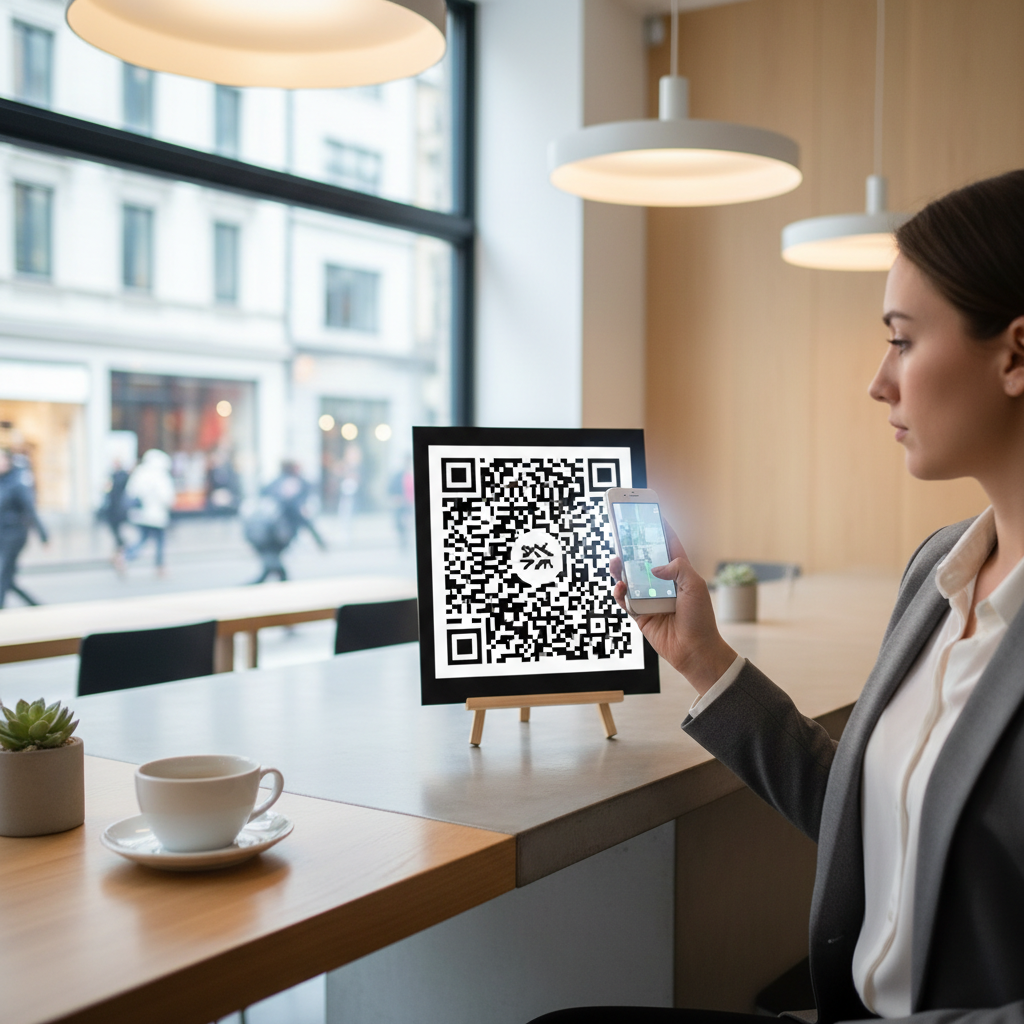
Why This Topic Matters
QR codes remain one of the most powerful, cost-effective bridges between the physical and digital worlds for small businesses. They let customers instantly access information, websites, contact details, WiFi, and more using a smartphone camera.
By 2026, QR codes are a customer expectation rather than a novelty; small businesses that use them strategically see measurable improvements in engagement, reviews, repeat visits, and loyalty.
What is QR Code for Small Business Marketing and Why It Matters in 2026
A QR code — short for Quick Response code — is a two-dimensional barcode that can be scanned by any smartphone camera to instantly deliver information or open digital actions. For small businesses on tight budgets, QR codes provide high-impact digital experiences without expensive technology or technical expertise.
Adoption surged during the pandemic when contactless interactions became necessary, and by 2026 scans and usage have continued to grow. Studies indicate QR code scans have grown by over 750% since 2020, and consumers now look for QR codes on menus, packaging, receipts, and storefronts.
The versatility of QR codes is a major strength: a single code can direct customers to a website, collect an email address, prompt a Google review, download an app, connect to WiFi, open a WhatsApp conversation, or save contact information. With 13 different QR code types available through tools like the free QR code generator on blueqrcode.com, small businesses can tailor each code to a specific marketing goal.
QR codes level the playing field against larger competitors by delivering seamless mobile experiences at very low cost. With over 6.8 billion smartphone users globally, QR codes are among the highest-ROI marketing tools a small business can deploy.
Key Points
- QR codes connect physical touchpoints to digital actions instantly and affordably.
- Adoption has accelerated: scans grew by over 750% since 2020 and QR codes are now a customer expectation.
- Tools like the free QR code generator on blueqrcode.com offer 13 QR code types to match different marketing goals.
Step-by-Step Guide
Follow these concise steps to create an effective QR code for small business marketing.
Step-by-Step: How to Create QR Codes for Small Business Marketing on blueqrcode.com
- Step 1: Visit blueqrcode.com and choose your QR code type from the 13 available options. Popular choices for small business marketing include URL, vCard, Google Review, WhatsApp, WiFi, and Instagram — pick the type that matches your immediate marketing goal.
- Step 2: Enter your business-specific content into the required fields. For a URL QR code, paste the landing page or promotion link; for a vCard, provide full contact details; for Google Review, paste your unique review link. The more complete and accurate the information, the more useful the code will be for customers.
- Step 3: Generate the QR code and deploy it where customers will scan it — on menus, packaging, receipts, storefronts, business cards, and other physical touchpoints to bridge offline interactions with your digital presence.
Best Practices
Small changes make QR codes more effective; follow these practices to maximize results.
100% Free — No signup required
Create your Qr Code For Small Business Marketing in seconds
Create Free QR Code →- Match the QR code type to a single, clear marketing goal (e.g., collect reviews, capture leads, or provide WiFi).
- Provide complete, accurate business information so scans deliver a professional experience.
- Place QR codes where customers expect them and make scanning easy (visible placement and clear calls to action).
Common Mistakes to Avoid
Avoid these common errors that reduce the effectiveness of QR code campaigns.
- Not adopting QR codes strategically and consistently — you risk leaving real revenue and customer connections on the table.
- Choosing the wrong QR code type or supplying incomplete information, which confuses customers and reduces engagement.
Conclusion
QR codes are a versatile, low-cost way for small businesses to create seamless mobile experiences and drive measurable results. Use the right type, provide accurate content, and place codes where customers will scan them to get the most value.
No watermark · No expiry · Works on all phones
Your QR code is ready in under 30 seconds.
Generate Free QR Code →Perhaps the most underutilized best practice in small business QR code marketing is crafting compelling calls-to-action. A naked QR code with no context converts poorly because customers do not know what they will receive by scanning it. Every QR code you deploy should be accompanied by a short, benefit-driven CTA that answers the question "What's in it for me?" Examples include: "Scan to get 10% off your next visit," "Scan to connect to free WiFi," "Scan to book your appointment online," or "Scan to watch our product demo." When customers understand the value exchange before scanning, their willingness to engage increases dramatically, and your conversion rates reflect that.
| QR Code Strategy | Best For | Expected Outcome | Difficulty Level |
|---|---|---|---|
| Google Review QR Code | Retail, Restaurants, Services | More 5-star reviews, improved local SEO | Easy |
| vCard QR Code on Business Cards | Freelancers, Consultants, Tradespeople | Instant contact saving, fewer lost leads | Easy |
| WiFi QR Code in Store | Cafés, Salons, Waiting Rooms | Enhanced customer experience, longer dwell time | Easy |
| WhatsApp QR Code | Service Businesses, Boutiques | Direct customer communication, faster conversions | Easy |
| URL QR Code to Landing Page | Any Small Business | Website traffic, lead capture, sales | Moderate |
| Instagram QR Code | Fashion, Food, Lifestyle Brands | Social media growth, community building | Easy |
| Event QR Code | Event Organizers, Venues, Pop-ups | Streamlined check-ins, better attendance tracking | Moderate |
Common Mistakes to Avoid When Using QR Codes for Small Business Marketing
One of the most costly mistakes small business owners make is pointing their QR code to a non-mobile-optimized website. Remember: virtually 100% of QR code scans happen on smartphones. If your QR code links to a desktop-designed website that loads slowly, displays broken layouts, or requires pinching and zooming to read, you will immediately lose that customer. Before deploying any URL-based QR code, verify that the destination page is fully responsive, loads in under three seconds on a mobile connection, and presents the most important information (your offer, your CTA, your contact details) above the fold. A poor mobile experience wastes both your marketing budget and your customer's goodwill — two things a small business cannot afford to squander.
Another extremely common error is printing QR codes without testing them first. It sounds obvious, but countless small business owners have distributed thousands of business cards, menus, or flyers only to discover that the QR code leads to the wrong URL, returns an error, or simply does not scan due to low contrast or insufficient size. Always go through a full testing protocol before committing to any print run. Test the code on multiple devices, in different lighting conditions, and at different distances. If you have made any customizations to the color or design, double-check that the contrast ratio between the foreground and background remains high enough for reliable scanning — light gray on white, for example, will fail consistently in real-world conditions.
Many small businesses also make the strategic mistake of creating QR codes without a clear purpose or follow-up plan. A QR code that simply links to your homepage without any specific offer, landing page, or clear next step for the customer is a wasted opportunity. Every QR code should be part of a larger marketing funnel: the code grabs attention, the landing page delivers value, and a clear CTA converts the visitor into a lead, reviewer, subscriber, or buyer. Without this intentional funnel design, even a high-volume QR code will produce disappointing results. Similarly, small businesses sometimes create QR codes for time-sensitive promotions and then forget to update or retire them after the offer expires, leading to customer frustration and brand damage when scanners encounter outdated or irrelevant content.