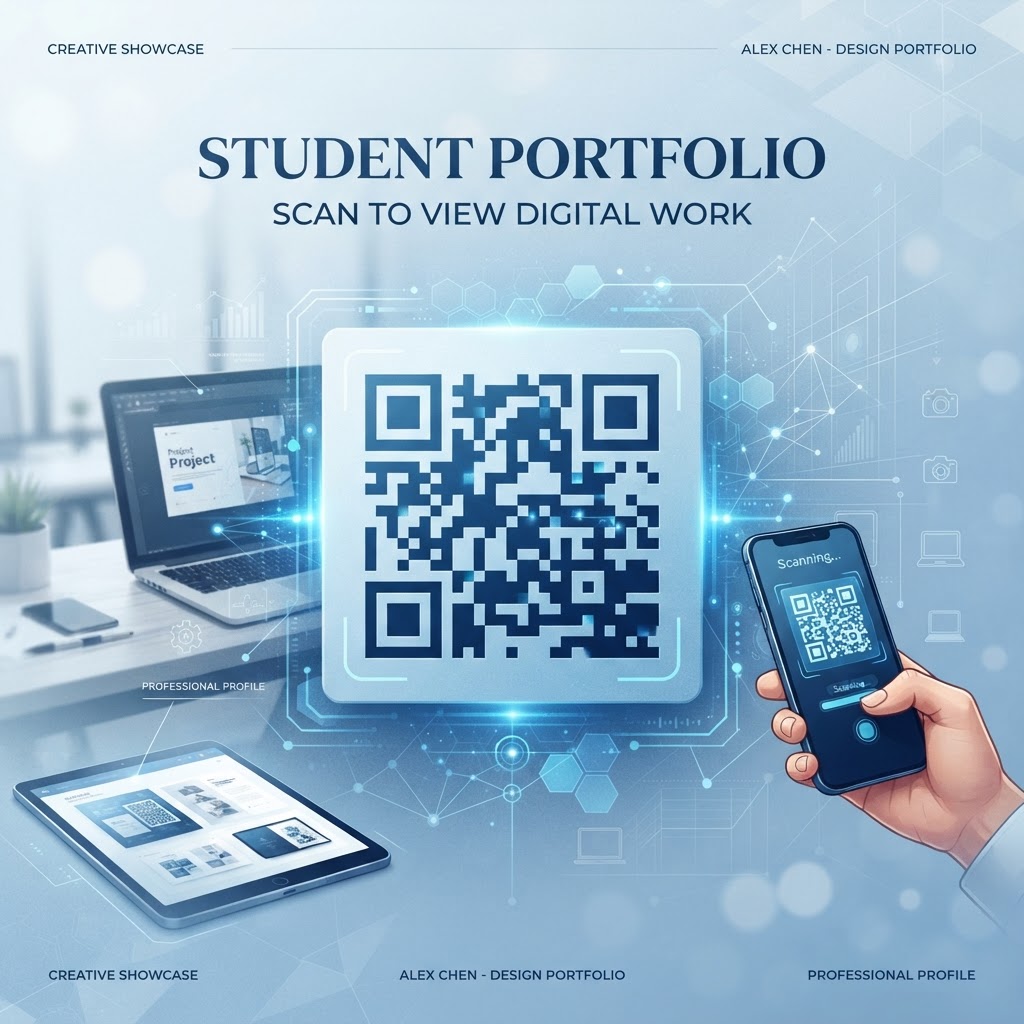
Why Integrating a QR Code for Your Student Portfolio Matters in 2026
The job search landscape in 2026 has shifted dramatically toward instant, mobile-first accessibility. Recruiters and hiring managers often scan through hundreds of applicants, and they rarely have the time to type out long, complex URLs from a paper resume or a business card. By utilizing a QR code for your student portfolio, you are removing the barriers between your physical credentials and your digital identity. When a hiring manager can simply point their phone at your resume and be instantly redirected to your creative projects, case studies, or LinkedIn profile, you significantly increase the chances that they will spend meaningful time engaging with your work. This level of accessibility is no longer just a luxury; it is a fundamental expectation for candidates entering the modern workforce.
Furthermore, using a QR code shows that you are tech-savvy and understand the importance of user experience design. It signals to employers that you value efficiency and are comfortable using contemporary digital tools to enhance personal professional outreach. Many businesses now expect a hybrid approach where candidates present a strong physical document supported by deep, rich digital evidence. A QR code allows you to bypass the space constraints of a standard resume. While a resume must be concise, a digital portfolio linked via a QR code can be expansive, containing video walkthroughs, high-resolution imagery, and interactive demos. This duality provides the best of both worlds: a quick-reference summary on paper and a comprehensive deep-dive online. By adopting this practice, you are positioning yourself as a proactive communicator who understands the nuances of modern digital networking, setting you apart from candidates who rely solely on traditional methods. It is an investment in your personal brand that yields measurable results in how your work is perceived and prioritized by prospective employers.
How QR Code Technology Works for Portfolio Presentation
At its core, a QR code is a two-dimensional barcode that stores information in a grid of squares, which can be easily decoded by the cameras found on most smartphones. When you create a QR code for your student portfolio, you are essentially encoding a specific destination URL—the link to your personal website, a cloud-hosted PDF of your work, or a platform like GitHub or Behance. When a mobile device captures this pattern, the embedded software interprets the contrast between the black and white modules and translates that data back into a readable link. This process is instantaneous, reliable, and entirely universal, making it the perfect tool for sharing complex professional links without the risk of typos or broken connections that occur during manual data entry by recruiters.
The technical robustness of modern QR codes ensures that they remain scannable even if they are printed on various materials or slightly obscured by lighting conditions. Because the technology relies on error correction—which adds redundant data to the code—even if a portion of the QR code is damaged or printed with slightly lower quality, the scanning software can typically reconstruct the original link perfectly. This reliability is vital for students who may be printing resumes on different types of paper or submitting them in varying formats. When you generate a code through a professional-grade platform like https://blueqrcode.com, you are ensuring that the link structure is optimized for mobile responsiveness. This means that once the user scans the code, the destination page is not only reached quickly but is also formatted to display perfectly on the specific device being used. Understanding these technical underpinnings allows you to approach your portfolio distribution with confidence, knowing that your digital assets are just one quick scan away from the eyes of your potential future employers, regardless of the technological environment they are working in.
Try it now: Generate a free Qr Code For Student Portfolio →
Step-by-Step Guide to Creating Your QR Code Using BlueQRCode
Creating an effective, professional QR code for your student portfolio is a simple process that requires no technical expertise. Start by preparing the destination link. Ensure that your portfolio website, whether it is a personal domain, a Google Drive folder, or a professional hosting site, is fully mobile-optimized. Once you have the link ready, navigate to https://blueqrcode.com to begin the generation process. Upon arriving at the site, select the option to create a URL-based QR code. This is the most common format for portfolios, as it directs the user straight to your hosted content. If you have multiple files to share, you might consider using a link-in-bio style page that aggregates all your projects, as this provides a cleaner user experience than a single, specific file link.
Paste your link into the designated field on the generator interface. At this stage, take advantage of the customization options available to ensure your QR code aligns with your personal brand. While a standard black-and-white code is always functional, many businesses and students prefer to use a slightly stylized look that matches their portfolio's color scheme or professional aesthetic. Ensure that you maintain high contrast between the foreground color of the code and the background color; failing to do so may prevent some camera sensors from accurately reading the data. Once the customization is complete, generate the preview. Test the code immediately using your own smartphone and perhaps a friend's device to ensure it resolves correctly. After confirming the functionality, download the file in a high-resolution format like PNG or SVG, which will allow you to scale the code without losing quality when you print it on resumes, business cards, or portfolio covers. This systematic approach ensures that you have a reliable, high-performance tool ready to integrate into your professional collateral without any technical hitches.
Best Practices for Deployment: Size, Placement, and Format
The placement of your QR code is just as important as the quality of the code itself. When adding a QR code to your resume or portfolio, position it where it is naturally noticed but does not clutter your contact information or experience sections. A popular spot is in the header, alongside your email address and LinkedIn URL, or within a dedicated sidebar if you are using a two-column resume design. For physical portfolios, such as a printed brochure or a cover page, you can place the QR code in a corner or near a call-to-action that specifically encourages the recruiter to "Scan to view my project gallery." Never place the code too close to the edge of the paper, as printers sometimes have margins that may inadvertently crop the image, rendering the code unscannable.
Regarding size, a QR code should be large enough to be easily identified and scanned from a reasonable distance, typically around one inch by one inch. If the code is too small, it may become blurry or difficult for some smartphone cameras to focus on, especially if the print quality is not perfectly sharp. Always use high-resolution vector files when possible; these formats, such as SVG, ensure that the lines of the QR code remain crisp regardless of how much you resize them. In terms of format, the most critical rule is to ensure there is a quiet zone—a white border—around the QR code. This buffer area prevents the background design or text from interfering with the code's pattern. By following these deployment rules, you ensure that your QR code is not just a gimmick, but a functional, user-friendly tool that invites engagement. Whether it is printed on heavy cardstock for an interview or included as an image on your digital resume, the QR code should feel like a natural part of your professional documentation, reinforcing your brand while providing instant value to the person holding your document.
100% Free — No signup required
Create your Qr Code For Student Portfolio in seconds
Create Free QR Code →Common Mistakes to Avoid When Using QR Codes
One of the most frequent errors students make is failing to test the QR code across multiple platforms. What works perfectly on an iPhone might behave differently on an Android device if the destination URL is not mobile-responsive. Before you print 50 copies of your resume, test the code on several devices and ensure the landing page loads quickly. A slow-loading portfolio page will lead to immediate abandonment, as recruiters expect instant gratification when they engage with a QR-linked resource. Another common pitfall is using a dynamic URL that might expire or break. Always use a stable, long-term link, or ensure that you have configured your hosting service to maintain the URL for the foreseeable future. Broken links are worse than no links at all; they project a lack of attention to detail that can hurt your professional image.
Furthermore, avoid over-complicating the visual presentation. While some generators allow for elaborate custom colors and embedded logos, too much customization can reduce the scan-ability of the code. The primary purpose of the QR code is to function reliably, not to serve as a piece of abstract art. If you choose to customize, ensure that the contrast remains extremely high. Avoid using light colors on light backgrounds or dark colors on dark backgrounds. Finally, do not forget to include a clear call-to-action near the code. A QR code alone can be mysterious to some users; a simple phrase like "Scan for my full portfolio" or "View my video work here" provides necessary context and encourages the user to take the action. By avoiding these common mistakes—untested links, poor contrast, and lack of context—you ensure that your QR code remains an effective, professional asset that enhances your job search rather than distracting from it.
Concrete Use Cases by Industry and Sector
The application of a QR code for a student portfolio is versatile across many different career paths. In the creative and design sector, for instance, a student can print a QR code on their physical business card that leads directly to a high-resolution gallery of their graphic design or architectural projects. This allows them to show the quality of their work instantly, even when a digital device is not immediately present. In the engineering and computer science fields, students can include a QR code on their resumes that directs recruiters to their GitHub repositories or specific coding documentation. This provides a direct path for the technical recruiter to inspect the candidate's code quality and project organization, saving them time and demonstrating the candidate's proficiency with modern version-control workflows.
For those in marketing, media, or communications, a QR code can link to a landing page featuring multimedia content, such as interview reels, campaign samples, or press releases they have drafted. This creates a multi-sensory experience that a static resume cannot possibly replicate. Even in education or research, students can use QR codes on academic posters or conference handouts to lead attendees to a deeper set of research papers or a presentation deck. This allows the student to keep their printed materials concise while providing a way for interested parties to dive deeper into the data or methodology. By matching the content linked to your QR code to the specific expectations of your target industry, you create a tailored experience that speaks directly to the needs of the hiring manager. This level of customization shows that you understand your audience and are capable of using tools strategically to achieve professional goals in your chosen sector.
Summary and Next Steps for Your Career
In conclusion, incorporating a QR code into your student portfolio is a low-effort, high-impact strategy that aligns your professional presence with the mobile-centric reality of 2026. By providing an instant, frictionless path to your best work, you differentiate yourself from competitors and demonstrate a modern understanding of professional communication. The process of generating these codes is straightforward and accessible through platforms like https://blueqrcode.com, which offer the reliability and customization needed to make your QR codes stand out. As you move forward in your career search, remember that the goal is to make it as easy as possible for recruiters to say "yes" to you. Every barrier you remove—whether it is a confusing URL or a lack of supporting evidence—brings you one step closer to an interview.
Your next step should be to audit your current digital portfolio and ensure that it is fully optimized for mobile devices. Once your content is ready, use the steps outlined in this guide to create a professional QR code. Experiment with different placements on your resume or business cards, and always prioritize functionality over excessive visual flair. Keep your destination links consistent, ensure your portfolio pages load rapidly, and always include a helpful prompt near the code to encourage interaction. By taking these deliberate, practical steps, you are building a robust professional brand that is equipped to navigate the complexities of the modern job market. Start creating your QR code today and watch how effectively it bridges the gap between your hard work and your next big career opportunity.
No watermark · No expiry · Works on all phones
Your QR code is ready in under 30 seconds.
Generate Free QR Code →