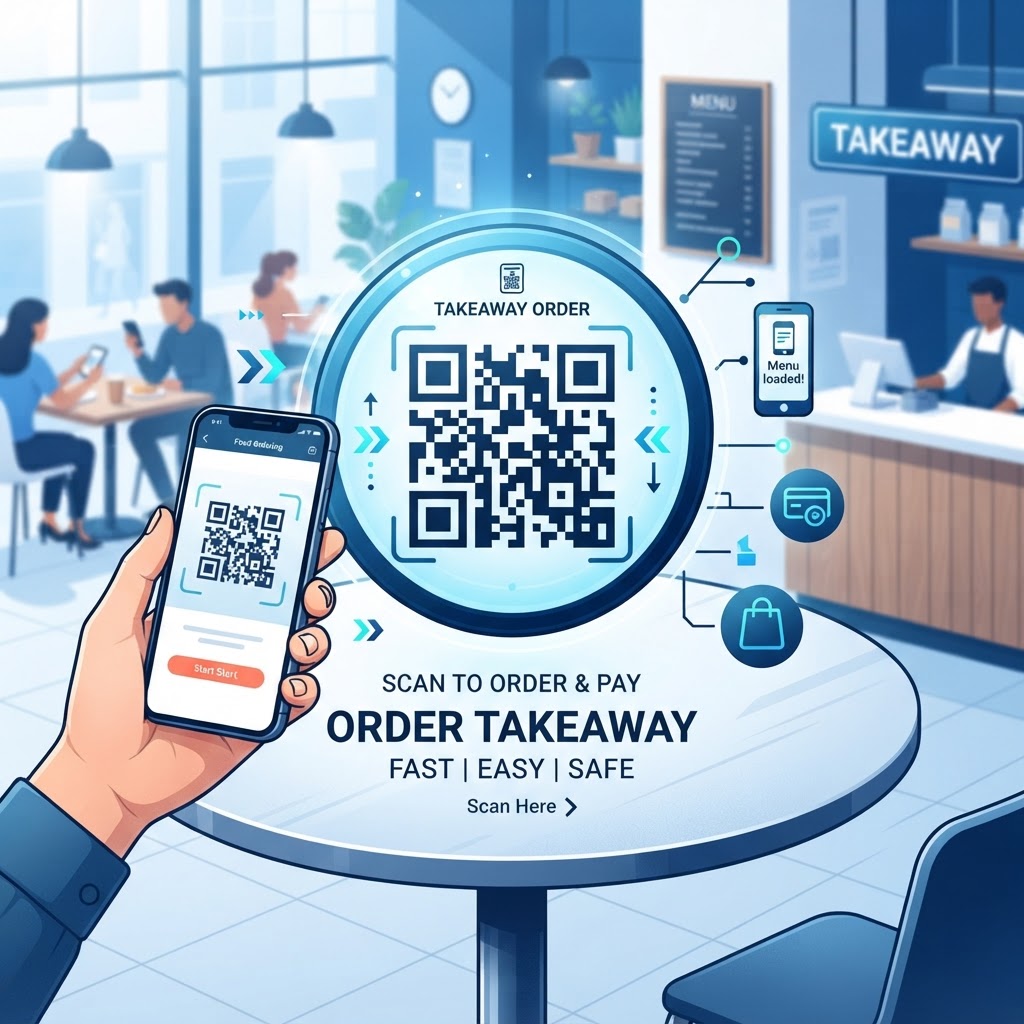
Why Integrating QR Codes for Takeaway Matters in 2026
The modern dining landscape is defined by the demand for instant gratification and frictionless transactions. By 2026, the use of a QR code for takeaway orders has become the gold standard for high-efficiency food service operations.
When customers walk past a restaurant, they often lack the time to wait in long queues or navigate complex telephone ordering systems. A well-placed QR code serves as a digital bridge, allowing busy patrons to scan, browse, and pay for their meals without needing to install specialized applications or engage in lengthy verbal communication.
This shift toward self-service ordering empowers the customer while simultaneously freeing up restaurant staff to focus on food preparation and quality control rather than repetitive order-taking tasks. Many businesses have found that this approach significantly reduces the time spent on the phone, which is a notorious bottleneck during peak service hours.
Key Benefits
- Faster ordering without lengthy queues or telephone conversations
- More staff time for food preparation and quality control
- A 24/7 digital storefront for customers ordering outside peak hours
- Greater order customization and fewer incorrect meal preparations
Furthermore, the psychological impact of a visual scan-to-order prompt cannot be overstated. It creates an immediate sense of accessibility that printed menus or chalkboards simply cannot provide.
In 2026, most smartphones are equipped with native QR scanning capabilities, making the barrier to entry non-existent. When a restaurant offers a QR code for takeaway, they are essentially providing a 24/7 digital storefront that exists outside their physical walls.
This is particularly advantageous for late-night service or breakfast rushes where staff might be limited. By utilizing the professional tools found at https://blueqrcode.com, restaurant owners can ensure their ordering links are always active and high-performing.
The adoption of this technology fosters a culture of autonomy, allowing customers to customize their orders precisely as they desire. This can lead to higher satisfaction rates and fewer incorrect meal preparations, translating directly to a healthier bottom line and enhanced operational fluidity for the entire establishment.
How the Technology Behind QR Codes Works Technically
At its core, a QR code acts as a two-dimensional visual representation of a URL or data string. When a customer scans the code, their device interprets the matrix of black and white squares, translating the pattern into a digital instruction that directs the browser to a specific destination.
In the context of a takeaway system, this URL usually points to a web-based ordering menu. The technical architecture relies on the robustness of the link itself; a high-quality QR code must be generated with sufficient error correction.
This ensures that even if the code is partially obscured by dirt, creases, or poor lighting, the smartphone camera can still reconstruct the data. This level of durability is essential for restaurant settings where signage might be exposed to steam, oils, or outdoor weather conditions.
The backend of this process involves a responsive web interface that is optimized for mobile screens, ensuring that the transition from a scan to a transaction occurs in mere seconds without lag or layout errors.
Technical Considerations
- Two-dimensional visual encoding of a URL or data string
- Error correction for reliable scanning when codes are partially obscured
- Responsive mobile interfaces for fast transitions from scanning to payment
- Secure links for protecting customer payment details and personal information
The role of the QR generator, such as BlueQRcode, is to encapsulate the URL into an efficient, scannable image. By choosing a high-quality generator, the restaurant owner ensures that the resulting code is compatible with the vast array of smartphone operating systems and camera software used by their diverse customer base.
Technically, these codes work by creating a static entry point that masks complex navigation. Instead of requiring a user to manually type in a long and difficult URL, the QR code handles the heavy lifting, preventing manual entry errors that lead to frustrated customers.
As the industry advances in 2026, the integration of secure encryption protocols within these links has become vital, ensuring that customer payment details and personal information are handled with the highest level of security.
By establishing a stable, secure digital pathway via a QR code, restaurants can effectively automate the entry of orders into their point-of-sale systems. This reduces the manual workload on staff while increasing the precision of order fulfillment and ensuring that complex takeaway requests are captured with total accuracy.
Try it now: Generate a free Qr Code For Takeaway Order →
Step-by-Step Guide to Creating Your QR Code on BlueQRcode
Creating a functional QR code for your takeaway service is a straightforward process that requires no specialized technical training.
- Step 1: Identify the exact landing page for your takeaway menu, such as your website’s order portal or a dedicated ordering platform.
- Step 2: Navigate to https://blueqrcode.com and select the 'URL' option from the generator menu.
- Step 3: Paste your takeaway ordering link into the provided field and verify that the URL is correct before proceeding.
- Step 4: Use the customization tools to add a subtle touch of brand identity, such as a specific foreground color.
- Step 5: Generate the code and download it in a high-resolution format like PNG or SVG.
- Step 6: Test the code with several different devices, including older and newer smartphone models, before printing it.
- Step 7: Integrate the validated code into marketing materials, window displays, or tabletop stands.
Best Practices for Deployment: Size, Placement, and Format
The efficacy of a QR code is fundamentally dependent on where and how it is deployed. In the context of a takeaway order system, visibility is the primary objective.
The code must be placed at eye level and in a location that is naturally part of the customer's path, such as the entrance door, the order counter, or external street-facing signage.
Placement and Design
- Use a code at least two inches by two inches for close-range scanning
- Make the code significantly larger when it will be scanned from a distance
- Avoid areas with direct sunlight, reflections, or glare
- Place a short call-to-action beside the code, such as 'Scan to Order Takeaway'
If the code is too small, customers will struggle to scan it, leading to abandonment. Furthermore, the environment surrounding the code must be clean and free of visual noise.
Material selection is equally important. For outdoor placements, use weather-resistant materials like vinyl or laminated cardstock to protect the code from rain, humidity, and fading.
For indoor counters, consider using acrylic stands or durable tabletop displays that are easy to wipe clean. The format you choose for your QR code file is also critical; while JPEGs may suffer from compression artifacts, using vector files or high-quality PNGs ensures that the code remains crisp and scannable when enlarged.
Always ensure there is sufficient 'quiet zone'—the white border around the QR code—to help the camera focus effectively. By following these standards, you ensure that the scanning experience is near-instantaneous.
100% Free — No signup required
Create your Qr Code For Takeaway Order in seconds
Create Free QR Code →Common Mistakes to Avoid When Implementing QR Codes
Restaurants should avoid linking the QR code to a generic homepage rather than a direct ordering page. If a customer scans a code expecting to see a menu and instead lands on the restaurant's general 'About Us' page, they are likely to leave, leading to a lost sale.
- Linking to a generic homepage instead of the direct ordering page can cause customers to abandon the purchase.
- Failing to optimize the menu for mobile browsers can create clunky navigation, broken images, and frustration.
- Neglecting link rot can leave customers with a broken or inactive destination URL.
- Over-customizing the QR code with heavy logos or intricate patterns can interfere with readability.
- Using low-contrast colors can make the code difficult for smartphone scanners to read.
- Failing to provide an alternative ordering method can exclude customers with technical or device difficulties.
Ensure your ordering interface is responsive, loads quickly, and offers a straightforward checkout process with as few steps as possible. Always double-check your links periodically to ensure that they are still active and functional.
Maintain a high level of contrast—typically dark on light—and avoid complex color combinations that lack contrast. Additionally, do not crowd the QR code with too much text or competing graphic elements.
The QR code should be the focal point of the physical space it occupies. By anticipating these common pitfalls, you can ensure a robust, high-performing system that serves your customers consistently without unexpected interruptions or technical hurdles.
Concrete Use Cases by Industry and Sector
The application of a QR code for takeaway is versatile enough to serve a wide range of food-based businesses beyond traditional sit-down restaurants.
Examples of Use
- Coffee shops and bakeries can support pre-orders during the morning rush.
- Food trucks can accept orders without crowding the serving window.
- Food halls and urban food courts can give each vendor a digital menu.
- Grocery stores can accept orders for rotisserie chickens or deli platters during shopping trips.
Coffee shops and bakeries often struggle with long lines during the morning rush. By placing a QR code for takeaway on their front window or near the entrance, these businesses can allow busy commuters to scan and pre-order their morning caffeine or pastry, allowing them to skip the line and simply pick up their order at a designated 'express' area.
Similarly, fast-casual food trucks can benefit immensely. Because space is limited in a mobile unit, a QR code can be printed on the serving window, allowing customers to place their orders without crowding the window and disrupting the workflow of the kitchen staff.
Large food halls and urban food courts also represent a unique sector where this technology thrives. In these crowded environments, visitors often find it difficult to identify the menus of different vendors.
By utilizing a QR code for takeaway, individual food stalls can offer a digital menu that is accessible from anywhere in the seating area. This encourages patrons to order from multiple stalls simultaneously, increasing the average order value.
Even grocery stores with prepared food departments can implement these codes to allow customers to order rotisserie chickens or deli platters while they continue their regular shopping, resulting in a perfectly timed pickup at the end of their visit.
By integrating the tools available on BlueQRcode, these various industries can tailor the experience to their specific customer base, creating a bespoke takeaway system that meets the unique demands of their service model.
Summary and Next Steps for Your Business
The journey toward a digitized takeaway system is a strategic investment in the future of your restaurant. The implementation of a QR code for takeaway orders is more than just a convenience feature; it is an essential tool for scaling operational efficiency, improving customer satisfaction, and capturing more sales in an increasingly digital world.
By prioritizing mobile-responsive menus, ensuring high-contrast QR code design, and placing codes in high-traffic, visible locations, you provide patrons with the autonomy they demand while streamlining internal workflows.
Recommended Next Steps
- Step 1: Evaluate your current ordering workflow and identify bottlenecks that a QR code could resolve.
- Step 2: Create a test code on https://blueqrcode.com and place it in a high-visibility area.
- Step 3: Monitor customer feedback and track the increase in takeaway volume.
- Step 4: Expand usage to special promotions, seasonal menu launches, or loyalty program sign-ups as your system develops.
Remember that technology in the food industry is meant to support the human connection, not replace it. By using QR codes to handle the transactional heavy lifting, you allow your team to focus on the artistry and hospitality that define your restaurant’s success.
No watermark · No expiry · Works on all phones
Your QR code is ready in under 30 seconds.
Generate Free QR Code →