Why This Matters in 2026
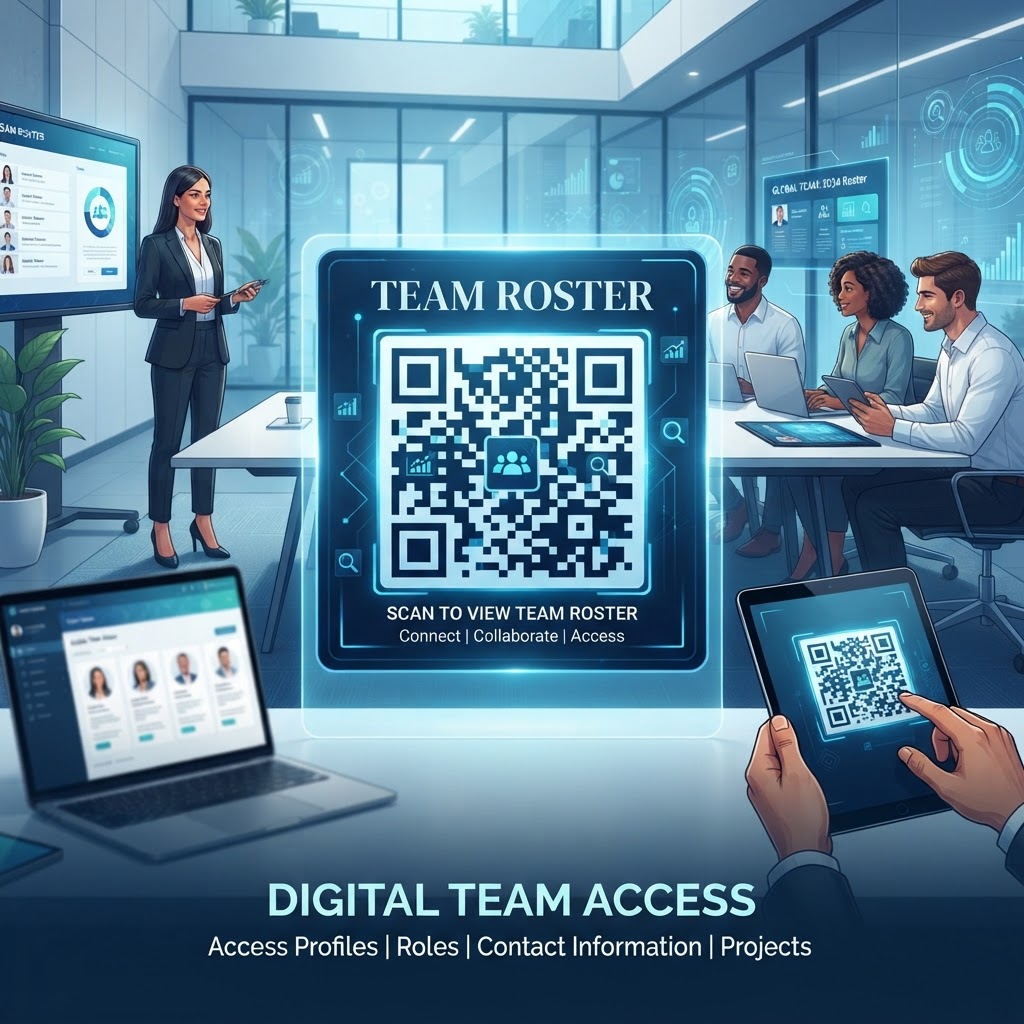
In the digital-first reality of 2026, the traditional printed roster is not just an environmental burden; it is an operational liability. When a team roster changes frequently—a common scenario in dynamic industries like hospitality, retail, and emergency services—printing new documents leads to confusion, data silos, and significant waste. Using a QR code to link to a team roster fundamentally changes this dynamic by decoupling the physical display from the actual data. When a manager updates the digital file on the backend, every person who scans the code instantly sees the most accurate, current information. This ensures that every team member, from the front-line workers to management, operates from a single source of truth, eliminating the dangerous possibility of relying on outdated schedules or miscommunicated contact information.
Beyond accuracy, the use of QR codes for roster management aligns with the growing demand for mobile-first operational workflows. Most smartphones are now natively equipped with high-performance scanners, making the technology accessible to everyone without requiring specialized apps or complex hardware. By placing a QR code in a central location, such as a breakroom, a job site entrance, or an employee lanyard, organizations provide their staff with a frictionless user experience. This empowers employees to retrieve necessary contact info or shift assignments in seconds, significantly reducing administrative inquiries. In an era where time is a premium commodity, reducing the friction involved in accessing organizational data is a subtle but potent way to improve internal communication, boost team morale, and ensure that personnel are aligned with their goals, shifts, and responsibilities. The shift to QR-based rosters is not just about adopting a new technology; it is about building a scalable, efficient, and responsive organizational architecture that can withstand the logistical demands of modern work environments while remaining incredibly easy to implement for any manager or team leader regardless of their technical proficiency.
How It Works Technically
At the core of the QR code for team roster solution is the concept of a redirective gateway. When a user generates a URL-based QR code using a platform like BlueQRcode.com, they are essentially creating a visual shortcut to a specific digital asset. This asset could be a live spreadsheet, a password-protected internal PDF, or a dedicated team portal web page. The QR code itself does not store the roster data; instead, it stores an encoded string—typically a URL—that tells the mobile device's browser exactly where to travel on the internet. Once the device scans the pattern of black and white pixels, it parses the encoded information and triggers the web browser to navigate to the designated URL, loading the information directly onto the user's screen without further manual input.
Technically, the efficiency of this system relies on the choice of hosting the roster. For instance, using a dynamic URL managed through a link-shortening service or a document host allows the creator to change the underlying content without changing the QR code itself. This is critical for roster management, as roster content is inherently volatile. When a manager updates a document in a cloud service, the URL path remains static, while the content at that path changes. The QR code acts as the permanent physical anchor for the dynamic digital file. Furthermore, security protocols ensure that if a roster contains sensitive information, the linked URL can be set to require credentials, multi-factor authentication, or restricted IP access. This ensures that while the process of accessing the roster is incredibly easy for authorized personnel, the information remains protected from unauthorized parties. By utilizing established web standards, this system works across all modern operating systems, ensuring that whether a team member uses an Android or iOS device, the integration remains seamless, reliable, and secure in any professional environment.
Try it now: Generate a free Qr Code For Team Roster →
Step-by-Step Guide Using BlueQRcode.com
Creating a QR code for a team roster is a straightforward process when utilizing the robust tools provided at BlueQRcode.com. To begin, first ensure your roster document—whether it is a spreadsheet, an internal company portal, or a PDF—is stored in a secure cloud location that is accessible by your team. Copy the shareable link to this document. Navigate to the BlueQRcode.com interface and select the 'URL' QR code generation option. This specific type of code is ideal for rosters because it directs users straight to your digital document. Paste the copied URL into the designated field. You will immediately see the preview of your generated QR code. At this stage, take a moment to test the link on your own mobile device to ensure the permissions for the roster document are set correctly, allowing your intended users to view the file without encountering 'access denied' errors.
Once the technical link is validated, you can customize the appearance of the QR code to fit your organizational branding. BlueQRcode.com allows you to experiment with colors, frame designs, and logo placement to make the code identifiable to your staff. While it is tempting to go overboard with complex patterns, keep the contrast high—dark patterns on a light background work best for scanners. After finishing the design, download the file in a high-resolution format, such as PNG or SVG, depending on where you plan to print it. For office posters or flyers, a standard PNG is usually sufficient, but for large-scale banners or vinyl decals on equipment, vector formats like SVG are preferred because they can be scaled to any size without losing image quality. Finally, print the code and place it in a location where team members naturally congregate, such as near the time clock, the main entrance, or on a physical bulletin board, ensuring it is positioned at eye level for quick, easy scanning during busy shifts.
Best Practices for Deployment (Size, Placement, Format)
The success of a QR code deployment depends heavily on how it is presented to the user. First and foremost, consider the physical size of the QR code. If the code is too small, cameras may struggle to focus; if it is too large in a tight space, users may have to stand uncomfortably far back to scan it. A good rule of thumb is a minimum of 2 inches by 2 inches for a code meant to be scanned from a few feet away. For placement, think about the natural flow of your team members. A code placed in a dark corner or behind glass with significant glare will be ignored or prove frustrating to use. Optimal placement includes well-lit, high-traffic areas where employees typically pause, such as near a check-in kiosk or an office door. Ensure the surface is flat, as wrinkles on paper or curved surfaces on objects can distort the QR code enough to prevent the scanner from reading the data points accurately.
Furthermore, provide context to your users. A QR code sitting in isolation is often viewed with skepticism or confusion. Always accompany the code with a brief label, such as 'Scan for Today’s Shift Roster' or 'Updated Contact Roster.' This short instructional text tells the user exactly what they will get, which improves engagement and compliance. Consider the environment's durability as well; if you are deploying the code in a warehouse or an outdoor field site, use lamination, UV-resistant plastics, or heavy-duty vinyl to protect the code from dust, moisture, and fading. Finally, verify the 'scannability' periodically. As environments change, such as changes in overhead lighting or the fading of printed materials, the effectiveness of the code may decrease. Regular spot checks ensure the system remains as functional on day 30 as it was on day one.
Common Mistakes to Avoid
Even with the best intentions, organizations often stumble into common pitfalls that render QR code implementations ineffective. The most frequent mistake is using a broken or private link. Before printing hundreds of copies of a code, always verify that the linked URL is publicly accessible or that the intended users have the correct permissions to open the specific document. An employee who scans a code only to be met with a 'Request Access' page will likely abandon the tool immediately. Another common error is failing to account for mobile optimization. If your roster is a massive, multi-column Excel spreadsheet that does not auto-resize for mobile screens, your team will find it frustrating to scroll and pinch-to-zoom just to find their names. Always use responsive, mobile-friendly formats like Google Sheets views, mobile-optimized web pages, or flattened PDFs that are easy to read on small screens.
Another frequent oversight involves the lack of a backup plan or an offline alternative. While connectivity is generally reliable, relying solely on a digital roster without considering what happens if the network is down or a phone battery dies can lead to logistical bottlenecks. Always provide a small, backup physical list or have a designated point person who keeps a printed copy. Additionally, avoid overcrowding the code with too many design elements. While customization is great, using colors that are too similar or overly complex patterns can interfere with the scanner's ability to interpret the data modules correctly. Keep the design clean, high-contrast, and focused on usability above all else. Finally, ensure your roster is updated regularly; a QR code that leads to a document with outdated or incorrect information quickly loses the trust of your staff, who will stop using it if the data is consistently wrong.
3-4 Concrete Use Cases by Industry/Sector
In the construction and field operations sector, a QR code placed on a central job site whiteboard allows site managers to update subcontractor lists, safety officer assignments, and key contact roles in real-time. This is invaluable when crews are spread across large sites and need to identify who is on duty or which supervisor is responsible for a specific zone. By scanning the code, workers can instantly see the latest updates without walking back to the main trailer. Similarly, in the event of an emergency, the QR code can lead directly to an evacuation roster, ensuring that everyone on site is accounted for efficiently and safely, significantly improving response times compared to manually flipping through paper documents while under pressure.
In the hospitality and events management field, organizing large numbers of temporary staff and volunteers is a massive coordination challenge. By providing each shift lead with a laminated card featuring a QR code, organizers can push schedule changes or room assignments to their teams instantly. For instance, if a ballroom event shifts from a cocktail setup to a plenary session, the new duty roster can be pushed to the link, and staff scanning the code will immediately see their new roles. This prevents the chaos of searching for managers and allows the event to remain agile. Finally, in professional office settings, a QR code placed in the reception area can lead to a current employee directory or 'who is in today' roster, which is perfect for hybrid teams where presence in the office varies day-to-day. This helps visiting clients or coworkers quickly identify who is currently on-site and available for meetings without requiring a complex, static directory that is almost always out of date.
Summary and Next Steps
The implementation of a QR code for a team roster is a powerful step toward modernizing your internal operational communications. By leveraging the tools at BlueQRcode.com, you have the ability to transform how your team accesses information, turning a static, difficult-to-manage document into a dynamic, mobile-first resource. We have explored why this matters in the current digital landscape, the technical foundations of how these codes function, the steps for building and deploying them effectively, and the critical pitfalls you should avoid to ensure long-term success. The transition from paper-based or disjointed email-based rosters to a scannable, digital solution is not merely about novelty; it is about creating a resilient, efficient, and professional workplace that values time and accuracy as core operational assets.
Your next steps are simple: audit your current roster management process to identify the pain points that a QR code could solve. Select your preferred digital hosting method—whether that is a cloud-based spreadsheet or a secure portal—and ensure it is mobile-optimized for your team's devices. Once your document is prepared, head over to BlueQRcode.com to generate your first professional QR code. Remember to test thoroughly, provide clear context labels for your team, and establish a maintenance routine to keep your data current. As you deploy these codes, keep track of how they improve your internal workflows and look for other areas where similar technology can reduce administrative friction. The goal is to build an ecosystem where information flows freely to those who need it, enabling your team to focus on their actual work rather than the logistics of finding out who is on the schedule for the day.
No watermark · No expiry · Works on all phones
Your QR code is ready in under 30 seconds.
Generate Free QR Code →