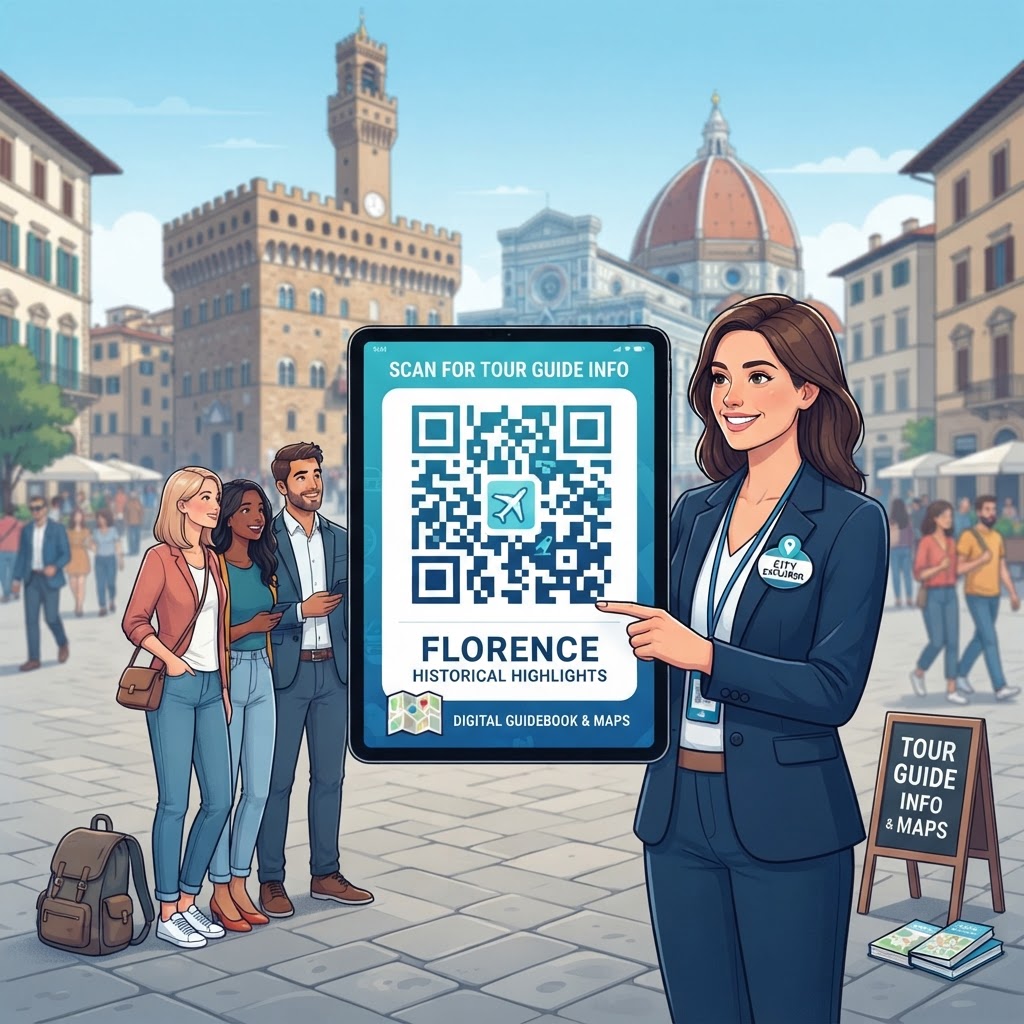
Why Integrating QR Code for Tour Guide Information Matters in 2026
In the evolving landscape of 2026, tourism has transformed into an experience-centric industry where instant information access is a baseline expectation rather than a luxury. When a visitor arrives at a historical site, a museum, or a national park, they expect to be immersed immediately.
A QR code for tour guide information serves as a digital concierge, providing travelers with comprehensive narratives, historical context, and logistical support the moment they scan it. This transition away from printed materials is not merely about ecological responsibility; it is about providing content that is searchable, translatable, and modular.
With travelers coming from across the globe, the ability to offer information in multiple languages via a single point of entry is a transformative advantage for any tourism business.
Key Benefits
- Provides immediate access to narratives, historical context, and logistical support
- Offers searchable, translatable, and modular digital content
- Supports multiple languages through a single point of entry
- Allows remote updates for closures, route changes, and special exhibitions
- Supports videos, audio commentary, and interactive maps
Furthermore, the agility provided by digital information systems is paramount in a volatile environment. Whether it is an unexpected closure, a change in tour route, or the need to highlight a special exhibition, having the ability to push updates remotely to your QR code for tour guide information ensures that visitor satisfaction remains high.
Unlike traditional media, digital platforms linked through codes can incorporate high-definition videos, audio commentary, and interactive maps that breathe life into inanimate structures. By minimizing reliance on physical staff for basic inquiries, guides can focus on facilitating meaningful interactions, while the digital infrastructure manages the delivery of facts and logistical details.
This shift ensures a professional presentation that feels modern and aligns with the tech-savvy nature of current international travelers who rely on their devices for navigation, reviews, and ticketing. By adopting these tools early, you position your tour operations as forward-thinking, customer-focused, and operationally efficient entities that prioritize the traveler's time and desire for rich, contextual data.
How QR Code for Tour Guide Information Works Technically
At its core, a QR code for tour guide information functions as a sophisticated gateway between a physical object—like a pedestal, sign, or monument—and a digital resource hosted on the cloud. Technically, these codes are two-dimensional barcodes containing a specific URL, which acts as a pointer for a smartphone’s camera to interpret.
When a user scans the code, their device decodes the visual pattern and immediately triggers a browser request to that URL. This URL can point to a variety of destinations:
- A landing page
- A document
- A dedicated mobile application
- A multimedia player
By utilizing the url-qr service, tour operators can ensure that these links are optimized for quick loading, mobile responsiveness, and high-frequency traffic. This technical handshake occurs in milliseconds, providing an invisible yet powerful link that enables the seamless transition from physical exploration to digital education.
The underlying technical structure involves robust error correction and tracking mechanisms. Modern QR codes utilize Reed-Solomon error correction, which means that even if a part of the physical code becomes weathered, dirty, or slightly damaged by exposure to the elements, the smartphone can still decode the information successfully.
This is crucial for outdoor placements in varied climates. Additionally, the platform behind the code—like the tools found at blueqrcode.com—provides dynamic management capabilities. This means that if you change the underlying website content, the QR code itself does not need to be replaced.
The digital redirection happens at the server level, allowing for continuous updates to your information packages without requiring manual labor or new physical signage. This separation of the physical identifier from the digital data is what makes this technology so resilient and cost-effective for long-term deployment across tourism sectors.
Step-by-Step Guide to Creating Codes Using BlueQRCode.com
Creating your first QR code for tour guide information using blueqrcode.com is a streamlined process designed for efficiency, even for those with limited technical expertise.
- Step 1: Consolidate your information, whether it is a PDF itinerary, a YouTube video of a site's history, or a specialized landing page, and ensure your content is mobile-friendly and hosted on a stable server.
- Step 2: Navigate to the generator at blueqrcode.com, select the URL option, and input your target web address carefully while checking for broken links or typos.
- Step 3: Customize the visual appearance of the code, including colors that match your brand identity if appropriate.
- Step 4: Generate the QR code and download it in a high-resolution format such as PNG or SVG.
- Step 5: Perform a field test using a standard printer and a variety of iOS and Android devices to verify that the link opens reliably and that the content renders correctly on different screen sizes.
SVG files are particularly useful because they can be scaled to any size without losing resolution, making them perfect for large banners, printed brochures, or small placards on exhibit cases.
Ensure that your landing page is lightweight so that it loads quickly even in areas with spotty cellular reception. By following these methodical steps at blueqrcode.com, you ensure that every interaction your guest has with your digital information is polished, fast, and highly professional.
Best Practices for Deployment, Size, and Placement
The efficacy of a QR code for tour guide information is heavily dependent on how it is presented to the public. Placement is the most critical factor; the code must be positioned at eye level and in a location that is easily accessible to pedestrians.
- Place the code at eye level and in an accessible location
- Avoid areas with perpetual shadow or extreme glare
- Make the code large enough to scan from at least two to three feet away
- Increase the dimensions when visitors cannot approach closely
- Use high-quality, weather-resistant materials outdoors
- Include a clear call-to-action surrounding the code
- Maintain enough quiet zone around the code
Size also matters significantly. While smaller codes are aesthetically pleasing, they require closer proximity for a successful scan.
Environmental factors must also be considered, particularly for outdoor tourism sites. UV exposure and moisture can degrade traditional paper-based signs over time. Always use high-quality, weather-resistant materials like vinyl decals, metal plates, or laminated substrates when placing codes in outdoor settings.
Incorporate clear calls-to-action (CTA) surrounding the code to guide the user. Phrases like 'Scan for a Guided Audio Tour' or 'Discover the History of this Site' significantly increase engagement rates compared to a QR code placed in isolation.
By providing context, you inform the user exactly what value they will receive, making them more likely to interact with the resource. Furthermore, ensure there is enough 'quiet zone'—the empty space around the code—so that other visual elements on your sign do not interfere with the camera's recognition process.
100% Free — No signup required
Create your Qr Code For Tour Guide Information in seconds
Create Free QR Code →Common Mistakes to Avoid During Implementation
Even with the best tools, several common pitfalls can compromise the effectiveness of your QR code for tour guide information. A frequent mistake is using a dynamic link that leads to a non-responsive website.
- Using a non-responsive website that requires zooming and horizontal scrolling
- Failing to check for broken or renamed links
- Overloading the initial landing page with too much information
- Ignoring multilingual support for international visitors
- Failing to perform regular audits of live codes
Always ensure that the destination site is fully optimized for mobile devices with large buttons, readable fonts, and clear navigation. Over time, web pages move or get renamed, so failing to update the destination URL in your dashboard can result in a dead end and negatively impact your brand's reputation.
Avoid cramming too much information into the initial landing page. Instead, create a clean, minimalist index or menu page that allows the visitor to choose what they want to see—whether it is a photo gallery, an audio segment, or a text-based fact sheet.
If your tourism destination attracts international crowds, ensure that the landing page offers a toggle for common languages. By anticipating these common hurdles, you can prevent the frustration that typically stems from poor UX design.
Concrete Use Cases for QR Code Implementation
The versatility of a QR code for tour guide information is best illustrated through its application across diverse sectors of the tourism industry. In the museum sector, curators use these codes to provide 'deep-dive' content that wouldn't fit on a physical plaque.
- Videos about an artist's life
- Audio readings of a sitter’s diary
- Interactive maps for self-guided trails
- Real-time updates on local wildlife sightings
- Trail condition information
- Historical facts about local flora and fauna
- Digital insider's guides to cities
- Recommendations for local cafes, hidden gems, and transportation
For example, a visitor scanning a code next to a 19th-century portrait can instantly access a video documentary about the artist's life or an audio reading of the sitter’s diary, enriching the experience far beyond what a static text label could offer.
In the hospitality and walking tour industry, tour operators place codes on laminated cards or local landmark signs that act as a self-guided trail. These codes can link to interactive maps that show the current location and the next point of interest, allowing visitors to explore at their own pace without needing to hire a guide for the entire duration of their stay.
Parks and nature reserves also leverage this technology to facilitate educational outreach. By placing a QR code for tour guide information on trail markers, rangers can provide real-time updates on local wildlife sightings, trail conditions, or historical facts about the flora and fauna in the immediate vicinity.
Even in small, independent boutique hotels, owners use these codes to provide a digital 'insider's guide' to the city, curating a list of recommended local cafes, hidden gems, and transportation tips.
Summary and Next Steps for Your Business
Integrating a QR code for tour guide information is more than just a digital upgrade; it is a fundamental shift in how you communicate with your audience. Success lies in the balance of high-quality digital content and thoughtful physical placement.
Whether you are managing a small museum, a sprawling national park, or an urban walking tour, the benefits of instantaneous, mobile-optimized information are undeniable. The ability to update content on the fly and provide a personalized experience for every guest is the competitive advantage you need in the 2026 market.
Next Steps
- Step 1: Audit your current visitor materials and identify touchpoints where physical signs are cluttered or information is outdated.
- Step 2: Create a prototype landing page for a single site or tour stop.
- Step 3: Use the generator to create your first dynamic QR code.
- Step 4: Test the code in a controlled environment, gather feedback from staff and visitors, and iterate on your design.
- Step 5: Scale the implementation across your entire operation.
By taking this proactive approach, you position your organization to meet the demands of modern travelers who expect efficiency and depth. Start your journey toward digitized, accessible visitor information today by visiting blueqrcode.com and taking full control of how your story is shared with the world.
No watermark · No expiry · Works on all phones
Your QR code is ready in under 30 seconds.
Generate Free QR Code →