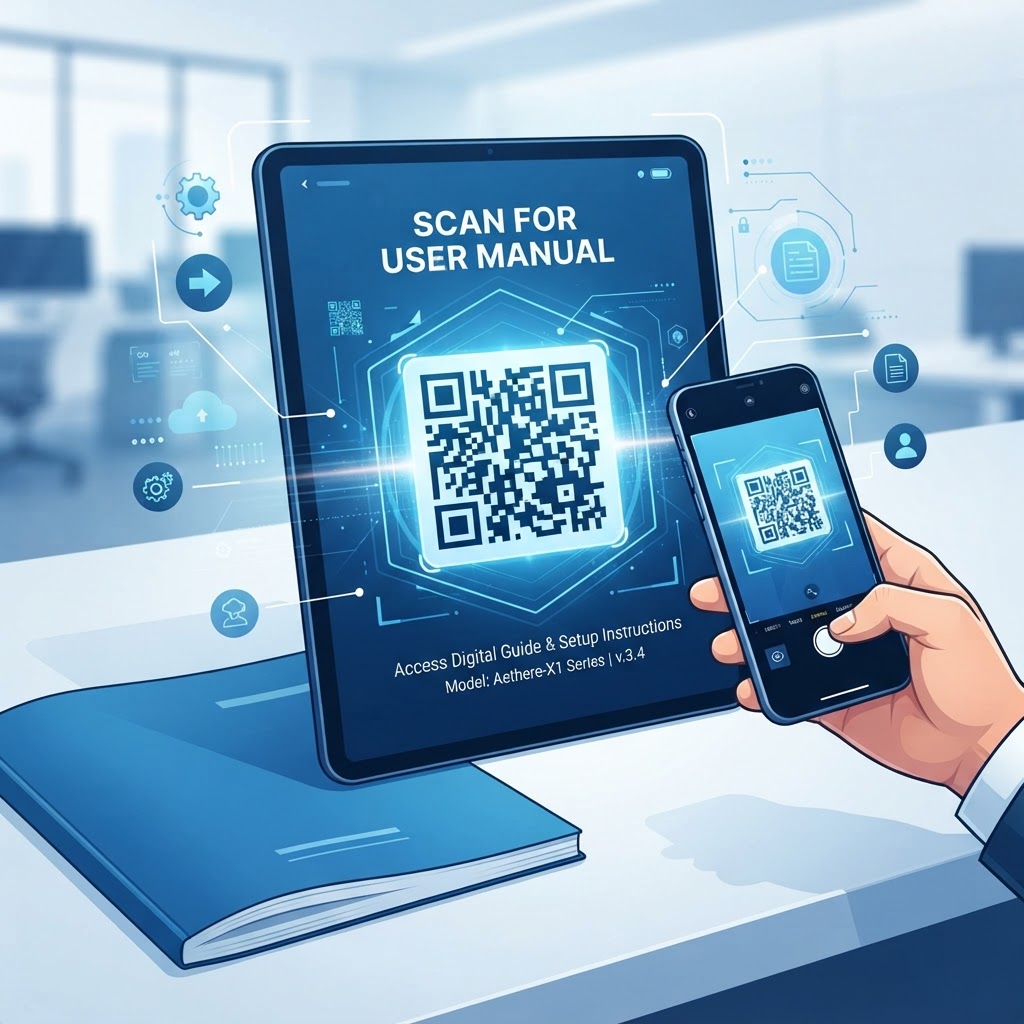
Why Integrating a QR Code for User Manuals Matters in 2026
By 2026, the landscape of consumer engagement has shifted toward immediate accessibility and sustainable operations. Most smartphones now come equipped with native QR scanning capabilities embedded directly into their camera software, eliminating the need for third-party applications. This ubiquity has transformed the QR code into the most efficient bridge between a physical object and digital information.
When a customer receives a new product, the first thing they often seek is guidance on assembly, safety, or troubleshooting. Traditional paper manuals are easily lost, damaged, or outdated by the time a user opens the packaging. By placing a QR code for a user manual on your product packaging or the device itself, you provide an instantaneous, user-friendly portal to updated documentation.
Furthermore, the shift toward digital documentation is a strategic move for most businesses looking to reduce their carbon footprint and logistical expenses. Printing thousands of pages for every product batch is a significant overhead that is difficult to update once the ink hits the paper. Digital manuals accessed via a QR code can be updated in real-time, meaning that if a safety patch is released or a feature is changed, your customers are never left with obsolete instructions.
This agility in communication protects the brand and minimizes liability. Beyond the logistics, the user experience is vastly improved when customers can view high-resolution videos, interactive diagrams, and searchable text rather than squinting at small, black-and-white print. In 2026, users expect digital-first experiences, and providing a QR code for your user manual demonstrates that your brand is technologically forward-thinking and committed to customer success.
Key Points
- QR codes give customers quick access to updated product documentation.
- Digital manuals can reduce printing costs and support more sustainable operations.
- Videos, interactive diagrams, and searchable text can improve the user experience.
How QR Code Technology Works for Documentation
At its core, a QR code acts as a two-dimensional barcode that stores URL-based information. When a user scans the code, their device decodes the visual pattern and triggers a request to the server housing your digital manual. The technical process is streamlined to ensure that the user does not experience friction during the hand-off.
The URL encoded in the QR code can point to a PDF hosted on your company website, a cloud-based folder, or a dedicated HTML5 landing page. Because the technology relies on simple redirection, it is incredibly lightweight and responsive on almost any modern mobile device, regardless of the operating system or browser used.
Technically, the efficiency of this system relies on the quality of the URL redirection. When you generate a QR code for your user manual, you are essentially embedding a web address that redirects to your content. From an architectural standpoint, it is important that the target page is mobile-optimized.
If the manual is a massive PDF file, it should ideally be optimized for web viewing so that it loads quickly even on slower cellular networks. Modern mobile browsers are proficient at rendering these files, but the server-side configuration must allow for rapid response times.
By using a platform like blueqrcode.com to generate your code, you ensure that the encoding process adheres to high industry standards, which minimizes scan errors and maximizes compatibility across different scanner apps and camera software. The QR code itself is just the carrier, but its effectiveness depends entirely on the stability of the digital link behind it, making the choice of generation tool a vital technical decision for any business deployment.
Try it now: Generate a free Qr Code For User Manual →
Step-by-Step Guide to Creating Your Manual QR Code
Creating a professional QR code for your user manual is a straightforward process when you utilize a dedicated tool like blueqrcode.com. Follow these steps to prepare, generate, and test your code.
- Prepare your digital content: Ensure your manual is saved in a widely accessible format, such as a PDF or a structured web page.
- Host the manual: Upload the file to a reliable server or cloud platform so that it has a permanent, accessible URL. This URL serves as the destination for your customers once they scan the code. Copy it carefully, as any errors here will lead to broken links.
- Enter the URL: Navigate to blueqrcode.com, select the URL-QR category, and paste your copied link into the provided input field.
- Customize the design: Adjust the foreground and background colors to align with your brand identity. In many cases, you can also add a logo to the center of the code to increase brand recognition.
- Generate and test: Generate the code and conduct a thorough test scan using several different mobile devices to verify that the link opens the intended manual quickly and correctly.
- Download and deploy: Download the resulting high-resolution image file and incorporate it into your packaging design, product inserts, or engrave it directly onto the product hardware.
This simple workflow ensures that your customers can reach their documentation in seconds, while you maintain full control over the digital assets being served to the end user.
Best Practices for Deployment: Size, Placement, and Format
Successful deployment of a QR code for a user manual requires careful consideration of physical constraints and user behavior. Use these practices to make the code easier to find and scan.
- Print the QR code at least 2 centimeters by 2 centimeters on the product surface or packaging to ensure readability from a reasonable distance.
- Use high-contrast colors and avoid combinations such as light gray on white, so scanners can identify the modules within the code.
- Leave a clear "quiet zone"—a small margin of white space—around the perimeter of the QR code to prevent interference from surrounding graphics or text.
- Place the code where users are most likely to look when they need help, such as on the product box, the first page of the quick-start guide, or an adhesive label on the device itself.
- Add a small call-to-action (CTA) next to the code, such as "Scan for complete setup instructions" or "View digital manual here," to clarify its purpose and encourage engagement.
- Consider the surface material, as a glossy finish might cause glare. Using a matte finish for the label or printing directly onto cardboard packaging often yields the best results.
- Monitor your digital traffic to see how many users are scanning the code, allowing you to optimize placement based on actual usage patterns rather than assumptions.
Common Mistakes to Avoid
Businesses can undermine a QR code rollout with a poor mobile experience, broken links, or a lack of long-term planning. Avoid these common mistakes to keep your documentation accessible and useful.
- Linking to a file that is not mobile-friendly: A 50-megabyte PDF that requires manual zooming and horizontal scrolling can frustrate users.
- Skipping pre-production testing: An incorrect URL or restrictive server permissions can lead to a 404 error. Test codes across different devices, including both popular smartphones and older models, to ensure compatibility.
- Using a temporary URL: Do not link to a staging URL that might be deactivated after a marketing campaign ends. Use a permanent, stable link that will remain active for the life of the product.
- Failing to plan for website downtime: If your website goes down, your manual becomes inaccessible. Some companies mitigate this by using a secondary cloud backup.
- Overloading the code with tracking scripts: Unnecessary scripts that drastically increase load times can lead users to abandon the process. Speed is vital; if the landing page takes more than a few seconds to load, the user will likely abandon it.
- Ignoring visual design: While high-contrast black-and-white codes are functional, neglecting the potential for branding, such as incorporating your logo, represents a missed opportunity to build trust and authority with customers.
100% Free — No signup required
Create your Qr Code For User Manual in seconds
Use Cases by Industry: Implementation Across Sectors
The versatility of QR codes for manuals allows them to be used effectively across a wide array of industries. In the consumer electronics sector, a QR code for a user manual allows users to access interactive video tutorials for setting up complex systems like home theater setups or smart lighting. Instead of trying to explain a technical installation in print, a company can link to a YouTube video or a step-by-step visual guide, which significantly reduces customer support inquiries.
For the home furniture and DIY industry, QR codes are indispensable. A customer struggling to assemble a complex bookshelf can scan a code on the instruction sheet to find a 3D animated walkthrough of the assembly process, helping them visualize which screws go where and identify the components more efficiently than with static diagrams alone.
The healthcare and medical device sector also sees immense value here. For portable medical equipment, such as blood pressure monitors or glucose testers, a QR code provides an immediate link to safety protocols, sanitization instructions, and contact information for professional support. This accessibility is vital for patient safety and compliance.
In the heavy machinery and industrial equipment space, technicians can scan a QR code attached directly to the machine to access the latest maintenance logs, troubleshooting FAQs, and replacement part numbers without having to carry heavy physical binders to the job site. This improves field productivity and ensures that technicians are always working with the most current and accurate data.
These practical applications demonstrate that regardless of the sector, the fundamental benefit remains the same: faster access to better information, resulting in higher customer satisfaction and improved operational outcomes for businesses of all sizes.
Summary and Next Steps for Your Business
Implementing a QR code for your user manual is a strategic initiative that brings tangible benefits to both your customers and your operational efficiency. By replacing or supplementing traditional paper manuals with digital alternatives accessible via a quick scan, you ensure that your information is always current, easy to navigate, and highly accessible.
The technological barriers to entry are virtually non-existent in 2026, as most smartphones possess the innate capability to process these codes seamlessly. With platforms like blueqrcode.com, the process of generating, customizing, and deploying these codes has been simplified, allowing you to focus on creating high-quality content rather than struggling with complex technical hurdles.
Your next step should be an audit of your current documentation. Identify which products would benefit most from a digital upgrade and begin the transition by hosting your manuals online and linking them to a professional, branded QR code.
As you move forward, keep a close watch on user feedback. Ask your customers if they found the digital manual helpful and identify areas where your digital documentation can be improved. Perhaps you can replace long paragraphs with clearer infographics or add video content that explains common troubleshooting steps.
The digital nature of your new manual means that you can iterate and improve based on real-world data, creating a feedback loop that continues to refine the user experience over time. This proactive approach to customer service will distinguish your brand in a crowded market.
By choosing to embrace this technology, you are showing your customers that you value their time and convenience, which is a powerful driver of brand loyalty. Start your journey by visiting blueqrcode.com today and create your first manual QR code to see how simple it is to modernize your post-purchase experience.
No watermark · No expiry · Works on all phones
Your QR code is ready in under 30 seconds.
Conclusion
A QR code for a user manual can make product documentation easier to access, update, and use while helping businesses reduce reliance on printed materials. Prepare mobile-friendly content, use a stable link, and test the code before deployment to create a smoother post-purchase experience.