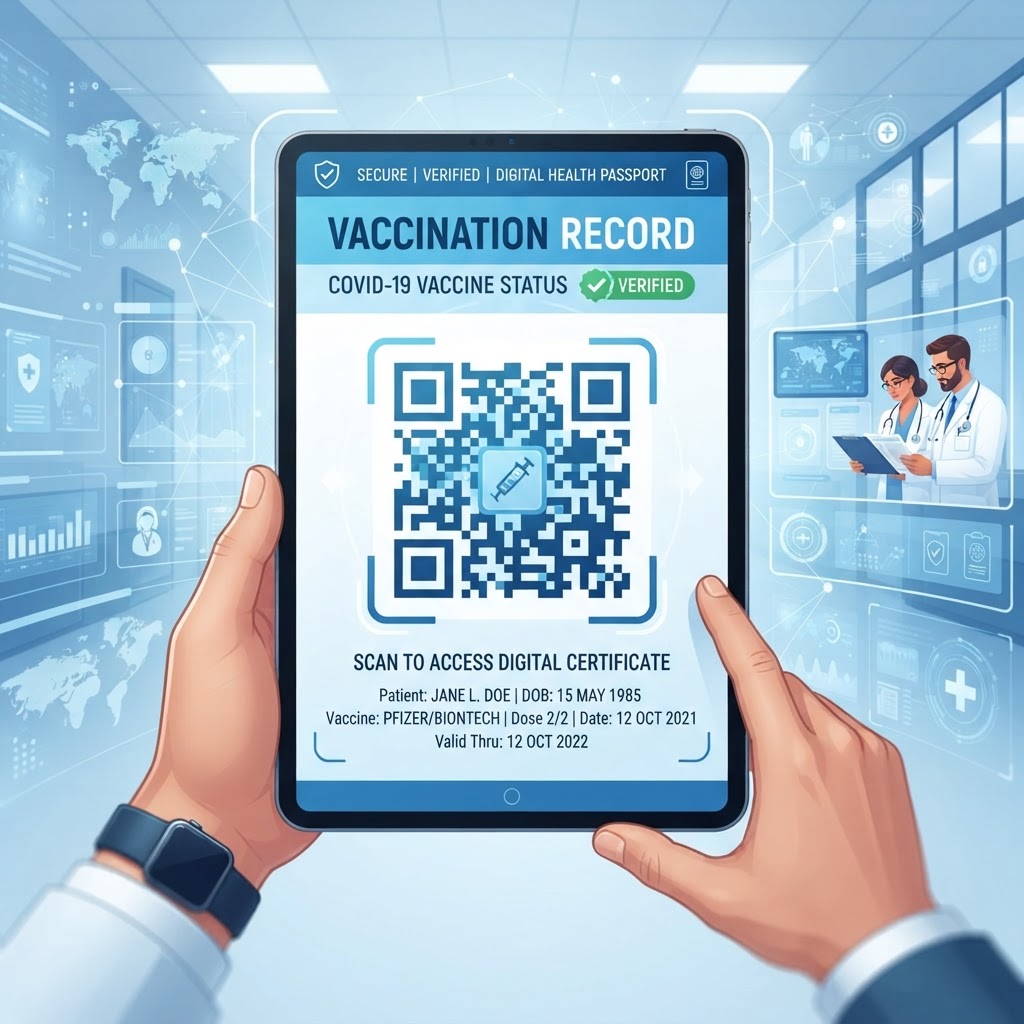
1. Why Using a QR Code for Vaccination Records Matters in 2026
As we navigate through 2026, the reliance on paper-based vaccination cards has largely faded in favor of digital solutions that offer superior durability and immediate access. The primary reason for this shift is the critical need for speed in high-traffic environments, such as international border checkpoints, large-scale conference centers, and high-security office buildings.
When an individual presents a traditional physical card, the verification process often involves manual review, which is prone to human error and significant delays. Conversely, a QR code serves as an instant bridge to a digital, verified record, allowing administrators to confirm authenticity in seconds rather than minutes.
This transition is essential for maintaining smooth operations and ensuring that health compliance protocols do not become a bottleneck for productivity or travel. Furthermore, carrying a physical document poses a high risk of loss or damage, whereas a digital backup stored on a secure server, accessible via a QR code, provides peace of mind.
Key Benefits
- Speed: Digital records can be verified in seconds rather than minutes.
- Durability: Digital backups reduce the risk of loss or damage associated with physical documents.
- Convenience: Most smartphones now feature native QR scanners, reducing friction for users.
- Readiness: Digital documentation supports evolving expectations for health verification.
By choosing to digitize these records, users are adopting a future-proof method of identity management. At BlueQRCode, we emphasize that this is not merely about convenience; it is about establishing a reliable, verifiable identity trail that aligns with modern digital standards.
2. How the Technology Works Technically
Understanding the underlying mechanics of a QR code is essential for anyone dealing with sensitive documentation. When you create a qr code for vaccination record using the URL-QR functionality, you are essentially creating a visual representation of a web address that hosts your information.
This process begins with the secure storage of your document, typically as a PDF or an image file, within a cloud storage environment or a dedicated digital health portal. Once this document is hosted at a unique, secure URL, the BlueQRCode generator converts this web address into a matrix of pixels.
This matrix, known as the QR code, encodes the data in a two-dimensional format, allowing the scanner to decode the information almost instantaneously, regardless of the angle or slight distortion.
Dynamic QR Codes and Security
- Dynamic QR codes: The underlying URL can be changed or updated without needing to print a new code.
- HTTPS protection: Hosting data on a secure URL helps protect transmission between the QR scanner and the server.
- Data integrity: The scanner retrieves the relevant digital record while maintaining the structure and security of the information.
For health records, we highly recommend utilizing dynamic QR codes. These allow the underlying URL to be changed or updated without needing to print a new code, providing significant flexibility if a document needs to be refreshed or replaced.
When a scanner reads the code, it triggers a handshake with the host server, which then retrieves the relevant digital record for the viewer. This ensures that the person checking the document sees only the necessary information while maintaining full data integrity and security.
Try it now: Generate a free Qr Code For Vaccination Record →
3. Step-by-Step Guide Using BlueQRCode
Creating a professional, reliable, and functional QR code for your vaccination records on blueqrcode.com is a straightforward process designed for users of all technical backgrounds.
- Step 1: Ensure that you have a digital copy of your vaccination record saved in a widely accepted format, such as PDF, JPEG, or PNG.
- Step 2: Upload the file to a secure, private cloud drive or a trusted hosting service to generate a public or shareable link.
- Step 3: Navigate to the BlueQRCode platform and select the URL-QR option.
- Step 4: Paste your secure URL into the input field provided.
- Step 5: Confirm that the hosting location has strict privacy settings or password protection enabled if the data is meant to be highly restricted.
- Step 6: Customize the aesthetic appearance of your QR code by selecting colors, patterns, or a logo if you are using it for business identification purposes.
- Step 7: Click the generate button once you are satisfied with the design.
- Step 8: Test the code immediately with multiple devices to confirm that it directs users precisely to the intended document.
- Step 9: Save the resulting image file in a high-resolution format, such as PNG or SVG.
By following these methodical steps, you create a robust, reliable tool for verification that is ready to be used at any time on your mobile device or printed on a physical badge.
4. Best Practices for Deployment and Placement
The efficacy of a vaccination record QR code is highly dependent on how it is deployed and where it is placed. A QR code must be large enough for the camera on a standard mobile device to focus accurately.
Size, Placement, and Visibility
- Printed size: Use a minimum size of at least 1.5 inches by 1.5 inches.
- Digital displays: Ensure that screen brightness is high enough to reduce glare.
- Personal placement: Place the code on a badge or card where it is not obscured by other text or design elements.
- Quiet zone: Maintain a clear, white-space border around the code so scanners can identify its boundaries.
- Facility placement: Position codes at eye level where they are clearly visible and easy to access.
- Outdoor materials: Use high-quality, weather-resistant materials to protect against UV exposure and moisture.
It is also beneficial to include a short, simple instructional note near the code, such as 'Scan to view vaccination record,' which helps those less familiar with the technology understand its purpose immediately.
By maintaining a clean, high-contrast design and adhering to these placement principles, you ensure that the verification process remains frictionless for everyone involved, regardless of the setting.
100% Free — No signup required
Create your Qr Code For Vaccination Record in seconds
Create Free QR Code →5. Common Mistakes to Avoid
Even with the most intuitive technology, users often fall into common traps that render their QR codes ineffective or insecure. Avoiding these issues helps ensure that a QR code remains accessible, reliable, and protected.
- Non-mobile-optimized URL: A document that does not render well on a smartphone can cause delays when users try to pinch, zoom, or rotate it.
- Broken static link: If a link expires or a file is moved, a static QR code can become useless.
- Unprotected file: Anyone who scans an unprotected link might potentially access the vaccination information.
- Low-resolution printing: Pixelation can prevent a camera from decoding the code.
- Insufficient testing: A code that works on one phone might fail on another if the contrast is too low or the design is too intricate.
Using the dynamic link features available through BlueQRCode can help mitigate broken-link issues because you can update the destination URL if the original document is relocated. Always export your code from BlueQRCode in a high-quality format and test it on multiple devices and operating systems before final printing or display.
6. Concrete Use Cases by Industry and Sector
The application of QR codes for vaccination records spans multiple industries, each with unique needs. In the corporate sector, human resources departments are increasingly using these codes to streamline the onboarding process for new employees.
- Corporate sector: Companies can integrate a link to a verified vaccination record into a digital employee ID card to verify compliance with health and safety policies.
- Travel and hospitality: Luxury resorts and international transit hubs can use QR codes for express lanes and pre-check kiosks.
- Events and conferences: Organizers can allow attendees to register health documentation online, receive a unique QR code, and scan it upon entry to receive a temporary digital pass.
- Education: Universities can use a student ID with an embedded vaccination QR code to support access to libraries, laboratories, and gyms.
These systems reduce administrative burdens, minimize physical contact, and support faster verification. In all these cases, the consistent thread is the shift from manual administrative checks to a digital, automated system that prioritizes efficiency and safety across the board.
7. Summary and Next Steps
In conclusion, the adoption of QR codes for managing vaccination records is a pragmatic response to the digital demands of 2026. By leveraging the tools provided by platforms like BlueQRCode, individuals and organizations can create a secure, accessible, and highly efficient system for verifying health information.
We have explored how this technology functions, the importance of using dynamic links for flexibility, and the crucial best practices regarding design, placement, and security. By avoiding common mistakes—such as low-resolution printing or failing to secure the hosting environment—you can build a system that is both reliable and professional.
- Step 1: Identify a secure, long-term hosting solution for your records.
- Step 2: Confirm that your documents are in a mobile-friendly format.
- Step 3: Visit blueqrcode.com to generate your professional QR code.
- Step 4: Perform comprehensive tests across different devices and environments.
As digital health verification continues to integrate into our daily routines, being proactive about your digital documentation strategy is the best way to ensure readiness and compliance. The future of documentation is digital, and you are now fully equipped to be a part of it.
No watermark · No expiry · Works on all phones
Your QR code is ready in under 30 seconds.
Generate Free QR Code →