Why This Matters in 2026
In the current technological climate of 2026, fleet management efficiency relies heavily on how quickly information can be captured and shared. Traditional manual vehicle inspections are prone to human error, lost paperwork, and delays in reporting critical maintenance issues.
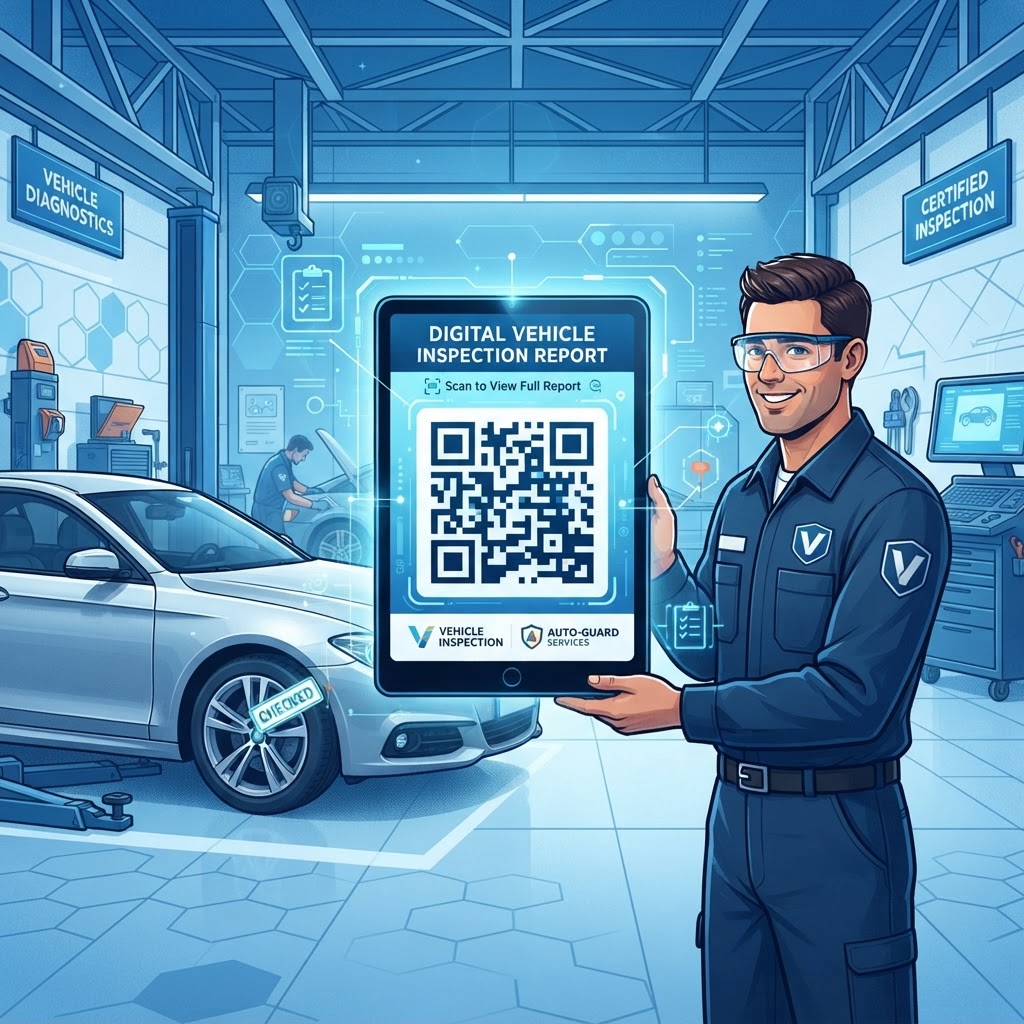
With a qr code for vehicle inspection, businesses can connect field work with administrative review. A code affixed to a vehicle dashboard or door frame opens a centralized digital database where inspectors can upload damage photos, complete checklist items, and submit reports instantly. You can easily create one using our free URL QR Code Generator to link directly to your digital inspection portal.
This immediacy helps identify non-compliant vehicles and remove them from service before they become a liability. As fleet sizes grow and requirements around carbon emissions and safety standards become stricter, a clear digital audit trail is increasingly valuable.
Using a tool like blueqrcode.com ensures that QR codes remain functional and redirect to the correct, updated maintenance forms. Digital check-ins can take seconds instead of minutes of manual writing, while cloud-based reports let fleet managers view fleet status from a single dashboard.
Key Points
- Digital forms help connect inspection work with administrative review.
- Instant reporting can help identify non-compliant vehicles before they become a liability.
- Cloud-based records provide a digital audit trail and centralized fleet visibility.
- Digital check-ins can reduce the time drivers spend on manual paperwork.
How It Works Technically
A qr code for vehicle inspection encodes a URL, or web address, for an inspection form or digital dashboard. When someone scans the code using a mobile device camera, the device decodes the pattern and opens the linked destination.
Because blueqrcode.com specializes in managing links, a QR code can continue to work even if the underlying URL changes. Dynamic redirect technology sends the scan to a management server, which then forwards the visitor to the current document or portal.
This setup lets managers update digital checklists or move to new software platforms without reprinting and replacing stickers across the fleet. Inspection systems may also integrate with telematics and database software.
When a driver submits a form, the data can be sent through an API or standard web-form backend, logging details such as the timestamp, driver ID, and vehicle condition. This creates a record that can be retrieved for future audits.
The process works on most modern smartphones, so businesses do not need special proprietary hardware or expensive scanning devices to begin inspections. If you are ready to digitize your workflow, you can generate yours here to start scanning immediately.
Step-by-Step Guide Using blueqrcode.com
Set up a digital inspection system through blueqrcode.com by preparing a form, generating a QR code, and testing it before fleet-wide deployment.
- Prepare your inspection form: Create a cloud-based form, such as a Google Form, or use a custom fleet management portal, then copy its URL.
- Choose the URL option: Navigate to blueqrcode.com and select the 'URL' option in the generator menu.
- Enter your form link: Add the URL for your inspection form to generate a unique QR code.
- Choose a dynamic QR code: If available, select a dynamic code so you can update the destination URL without replacing the physical code.
- Customize the design: Add a brand logo, choose foreground colors, or adjust the error correction level. Higher error correction can help the code remain readable if a sticker becomes scratched, greasy, or dirty.
- Download and print: Download the QR code in a high-resolution format such as SVG or PNG, then print it on a durable, weather-resistant sticker.
- Place and test the code: Put it in an accessible location, such as inside the driver-side door jamb, and scan it with multiple devices to confirm the redirection works before fleet-wide rollout.
Best Practices for Deployment
Successful deployment involves more than printing a sticker. Choose materials and locations that suit the vehicle environment, and make the digital inspection form straightforward for drivers to use.
- Use outdoor-rated adhesive vinyl with a UV-resistant laminate coating to help prevent fading or peeling.
- Make the code large enough to scan from 12 to 18 inches away; around 2 inches by 2 inches is typical for many applications.
- Use a consistent placement across vehicles, such as the inside of the driver-side door jamb or the dashboard near the registration sticker.
- Optimize the inspection form for mobile screens with large input buttons and minimal text, so drivers can complete it efficiently, including while wearing work gloves.
- For low-light operations, place the sticker in a well-lit area or use reflective material.
- Check stickers during quarterly maintenance to confirm they are present, legible, and redirect correctly, and establish a replacement procedure for damaged labels.
Common Mistakes to Avoid
Even with a robust system like blueqrcode.com, common oversights can undermine a vehicle inspection workflow. Plan for connectivity, usability, security, and print quality before rolling out the system.
- Ignoring connectivity: Check cellular or Wi-Fi coverage at inspection sites, or use a form platform that supports offline data syncing if a constant connection is unavailable.
- Making forms too complex: If a form takes more than two minutes to complete, drivers may rush through it or skip it. Keep the checklist concise and focused on critical safety items such as tire pressure, brake fluid levels, and lighting.
- Neglecting privacy and security: Use a secure (HTTPS) portal and restrict access to inspection data to authorized personnel.
- Printing at low resolution: Pixelated codes can be difficult for smartphone cameras to scan. Test the final print on multiple smartphone models before rollout.
- Ignoring user feedback: If drivers report navigation difficulties or peeling stickers, adjust the materials or interface promptly to support usability and compliance.
Use Cases by Industry and Sector
A qr code for vehicle inspection can connect different types of vehicles with digital tracking systems. Its uses vary by industry, but the core purpose is to make inspection details easier to record and review.
- Logistics and delivery: Drivers scan a vehicle code before a shift to open a checklist for brake lights, tire tread, and engine fluids. Real-time logging alerts a logistics manager if a vehicle is unsafe.
- Construction: Site foremen can document inspections of heavy machinery and fleet trucks, building a service history that can help predict when a part may need attention.
- Corporate fleets: Employees scan a code when taking a company vehicle to verify mileage and report new dents or scratches, helping track vehicle condition and accountability.
- Municipal and public works: Operators can scan codes on shared fleet vehicles such as street sweepers or snowplows to log hours and report hydraulic or mechanical issues to a centralized city management system.
Conclusion
Transitioning to a qr code for vehicle inspection can help organizations modernize fleet operations, support safety protocols, and simplify maintenance records. Start with a mobile-optimized form, create and test QR codes with our URL QR Code Generator, and consider a small pilot before expanding across the fleet.