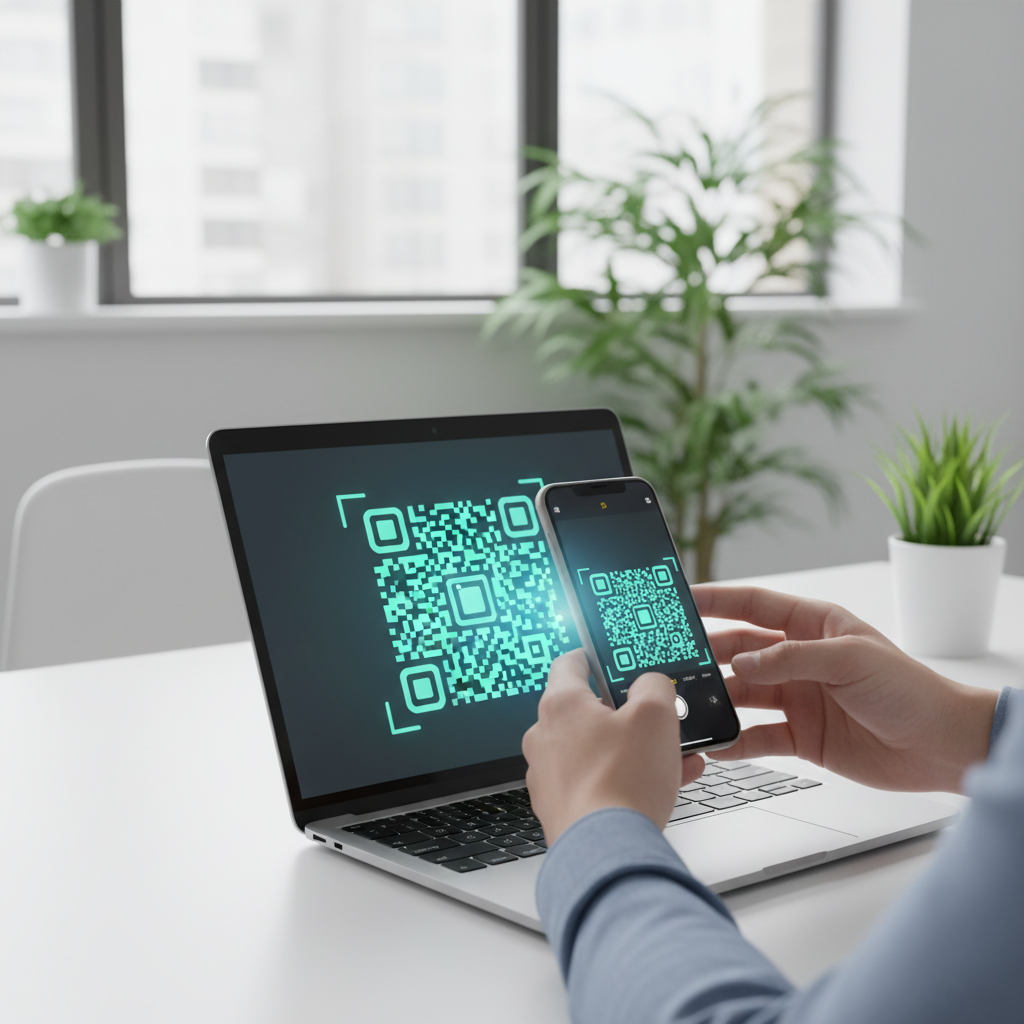
What Is QR Code Generator Free and Why It Matters in 2026
A QR code generator free is an online tool that converts information — a website URL, phone number, Wi‑Fi password, contact card, or other data — into a scannable two-dimensional barcode that modern smartphone cameras read natively. In 2026, QR codes are widely used by businesses, educators, event organizers, and creators to connect physical and digital experiences.
The word "free" matters: historically, many generators required paid plans, added watermarks, or produced expiring codes, which created barriers for small organizations and individuals. A truly free tool with no account required, no watermark, and no expiration date removes those obstacles and broadens access. You can start using our free QR Code Generator to create your codes effortlessly.
Key Points
- blueqrcode.com provides a qr code generator free that supports many real-world QR types without accounts or watermarks.
- Output options include PNG for print and SVG for scalable web use, with error correction up to Level H.
- Static QR codes generated this way never expire and require no ongoing subscription.
How QR Code Generator Free Works — The Technical Foundation
A QR (Quick Response) code is a matrix barcode of black and white square modules encoding binary data that compliant scanners decode quickly. The generator encodes your input according to the ISO/IEC 18004 standard and renders the result in PNG or SVG.
PNG is recommended for fixed-size print outputs; SVG is ideal for web and responsive digital use. blueqrcode.com applies error correction up to Level H, preserving scannability even if portions of the code are damaged.
Technical Highlights
- Encodes data per ISO/IEC 18004
- PNG for print; SVG for scalable digital use
- Error correction up to Level H (≈30% surface tolerance)
- Static QR codes are permanent and do not expire
Step-by-Step: Create Your QR Code Generator Free on blueqrcode.com
Creating a QR code on blueqrcode.com is streamlined and takes under two minutes: no account, no payment, and no watermark. Follow these steps from start to finish.
Try it now: Generate a free Qr Code Generator Free →
- Step 1: Open blueqrcode.com/qr-code-generator — the generator loads immediately with no login prompt.
- Step 2: Select one of the 13 available QR types (WiFi, vCard, WhatsApp, Google Review, URL, PDF, Email, SMS, App Download, Barcode, Instagram, Event, Phone) and complete the fields shown for that type.
- Step 3: Enter the required data carefully (SSID and password for WiFi; name, phone, email, address, photo for vCard; phone number with country code for WhatsApp). Static codes cannot be edited after generation.
- Step 4: Generate and preview the live QR code to confirm it appears complete and undistorted.
- Step 5: Choose PNG for print or SVG for web use; both download with no watermark.
- Step 6: Test the downloaded code on a smartphone before publishing or printing to verify it opens the correct destination or connects to the intended network.
The workflow is repeatable and unrestricted by usage caps, so you can generate multiple codes (for example, one per restaurant table) and label each download for clarity.
Deployment Best Practices for QR Code Generator Free
How you place and present a QR code determines whether users successfully engage. Follow proven deployment practices to maximize reliability and interaction.
- Respect the minimum size requirement: aim for at least 2.5 cm × 2.5 cm (≈1 inch square); larger sizes are better for signage and displays.
- Maintain strong visual contrast: use dark modules on a light background and avoid placing the code over busy images or patterns.
- Choose the right format: use PNG for fixed-size print and SVG for responsive digital contexts to preserve sharpness.
- Include a clear call to action: add a short instruction such as "Scan to connect to Wi‑Fi" or "Scan to save my contact."
- Test on multiple devices: scan with both iOS and Android devices to confirm broad compatibility.
- Protect printed codes: laminate or use weather-resistant materials for outdoor applications to reduce wear.
Common Mistakes to Avoid With QR Code Generator Free
Even simple tools can lead to costly errors if common mistakes are overlooked. Anticipate these problems before printing or publishing.
- Printing without testing first: typos in URLs, wrong country codes, or incorrect Wi‑Fi passwords require reprinting since static codes cannot be edited.
- Printing too small: codes below the 2.5 cm minimum often fail to scan in real-world conditions.
- Choosing the wrong QR type: using a URL to share Wi‑Fi credentials forces manual entry instead of automatic connection.
- Poor color contrast: brand-driven low-contrast combinations can fail even on bright screens; always validate color choices.
- Encoding unstable destinations: static codes are permanent; avoid encoding targets that are likely to change unless you control a stable permalink.
- Forgetting a call to action: unlabeled codes can appear suspicious or confusing to users unfamiliar with the format.
Real-World Use Cases: QR Code Generator Free Across Industries
Different industries use the same free QR generator to solve varied problems by selecting the appropriate QR type and deployment method.
- Hospitality and Food Service: WiFi QR codes at tables for instant network access, Google Review QR codes on receipts or table tents, and URL QR codes for digital menus that reduce printing costs.
- Professional Services and Networking: vCard QR codes act as contactless business cards that save full contact records directly to a phone.
- Retail and E‑Commerce: product URL QR codes link to specs or online listings; App Download QR codes send users to the correct app store page.
- Events and Entertainment: Event QR codes let attendees add events to device calendars; WhatsApp QR codes open instant conversations for lead capture.
- Education and Nonprofits: URL or PDF QR codes link students to resources; SMS QR codes simplify donation or campaign workflows.
- Healthcare and Wellness: vCard QR codes on reminder cards and URL QR codes on packaging for product information and patient resources.
Across these scenarios, the codes are static, permanent, and free — generated without an account and downloaded without a watermark.
Frequently Asked Questions
Do QR codes created with a free generator actually expire?
QR codes generated on blueqrcode.com are static codes that never expire; the encoded information is embedded in the pattern at generation time. There is no server dependency or subscription renewal required, though the destination (for example, a webpage) must remain valid for the link to function.
Is it really free, and do I need to create an account?
Yes — it is completely free and no account is required. blueqrcode.com does not request email, payment, or registration details. Downloaded PNG or SVG files carry no watermark.
Which QR code type should I use for sharing Wi‑Fi at my business?
Use the WiFi QR code type on blueqrcode.com, which encodes SSID, password, and encryption (WPA2, WPA3, WEP, or none). Scanning prompts devices to join the network automatically without typing a password.
What is the difference between PNG and SVG, and which should I download?
PNG is a raster format captured at a fixed resolution and is suitable for printing at a known size. SVG is a vector format that scales without pixelation and is best for websites, emails, or any context where display size may vary.
How do I make sure my QR code will scan reliably once printed?
Follow three practices: respect the minimum print size of 2.5 cm × 2.5 cm, maintain strong contrast between modules and background, and always test the printed or displayed code with a real smartphone (ideally both iOS and Android). blueqrcode.com also uses error correction up to Level H to preserve readability under wear.
Ready? Generate free at blueqrcode.com — no account, no watermark.
Conclusion
A reliable qr code generator free like blueqrcode.com removes cost and access barriers while offering robust technical features for print and digital use. Follow best practices and test across devices to ensure your codes deliver a smooth user experience.
```No watermark · No expiry · Works on all phones
Your QR code is ready in under 30 seconds.
Generate Free QR Code →