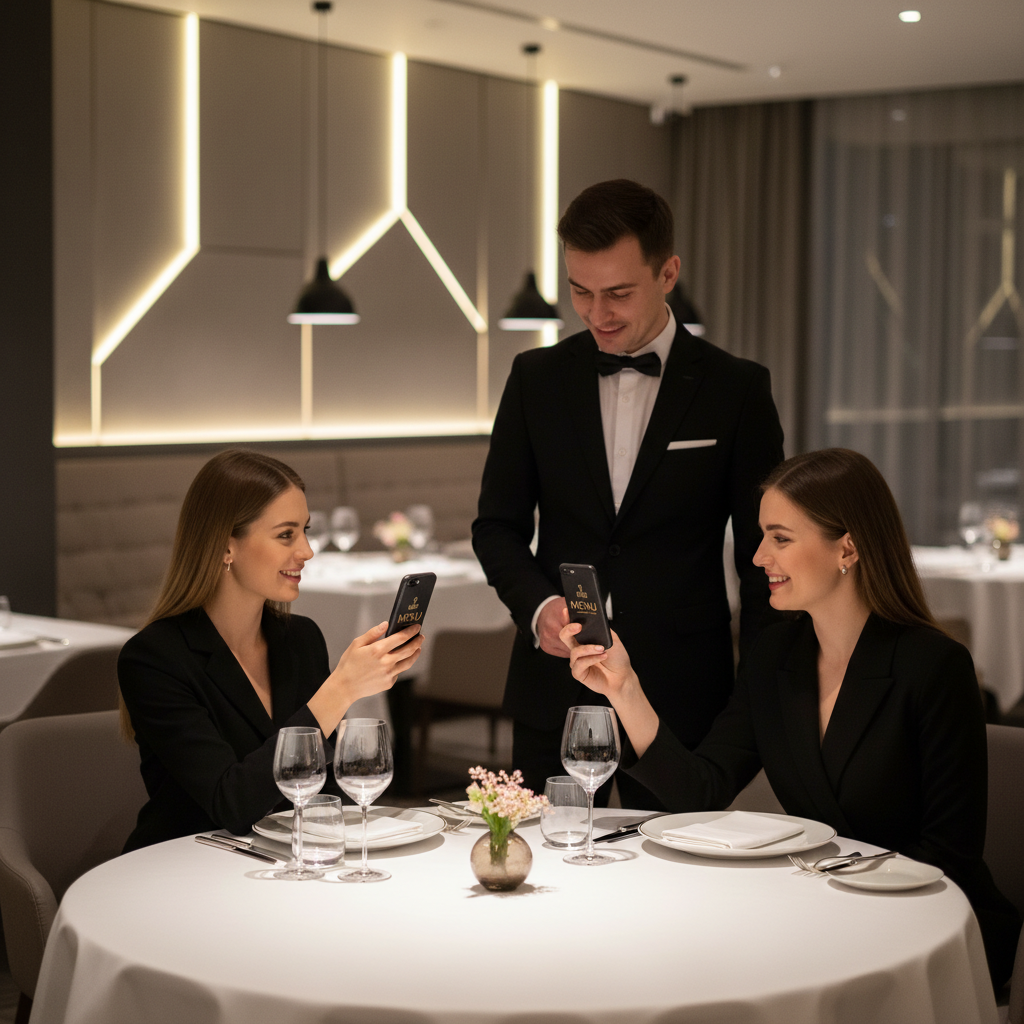
What Is QR Code Menu Restaurant and Why It Matters in 2026
A QR code menu restaurant system replaces the traditional printed menu with a scannable square code that instantly opens a digital menu on a guest's smartphone.
Instead of handing over a laminated card or a paper booklet, a server simply points to a small code printed on the table, a tent card, or a wall sign. Within seconds, the diner's phone camera reads the code and displays the full menu — no app download required, no waiting, no handling of shared physical materials. You can easily create your own QR code menu using our free QR Code Generator.
Key Points
- Instant access to a mobile menu via a scannable QR code
- Cost and time savings from eliminating frequent reprints
- Improved hygiene and a modern guest experience
How QR Code Menu Restaurant Works — The Technical Foundation
Understanding how QR codes function helps restaurant operators make smarter decisions about how to generate, deploy, and maintain them.
A QR code is a two-dimensional matrix barcode that encodes data — typically a URL pointing to your digital menu — into a pattern of black and white squares that a smartphone camera decodes.
Technical Considerations
- URL QR code type: Encode the web address of your menu — a hosted PDF, a page on your site, or any public URL.
- Error correction: blueqrcode.com supports up to Level H (30%), so codes remain readable even with partial damage.
- File formats: PNG for print and SVG for scalable web use.
- Compatibility: Codes work with 95% or more of modern smartphones from 2020 onward.
- Longevity: Static QR codes never expire; they function as long as the encoded URL remains active.
Step-by-Step: Create Your QR Code Menu Restaurant on blueqrcode.com
Creating a restaurant menu QR code on blueqrcode.com takes only a few minutes and requires no account.
- Step 1: Prepare your digital menu by ensuring you have a publicly accessible URL that opens on mobile without login.
- Step 2: Navigate to the generator at blueqrcode.com/qr-code-generator; no registration is required.
- Step 3: Select the URL QR code type to encode your menu address directly into the code.
- Step 4: Enter your menu URL, confirm it begins with https://, and verify it loads correctly on mobile.
- Step 5: Customize the code if desired to match branding while keeping a clean, professional design.
- Step 6: Download the code in the appropriate format: PNG for print or SVG for scalable web use.
- Step 7: Test on multiple devices to confirm it opens the correct menu quickly before deploying at tables.
- Print size: Use a minimum of 2.5 cm × 2.5 cm for reliable scanning
- Device testing: Test on both iOS and Android devices
- Accessibility: Confirm the menu URL loads without requiring a login
- Updates: Re-download a fresh code if you change the encoded URL
The entire process — from opening the generator to downloading a print-ready file — takes under five minutes.
Try it now: Generate a free Qr Code Menu Restaurant →
Because there is no account to manage and no watermark on the output, the code is ready to deploy the moment you download it.
Deployment Best Practices for QR Code Menu Restaurant
Generating a QR code is only the first step; placement, presentation, and maintenance determine whether guests use it effectively.
These best practices reflect what many successful restaurants have learned through real-world deployment.
- Placement: Table tents, laminated card inserts, stickers, coasters, or acrylic stands keep the code visible and accessible.
- Respect minimum size: Aim for 4–6 cm per side for table tents and stickers to accommodate lighting and distance.
- Instructional text: Add a line like "Scan with your phone camera to view our menu" to reduce hesitation.
- Lighting: Ensure consistent, adequate lighting; increase size or add lighting in dim areas.
- Protection: Laminate or use protective overlays to guard against spills and wear.
- URL maintenance: Keep the destination URL active and current; static codes require regeneration if the URL changes.
- Staff training: Instruct staff to introduce the QR menu during greetings and assist unfamiliar guests.
Common Mistakes to Avoid With QR Code Menu Restaurant
Even well-intentioned QR menu deployments can fail without anticipating common errors.
Understanding these pitfalls in advance saves time, money, and guest frustration.
- Linking to a non-mobile-optimised menu: If the destination doesn't reflow on phones, guests will have a poor experience.
- Using a URL that requires a login: Any authentication wall prevents immediate access to the menu.
- Printing the code too small: Below 2.5 cm × 2.5 cm risks scan failures and guest frustration.
- Not testing across multiple devices: Always test on different phones and browsers to catch inconsistencies.
- Forgetting to update when the URL changes: Static codes encode the URL permanently; replace codes if the address moves.
- Poor placement or lighting: Codes should be visible, well-lit, and at a natural scanning angle for seated guests.
- Assuming all guests are comfortable: Keep a few printed menus available on request for guests who prefer them.
Real-World Use Cases: QR Code Menu Restaurant Across Industries
The QR code menu restaurant concept extends beyond sit-down dining and is adaptable across the hospitality spectrum.
- Full-service restaurants: Place QR menus on table tents to present food, drinks, wine pairings, and daily specials from one landing page.
- Cafés and coffee shops: Use codes at the counter or on loyalty cards so guests can review the menu while waiting in line.
- Bars and cocktail lounges: Put codes on bar mats or coasters to present rotating drinks and seasonal cocktails.
- Hotels and room service: Print codes on desk cards or welcome folders for convenient in-room dining menus.
- Food trucks and pop-ups: Display a single code on a banner or near the order window to give customers full menu access.
- Event catering: Place codes at buffet stations or tables to show ingredients and allergen information.
- Complementary QR types: Use Google Review QR codes, WiFi QR codes, or vCard QR codes alongside URL menu codes for additional functionality.
Frequently Asked Questions
Do I need to pay or create an account to generate a restaurant menu QR code on blueqrcode.com?
No. blueqrcode.com is completely free to use and requires no account registration.
The tool places no watermark on generated QR codes, and you can download and deploy them immediately without payment or personal information.
Will my QR code menu expire after a certain period of time?
No. blueqrcode.com generates static QR codes, so the encoded menu URL is permanent and never expires.
The code will function as long as the destination web address remains active; longevity is controlled by your hosting of the menu content.
What happens if I need to update my menu — do I need a new QR code?
If you update the content at the same URL, you do not need a new QR code; the code points to the address and will show the updated content.
If you change the URL itself, you must generate a new QR code and replace physical copies because static codes cannot be redirected.
What is the smallest size I should print my restaurant QR code?
blueqrcode.com specifies a minimum print size of 2.5 cm × 2.5 cm for reliable scanning.
In practice, printing at 4–6 cm per side yields more consistent results across devices and lighting conditions.
Which smartphones can scan the QR code menu without a special app?
blueqrcode.com QR codes are compatible with 95% or more of modern smartphones from 2020 onward.
Both iOS and Android native camera apps read QR codes without additional software; older devices may require a free scanner app.
Ready? Generate free at blueqrcode.com — no account, no watermark.
```No watermark · No expiry · Works on all phones
Your QR code is ready in under 30 seconds.
Generate Free QR Code →