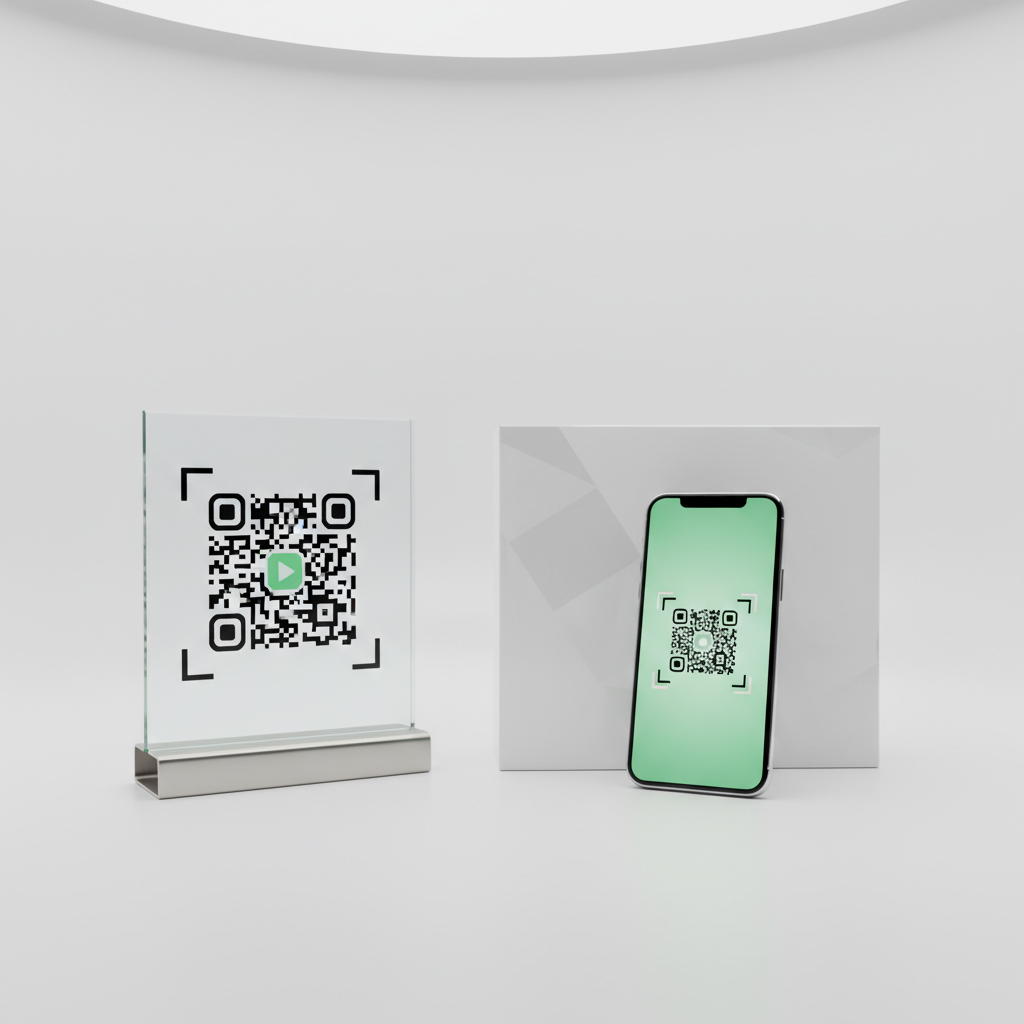
What is QR Code Restaurant Menu and Why It Matters in 2026
A QR code restaurant menu is a digital menu system where customers scan a Quick Response (QR) code to instantly view the restaurant's full menu on their smartphone.
These codes are typically displayed on common restaurant surfaces and materials for easy access:
- Table tent
- Coaster
- Sticker
- Printed card
Instead of handling physical printed menus, diners are directed to a digital version that can be a PDF, a webpage, or an interactive ordering platform.
This technology shifted restaurants away from expensive, single-use printed menus toward flexible, updatable, and hygienic digital alternatives that work across devices.
Key Points
- QR code restaurant menu systems eliminate frequent reprinting and let restaurants update pricing and items in real time.
- Adoption surged during the COVID-19 pandemic and by 2026 is considered a permanent operational upgrade worldwide.
- Customers—especially Millennials and Gen Z—expect digital convenience like photos, ingredient details, filters, and translations.
Step-by-Step: How to Create a QR Code Restaurant Menu on blueqrcode.com
Creating a professional QR code for your restaurant menu is straightforward and completely free on blueqrcode.com.
Try it now: Generate a free Qr Code Restaurant Menu →
You don't need to create an account, and your QR code will have no watermark and no expiry date.
- Prepare Your Digital Menu: Before generating your QR code, have a digital version of your menu ready to link to, such as a PDF, a webpage, or a hosted menu.
- Copy Your Menu URL: Once your digital menu is hosted and publicly accessible, copy the full URL and verify it works in a private browser window and on mobile.
- Visit blueqrcode.com: Open your browser and navigate to blueqrcode.com to access the free QR code generator with no registration required.
- Select the URL QR Code Type: From the available QR code types, choose the option that matches your menu link. The platform includes several QR code types such as:
- WiFi
- vCard
- Google Review
- URL
- SMS
- App Download
- Barcode
- Event
- Phone
Best Practices
Use these practices to ensure your qr code restaurant menu provides a smooth customer experience.
- Make the menu mobile-optimized so fonts, images, and layout display well on smartphones.
- Verify links in multiple browsers and devices before printing QR codes for tables.
- Keep PDFs compressed and readable to reduce load times and improve usability.
Common Mistakes to Avoid
Be aware of common pitfalls that lead to poor guest experiences with QR code menus.
- Using a broken or non-public link — always test the URL in an incognito window and on mobile.
- Failing to optimize for mobile — small fonts, large image files, or unresponsive layouts frustrate diners.
Conclusion
A qr code restaurant menu is a cost-effective, flexible, and modern way to present menus and manage updates in real time.
When implemented with mobile optimization and reliable links, QR code menus improve the dining experience and reduce operational costs.
No watermark · No expiry · Works on all phones
Your QR code is ready in under 30 seconds.
Generate Free QR Code →