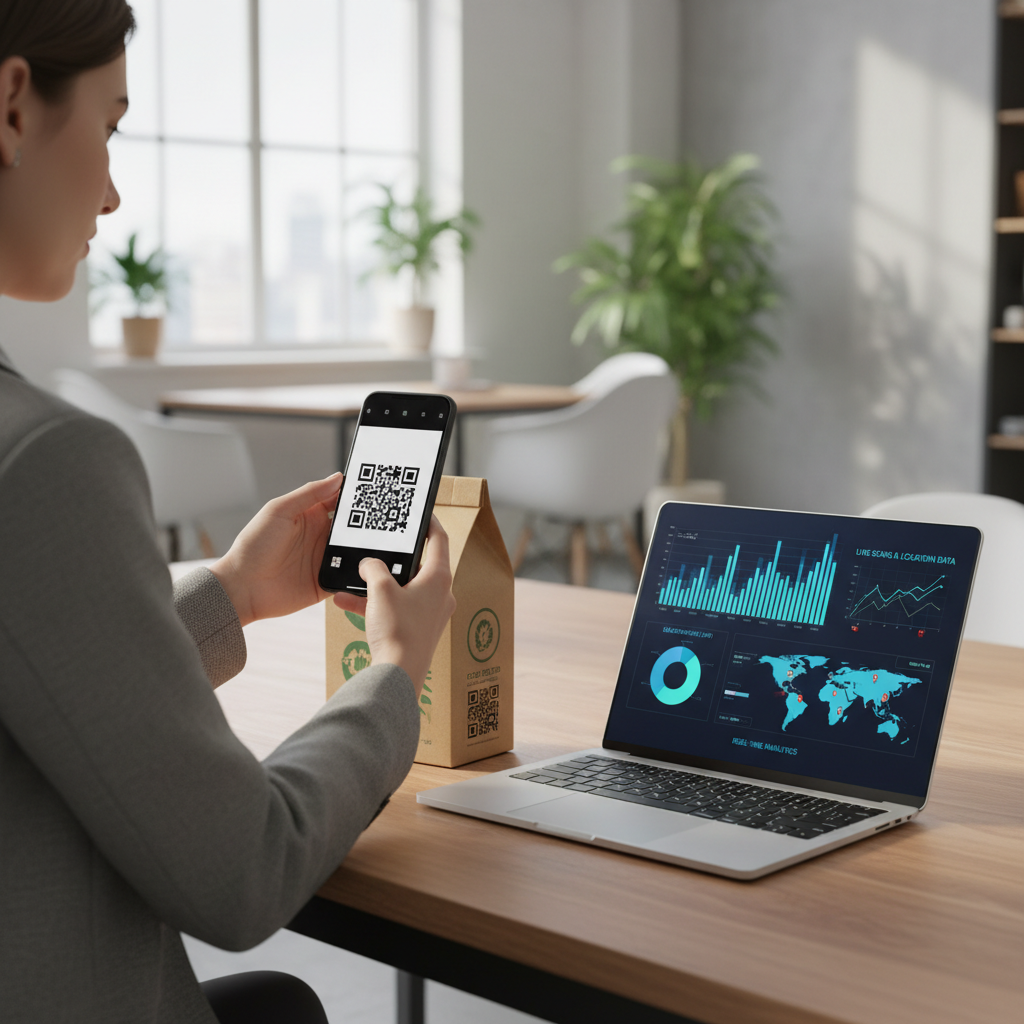
What Is QR Code Tracking Analytics and Why It Matters in 2026
QR code tracking analytics refers to the practice of measuring, monitoring, and interpreting how audiences interact with QR codes deployed across physical and digital environments. When a person scans a QR code, that action represents a moment of genuine intent — they picked up their phone, opened a camera or scanning app, and deliberately chose to engage.
In 2026, QR codes have become deeply embedded in everyday life. They appear in many places, including:
- Restaurant tables
- Product packaging
- Event badges
- Billboards
- Business cards
- Direct mail campaigns
- Retail displays
Tracking analytics gives you the ability to connect your offline touchpoints to measurable outcomes. Instead of guessing whether a flyer campaign drove foot traffic or whether a product label QR code resonated with customers, you can build feedback loops that inform future decisions. You can easily utilize our QR Code Generator to create codes that track these interactions effectively.
It is also important to understand what tracking analytics is not. Static QR codes — the kind that encode a fixed destination directly into the pattern itself — do not natively report back scan data. To gain analytics insights, marketers typically combine static QR codes with trackable destination URLs, UTM parameters, or redirect services that capture visit data on the server side.
Key Points
- Scans represent intentional engagement and can be attributed with proper tracking
- Static QR codes don’t report scans unless paired with trackable URLs or redirects
- Segmentation (unique codes per placement) is essential for accurate channel attribution
How QR Code Tracking Analytics Works — The Technical Foundation
To appreciate QR code tracking analytics fully, it helps to understand the underlying mechanics. A QR code is essentially a visual container for encoded data — most commonly a URL. When a smartphone camera or dedicated scanning app reads the code, it decodes that data and, in the case of a URL, opens the encoded address in the device's browser.
The QR code itself does not transmit scan events to any server. The tracking happens after the scan, at the destination.
The most common method for implementing QR code tracking analytics is through UTM parameters. These are small text strings appended to a URL that tell analytics platforms like Google Analytics exactly where a visitor came from.
- utm_source=flyer
- utm_medium=print
- utm_campaign=summer_promo
Another approach involves using a redirect or short URL service. In this model, the QR code encodes a short URL that first passes through a redirect server. That server logs the incoming request — capturing information such as timestamp, approximate geographic region, and device type — before forwarding the user to the final destination.
Try it now: Generate a free Qr Code Tracking Analytics →
For businesses that operate landing pages, integrating server-side analytics tools provides yet another layer of measurement. Heatmaps, session recording, and conversion event tracking can all activate the moment a QR-code-driven visitor lands on a page.
Understanding which technical approach aligns with your infrastructure and goals is essential. A common approach for small businesses is to combine a clean, memorable short URL encoded in the QR code with UTM parameters baked into the redirect destination.
Step-by-Step: Create Your QR Code Tracking Analytics on blueqrcode.com
Building a QR code optimized for tracking analytics is straightforward when you use the right tool. blueqrcode.com's free QR code generator supports 13 QR code types, requires no account, adds no watermark, and produces codes that never expire — making it an excellent starting point for campaigns where you want full control over your analytics setup.
Here is a step-by-step approach to creating a tracking-ready QR code using blueqrcode.com:
- Step 1: Build your tracking URL. Prepare the destination URL with your UTM parameters already embedded and validate it in a browser.
- Step 2: Choose the URL QR type on blueqrcode.com. Select the URL QR code type to encode your web address directly into the pattern.
- Step 3: Paste your full tracking URL, including all UTM parameters, into the generator so the tool encodes everything into the QR pattern.
- Step 4: Select your error correction level. Use higher levels (up to 30% / Level H) for print where codes may be damaged or partially obscured.
- Step 5: Download in the right format. Choose PNG for print or SVG for scalable digital and large-format use.
- Step 6: Verify before deploying. Scan the code with at least two device types (iOS and Android) to confirm the tracking URL and UTM parameters pass through correctly.
This workflow ensures that every scan your code receives is attributed correctly in your analytics dashboard. Because blueqrcode.com generates static codes that never expire, your campaign QR codes remain functional for as long as the destination URL exists.
Deployment Best Practices for QR Code Tracking Analytics
Creating a technically sound, tracking-ready QR code is only half the work. How and where you deploy that code has an enormous influence on how much useful data you are able to collect.
Size matters for scan reliability. The minimum recommended print size for any QR code is 2.5 cm × 2.5 cm. For large-format materials like posters or banners, scale the code proportionally — larger is always safer.
Contrast and quiet zone are non-negotiable. A QR code must have sufficient contrast between its dark modules and light background. Maintain a clear quiet zone — a blank border area — around all four sides of the code.
Use unique codes for each placement. Create a distinct QR code — with a unique UTM source parameter — for each placement so you can segment performance by channel.
100% Free — No signup required
Create your Qr Code Tracking Analytics in seconds
Create Free QR Code →Include a clear call to action near every code. Brief instructions such as "Scan to leave us a review" or "Scan for your exclusive discount" increase engagement and improve the quality of analytics data.
Test across device types before launch. blueqrcode.com-generated codes are compatible with over 95% of modern smartphones from 2020 onward, but testing on both iOS and Android catches issues early.
Plan your data review cadence. Establish a regular schedule — weekly during active campaigns, monthly for ongoing placements — to assess performance and make adjustments.
Common Mistakes to Avoid With QR Code Tracking Analytics
Even well-intentioned QR code campaigns can produce misleading or incomplete analytics when certain mistakes go unaddressed. Being aware of these pitfalls before launch protects the integrity of your data.
- Using a single QR code across multiple channels and losing channel attribution
- Forgetting to test the tracking URL before printing, which can lead to broken UTM parameters
- Placing QR codes in low-signal environments without a plan for connectivity
- Ignoring the destination experience — mobile-unfriendly landing pages undermine conversion
- Treating all scans as equal when some are internal tests, accidental activations, or bots
Real-World Use Cases: QR Code Tracking Analytics Across Industries
QR code tracking analytics is used across many sectors to connect physical touchpoints with online behavior and measurable outcomes.
- Retail and e-commerce: Track product packaging, in-store shelf tags, and point-of-sale displays with unique UTM-tagged codes to compare placements like endcaps versus checkout areas.
- Hospitality and food service: Use QR codes for menus, loyalty sign-ups, and review requests; combine a Google Review QR code with tracked links to measure both reviews and site interest.
- Event management: Place unique tracked codes on lanyards, programs, and session handouts to see which sessions or sponsor booths drive follow-up engagement.
- Healthcare and wellness: Track which appointment reminders or waiting-room posters drive patients to online portals or surveys.
- Real estate: Use separate tracked codes on yard signs, brochures, and mailers to identify which channels generate the most inquiries.
- Nonprofits: Monitor which outreach materials drive web visits and donations to optimize fundraising appeals.
Frequently Asked Questions
Do QR codes generated on blueqrcode.com support built-in scan tracking?
blueqrcode.com generates static QR codes, which encode data directly into the visual pattern. Static QR codes do not natively report scan events to a server. To implement tracking analytics, encode a URL that includes UTM parameters or passes through a redirect service that logs visits.
Will my blueqrcode.com QR code expire and break my tracking campaign?
No. All QR codes generated on blueqrcode.com are static codes, and static QR codes never expire. The code will continue to function and redirect to your tracking URL for as long as the destination URL remains live.
What is the best QR code format to download for print tracking campaigns?
For print materials, download your QR code as a PNG file at the highest resolution available. For campaigns that require scalable output, download the SVG format instead, which scales without loss of quality.
How do I track which specific print placement is driving the most scans?
Create a separate QR code encoding a uniquely tagged URL for each physical placement. For example, use different utm_source values like "window_decal," "counter_card," and "direct_mail" so your analytics platform shows channel-level attribution.
Can I use a vCard or WhatsApp QR code for tracking purposes?
vCard QR codes encode contact information directly into the pattern and do not provide a traditional web analytics layer. WhatsApp QR codes open a direct conversation and do not pass through standard web analytics. The URL QR code type is the most appropriate choice for campaign tracking because it allows embedding a trackable web address.
Ready? Generate free at blueqrcode.com — no account, no watermark.
Conclusion
QR code tracking analytics turns physical engagement into measurable digital data, enabling smarter placement, messaging, and budget decisions. With careful setup, testing, and segmentation, you can rely on QR codes to provide clear, actionable insights for your campaigns.
```No watermark · No expiry · Works on all phones
Your QR code is ready in under 30 seconds.
Generate Free QR Code →