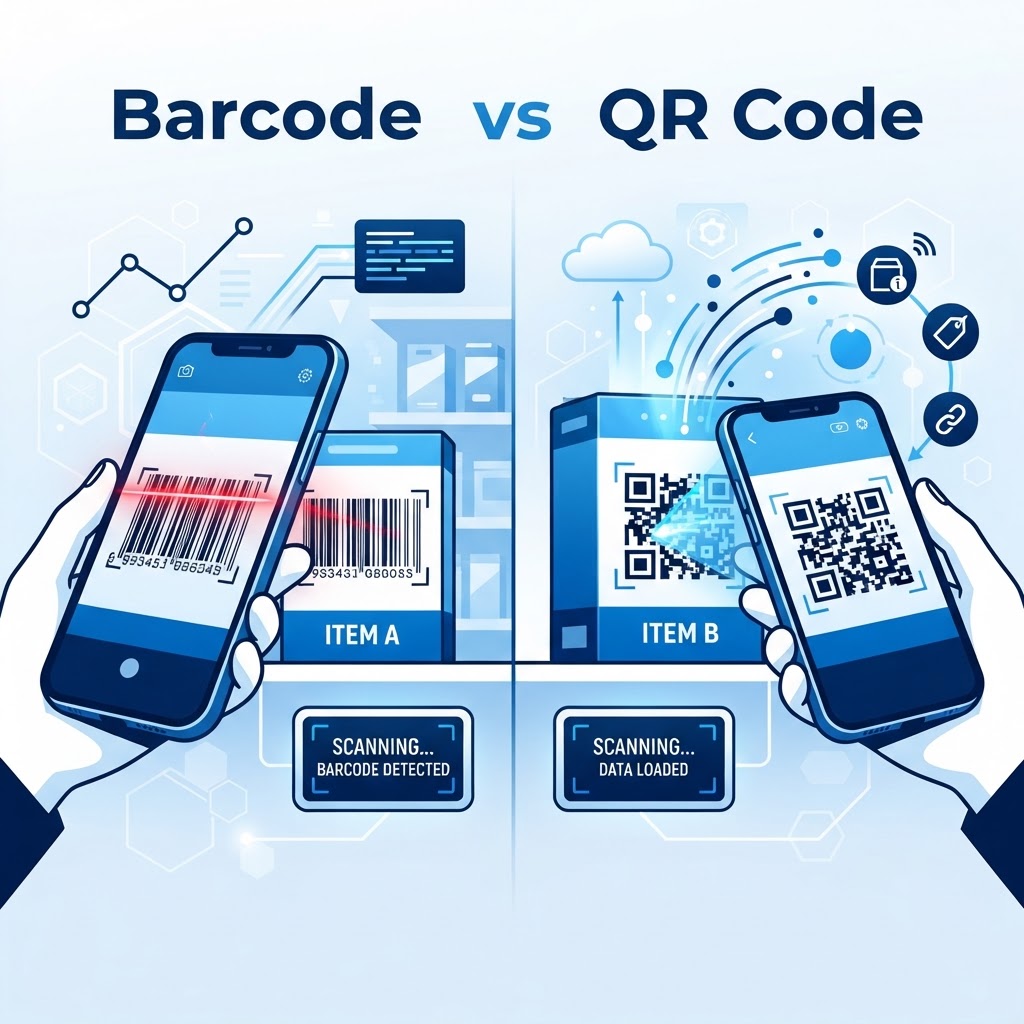
QR Code vs Barcode for Retail: Understanding the Core Differences
This article examines qr code vs barcode for retail and what retailers should consider when choosing between them.
It focuses on practical differences like data capacity, typical use cases, and implementation trade-offs. If you are ready to experiment with the dynamic capabilities of QR codes, you can generate yours here to see how they perform.
Why This Topic Matters
Choosing between QR codes and barcodes affects inventory management, customer interaction, and checkout efficiency.
Retailers need to weigh technical capabilities, cost, and customer experience when deciding which code type to use. For marketing campaigns or digital loyalty programs, many businesses find that using a QR code vs a short URL depends heavily on the context of the physical placement.
Key Points
- Data capacity: QR codes can store more data and support URLs, while traditional 1D barcodes store limited numeric/product data.
- Use cases: Barcodes remain common for POS and inventory; QR codes enable marketing, mobile interactions, and rich product info.
- Scanning environment: Barcodes are optimized for fast, line-of-sight POS scanning; QR codes work well for camera-based smartphone scanning and print media.
Step-by-Step Guide
Follow these steps to decide and deploy the right code system for your retail needs.
Try it now: Generate a free Qr Code Vs Barcode For Retail →
- Step 1: Assess requirements such as data type, expected scanning devices (scanners vs smartphones), and integration with POS or inventory systems.
- Step 2: Choose the code type that matches your needs — use barcodes for streamlined POS/inventory and QR codes for richer customer-facing experiences.
- Step 3: Implement, test in real store conditions, and train staff; monitor scanning reliability and customer interactions to refine deployment.
When to Choose Each
- Barcode preferred: Use when fast POS scanning, low-cost printing, and legacy system compatibility are top priorities.
- QR code preferred: Use when you need to encode URLs, more data, or enable mobile-driven experiences like product pages or loyalty sign-ups.
Best Practices
Apply these best practices to maximize reliability and customer experience when using QR codes or barcodes in retail.
100% Free — No signup required
Create your Qr Code Vs Barcode For Retail in seconds
Create Free QR Code →- Test often: Validate scanning performance across devices, lighting conditions, and printing materials before full rollout.
- Optimize size and contrast: Ensure codes meet minimum size and contrast requirements for reliable scans both at POS and on mobile devices.
- Integrate with systems: Connect codes to your inventory, POS, or analytics platforms to keep data synchronized and actionable.
Common Mistakes to Avoid
Avoid these frequent errors that reduce scan reliability or customer engagement.
- Overcomplicating design: Adding excessive branding or reducing contrast can make codes unreadable by scanners or smartphones.
- Ignoring environment: Failing to test in real lighting, distances, or on different materials leads to poor scan rates at checkout or in marketing use.
Conclusion
The choice in the qr code vs barcode for retail depends on use case: barcodes for fast POS and inventory, QR codes for richer customer interactions.
Evaluate needs, test in-store, and follow best practices to ensure reliable scanning and a smooth retail experience. When you are ready to implement your strategy, simply use our free QR Code Generator to create high-quality, scannable codes for your retail displays.
No watermark · No expiry · Works on all phones
Your QR code is ready in under 30 seconds.
Generate Free QR Code →