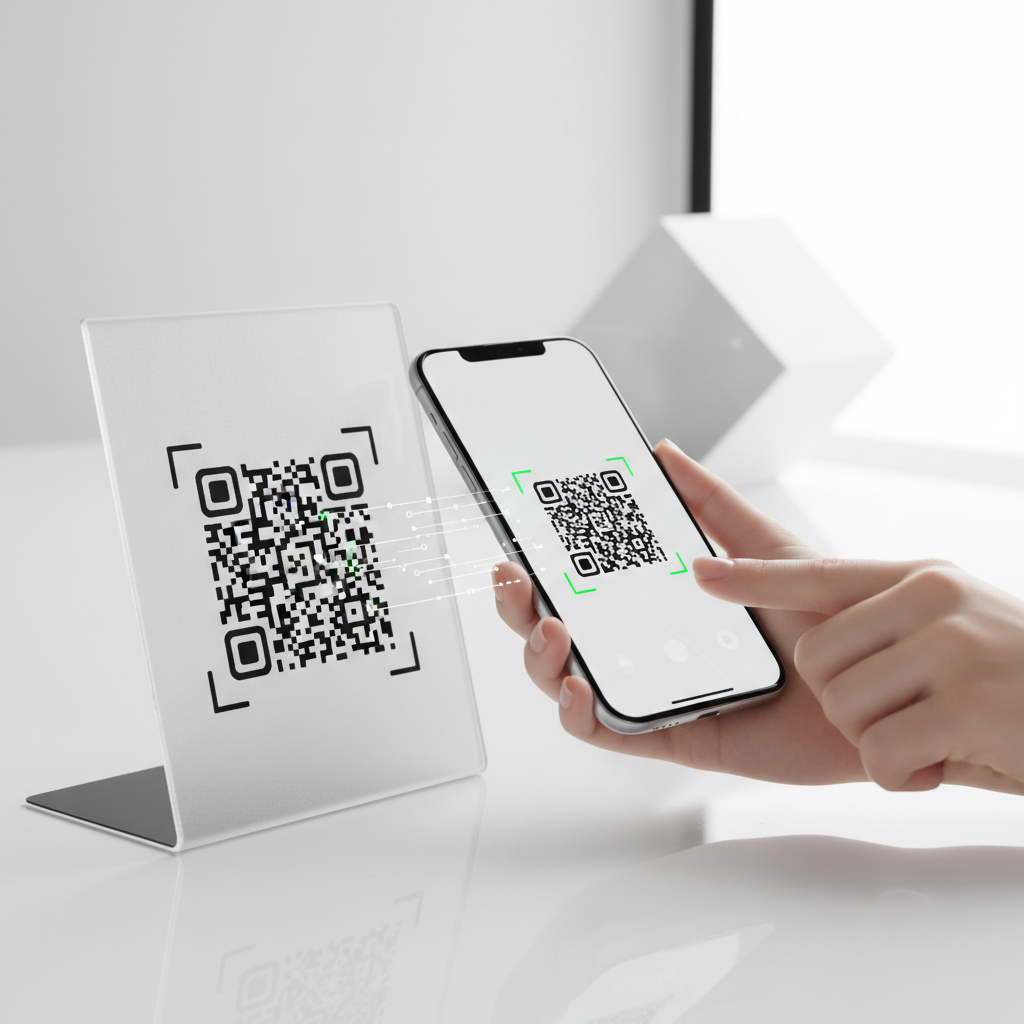
What Is Test QR Code and Why It Matters in 2026
A test QR code is a QR code you create, scan, and evaluate before committing it to final production — whether printed on packaging, embedded in a flyer, published on a website, or displayed on a sign.
Testing is a critical quality-control step that determines whether your QR code will work for every person who encounters it or silently fail and frustrate your audience.
Key Points
- Test encoded data, visual design, size, device compatibility, and the triggered action.
- Testing does not require expensive equipment — a smartphone and tools like blueqrcode.com suffice.
- Broken QR codes damage trust; thorough testing prevents failed deployments.
In 2026, QR codes appear across commerce and communication: menus, ticketing, healthcare, and review collection are common examples. A failed code can immediately erode user trust and reduce engagement.
Testing verifies several distinct factors before deployment.
- Encoded data is correct and error-free.
- Visual design does not interfere with scannability.
- Minimum size requirements are met for intended scan distance.
- Code functions across a range of devices and operating systems.
- The intended destination or action triggers exactly as expected.
The good news: testing does not require specialized hardware. With a free tool like blueqrcode.com and a standard smartphone you can generate, test, and validate a QR code in minutes.
Blueqrcode.com supports all 13 QR types from WiFi and vCard to Google Review and WhatsApp, making it simple to cover typical use cases during testing.
How Test QR Code Works — The Technical Foundation
To test a QR code effectively, understand what makes a QR code work: a two-dimensional matrix of black and white modules that a camera or scanner decodes to perform an action, such as opening a URL or importing contact details.
Error correction
QR codes support four levels of error correction — L, M, Q, and H — which determine how much damage or obstruction the code can tolerate while remaining scannable.
- L (7%)
- M (15%)
- Q (25%)
- H (30%) — at this level a QR code can still be read even if up to 30% of its surface is damaged or obscured.
Blueqrcode.com applies error correction up to level H to maximize resilience in real-world conditions.
PNG format is optimized for print, delivering sharp edges and clear contrast at high resolution.
Try it now: Generate a free Test Qr Code →
SVG format is ideal for web use, as it scales infinitely without pixelation. When testing for print, always test the PNG at the actual intended print size.
Static QR codes encode data directly into the matrix and never expire. Testing a static code focuses on validating the encoded content itself, since there is no dynamic redirect to verify.
Step-by-Step: Create Your Test QR Code on blueqrcode.com
Creating and testing a QR code on blueqrcode.com is streamlined: no account, no payment, and no watermark on the final file. Follow these practical steps to generate and test with confidence.
- Step 1: Choose your QR type on blueqrcode.com/qr-code-generator.
- WiFi
- vCard
- Google Review
- URL
- SMS
- App Download
- Barcode
- Event
- Phone
- Step 2: Enter your data carefully, double-checking fields (SSID/password/encryption for WiFi; name/phone/email/address for vCard; full country code for WhatsApp).
- Step 3: Generate and download in the format appropriate for your use case — PNG for print, SVG for web.
- Step 4: Test on multiple devices: scan from your screen, then transfer the file and scan on a device with a different OS.
- Step 5: Test at print size: print at your intended final dimensions (minimum recommended size noted below) and scan from a typical user distance to confirm reliability.
- Step 6: Verify the outcome: confirm the triggered action matches what you intended (WiFi connects, vCard imports correctly, WhatsApp opens the right number).
Deployment Best Practices for Test QR Code
Testing on your device is the first QA layer; before large-scale deployment, apply additional checks to reduce field failures.
- Test across multiple devices and operating systems (iOS and Android), using native camera apps and third-party scanner apps.
- Test under realistic lighting conditions, including dim indoor lighting and direct sunlight to check for glare issues.
- Maintain adequate quiet zone margins so surrounding graphics do not encroach on the code.
- Check contrast carefully; black on white is optimal and branded colors require aggressive testing.
- Conduct a batch test before a large print run to surface ink bleed, registration, or texture issues.
- Document your test results: record devices tested, conditions, and pass/fail outcomes for future reference.
Common Mistakes to Avoid With Test QR Code
Even experienced teams make predictable errors when generating and testing QR codes. Awareness prevents costly reprints and failed deployments.
- Skipping the print test entirely — screen and print behave differently in resolution, color, and physical size.
- Making the QR code too small — the recommended minimum is 2.5cm × 2.5cm; increase size for high data density.
- Encoding incorrect data — typos in phone numbers or missing digits lead to wrong results even if the code scans technically.
- Inverting colors without testing — inverted designs are not reliably supported by all scanners.
- Covering too much of the code with a logo — keep overlays conservative and test extensively, respecting error correction limits.
- Assuming testing is one-time — static codes embed data permanently; update content requires generating and testing a new code.
Real-World Use Cases: Test QR Code Across Industries
Testing priorities vary by industry. Focus efforts where failure would be most visible or disruptive.
Hospitality and Food Service
Restaurants use QR codes for menus and review collection; test under variable lighting and on laminated or glossy surfaces to check for glare.
Verify Google Review QR codes redirect to the correct business listing rather than a generic search page.
Events and Conferences
Event QR codes are used for tickets, check-in, vCards, and WiFi access. Failures occur in real time, so complete comprehensive tests days before the event.
Test the WiFi QR with the exact SSID, password, and encryption type that will be live on event day.
Healthcare and Professional Services
vCard QR codes share professional contact information where accuracy is paramount. Import the vCard into a real contacts app and verify every field.
Retail and E-commerce
Retailers place QR codes on packaging and receipts where small sizes and complex backgrounds are common. Prioritize minimum size compliance and contrast testing.
For App Download QR codes, ensure routing works correctly to both Apple App Store and Google Play depending on device.
Real Estate
Outdoor QR codes on yard signs and brochures must be readable from a distance and under direct sunlight. Test at larger sizes and under bright conditions.
Education
Schools use QR codes for WiFi credentials, contact info, and event details. Verify WiFi QR codes connect correctly on student devices and that vCards import cleanly on iOS and Android.
Frequently Asked Questions
How do I know if my QR code is working correctly before printing?
Test in three stages: scan from your screen, scan on a second device with a different OS, and print a single test copy at your intended final size (no smaller than 2.5cm × 2.5cm) and scan from a typical user distance.
If any step fails, return to blueqrcode.com/qr-code-generator, correct the data, regenerate the code, and repeat the test sequence.
Does a QR code generated on blueqrcode.com expire after testing?
No. All QR codes generated on blueqrcode.com are static QR codes with permanently embedded data. There is no server dependency or expiration.
If the underlying information changes, generate and test a new code before redeploying.
What is the minimum size a QR code should be for reliable scanning?
The recommended minimum print size is 2.5cm × 2.5cm. Below this, modules become too small for many smartphone cameras to resolve, especially with high data density.
Scale up proportionally for greater scan distance or outdoor signage and always test at the actual intended print size.
Can I test a WiFi QR code without an active network?
You can scan and decode a WiFi QR to verify the encoded SSID, password, and encryption type, but to confirm automatic connection you need the actual network to be active and within range.
For events, run a live connection test on-site using the exact network credentials that will be in use.
Which devices and operating systems can scan QR codes generated on blueqrcode.com?
QR codes from blueqrcode.com are compatible with the vast majority of modern smartphones. Most phones from 2020 onward scan natively via the camera app on iOS and Android.
For devices without native scanning, free third-party scanner apps are available. During testing, scan on at least one iOS and one Android device to confirm consistent performance.
Ready? Generate free at blueqrcode.com — no account, no watermark.
Conclusion
Proper testing ensures your test QR code works reliably across devices, sizes, and environments and prevents costly failures in the field.
Follow a structured process, document results, and retest whenever the underlying data changes.
No watermark · No expiry · Works on all phones
Your QR code is ready in under 30 seconds.
Generate Free QR Code →