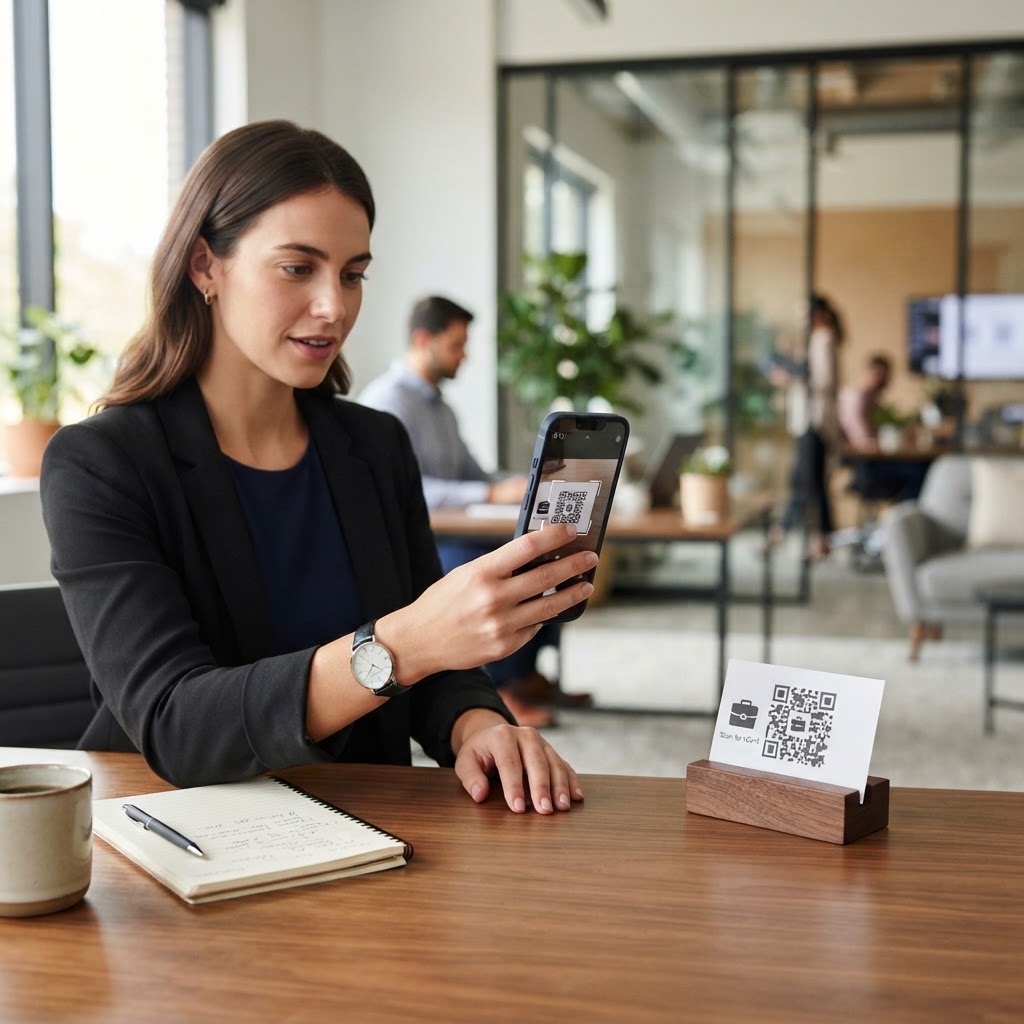
Why a vCard QR Code for Accountant Networking Matters
In the financial services industry, trust is built through accessibility and professional presentation. Imagine meeting a high-value lead at a conference; if they have to type your email address and phone number manually, the risk of a typo or them simply losing your paper card is high.
By using a vCard QR code for accountant branding, you ensure that your full contact data, including your firm's website and office address, is perfectly saved in their address book instantly. It removes the barrier to follow-up and positions you as a tech-savvy advisor who values the client's time. You can use Blue QR Code Generator's digital business card QR codes tool to modernize your firm's outreach strategies today.
What You Need Before You Start
Before you begin the generation process, ensure you have your professional details ready to avoid switching tabs repeatedly. You should have a clear professional headshot, your office phone number, verified email address, and the URL to your professional profile or company website.
Additionally, keeping a saved version of your vCard or contact information in a simple text file can speed up data entry. Having these elements finalized will make the setup process smooth when you choose to generate yours in seconds.
Try it now: Generate a free Vcard Qr Code For Accountant →
How to Create a vCard QR Code for Accountant Success — Step by Step
- Access the Generator: Navigate to our free vCard QR Code Generator to begin your session.
- Enter Contact Information: Input your name, firm name, job title, and phone number into the required fields precisely.
- Include Digital Links: Paste your LinkedIn profile URL or firm website link to ensure prospects can easily vet your financial credentials.
- Add a Professional Photo: Upload a high-resolution headshot to make your digital business card feel more personal and recognizable.
- Customize the Appearance: Adjust the QR code color scheme or frame to match your accounting firm's professional brand identity.
- Generate and Download: Click the generation button and download the file in a high-resolution format like PNG or SVG for your print materials.
How to Test and Deploy It
Never print your business cards until you have verified the scan result on both an iPhone and an Android device. Open your camera app, scan the generated code, and ensure it correctly prompts the user to add the contact to their existing list.
100% Free — No signup required
Create your Vcard Qr Code For Accountant in seconds
Create Free QR Code →Place the QR code in a clean, high-contrast area on your physical business card, ideally on the back or bottom corner to avoid interfering with your name. Using the Blue QR Code Generator, you can create high-density codes that remain readable even when scaled down for small print materials.
Common Mistakes That Ruin Results
- Low Contrast: Printing a light-colored QR code on a light background makes it impossible for standard smartphone cameras to focus and decode the information.
- Insufficient Size: Scaling the code down too far often causes it to become blurry or fragmented, rendering the scan unsuccessful for your potential clients.
- Missing Contact Fields: Leaving out essential details like your direct business email address forces the user to manually add what should have been an automated process.
- Forgetting to Test: Printing in bulk without conducting a real-world test on multiple devices can lead to hundreds of useless business cards.
Real Examples of Usage
Consider a tax consultant who prints a QR code on their brochure; a potential client simply scans it while waiting for an appointment, instantly securing the consultant's mobile number. Another effective application is placing the code in the signature of your outgoing professional emails, allowing recipients to save your contact information with a single click from their desktop monitor.
Blue QR Code Generator simplifies this process, providing the infrastructure to link your offline presence with your digital contact details seamlessly. Whether you are at a local networking mixer or an international financial summit, your contact data stays perfectly synchronized with your brand.
No watermark · No expiry · Works on all phones
Your QR code is ready in under 30 seconds.
Generate Free QR Code →