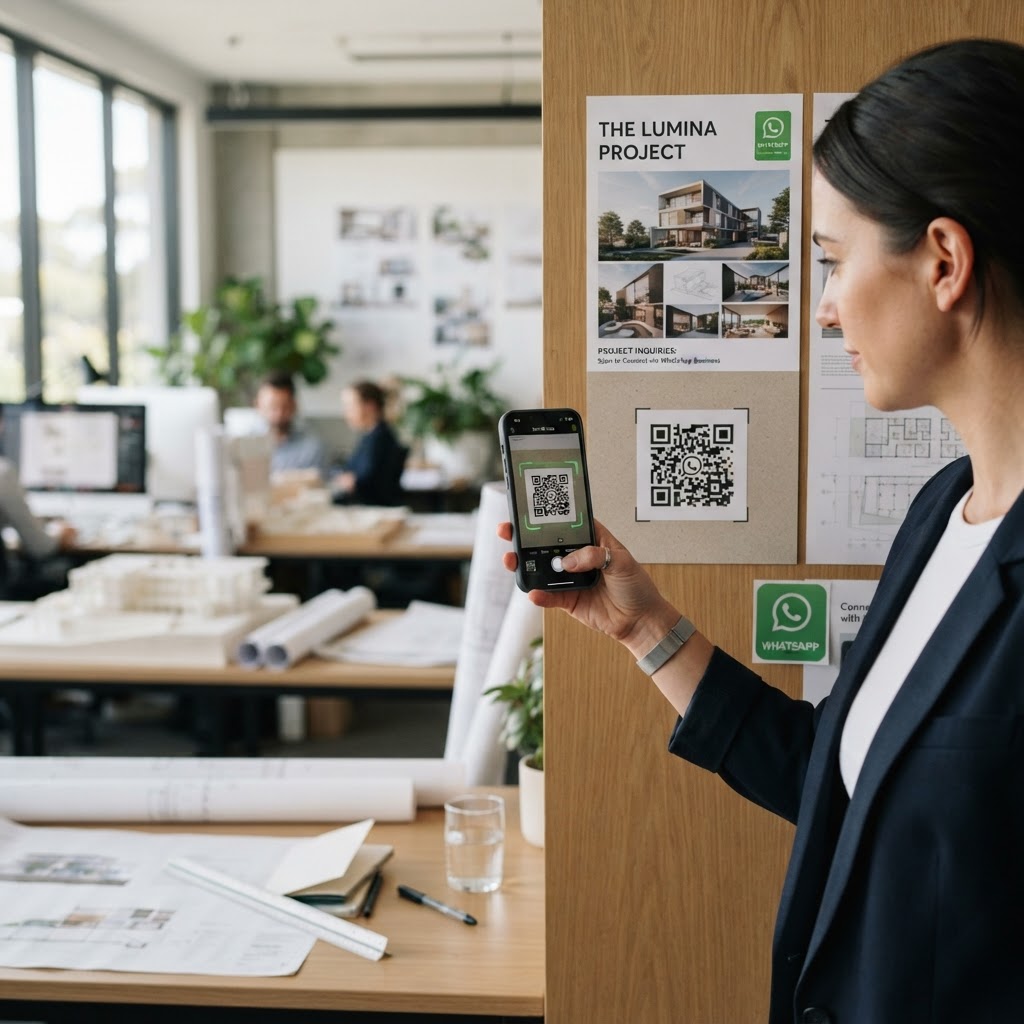
Why an architect needs direct mobile communication
Imagine a potential client viewing a project sign on a construction site or browsing your physical brochure in a busy cafe. If they have to manually type your phone number into their contacts list, they will likely lose interest or get distracted before ever sending you a message.
Using our free WhatsApp QR Code Generator, you turn a passive viewing experience into an active conversation. This immediacy builds trust and ensures that you capture inquiries when the client is most excited about your design vision.
What you need before you start
Before you begin, ensure you have your business WhatsApp account phone number ready, including your international country code. You should also have a clear idea of your pre-filled message, such as "Hi, I’m interested in your design services for my upcoming home renovation project."
Having a high-resolution logo for your firm can also help if you want to customize your output. You do not need any special software to generate yours in seconds using your web browser.
How to create a WhatsApp QR code for architect success
- Access the tool: Open the Blue QR Code Generator platform directly in your browser.
- Input your number: Carefully enter your WhatsApp business phone number, ensuring the country code is correct to avoid connection errors.
- Draft your message: Write a professional, friendly opening message that potential clients will send to you automatically.
- Customize the design: Use the options within the tool to adjust colors or add your firm’s logo for a cohesive brand look.
- Preview and test: Click to generate the code and use your smartphone camera to ensure it leads to the correct chat window.
- Download your file: Save the final QR code image in a high-quality format like PNG or SVG so it remains crisp on printed architectural plans or banners.
How to test and deploy it
Always test your code from at least two different smartphones before sending it to a print shop. When printing, ensure the QR code is at least 2cm by 2cm to guarantee that even older phone cameras can read it effortlessly.
Place these codes on your business cards, construction site signage, and even the last page of your digital project PDFs. You can easily use Blue QR Code Generator's WhatsApp QR codes tool to make your contact information accessible anywhere your work is showcased.
Common mistakes that ruin results
- Low contrast designs: Using light-colored codes on light backgrounds makes them impossible for scanners to detect.
- Missing country codes: Failing to include the '+' and country digits will result in a broken link for international or mobile-only users.
- Over-complicating the message: Keep the auto-filled message brief so the client can send it without needing to edit it first.
- Poor placement: Putting a QR code in a location where a user cannot physically scan it, like a high billboard or a moving vehicle, limits engagement.
Real examples of professional implementation
Consider placing a QR code on a "Coming Soon" sign at a construction site with the text: "I like this style, tell me more about this project." This allows curious neighbors to instantly ask you about your design process while looking at the building.
Another excellent use case is on the back of your firm's presentation folder given to prospective clients. When they review your past work at home, they can simply scan the code to start a private chat with you about their own specific needs. Leveraging the Blue QR Code Generator to facilitate these moments is a simple way to elevate your firm's client acquisition strategy.