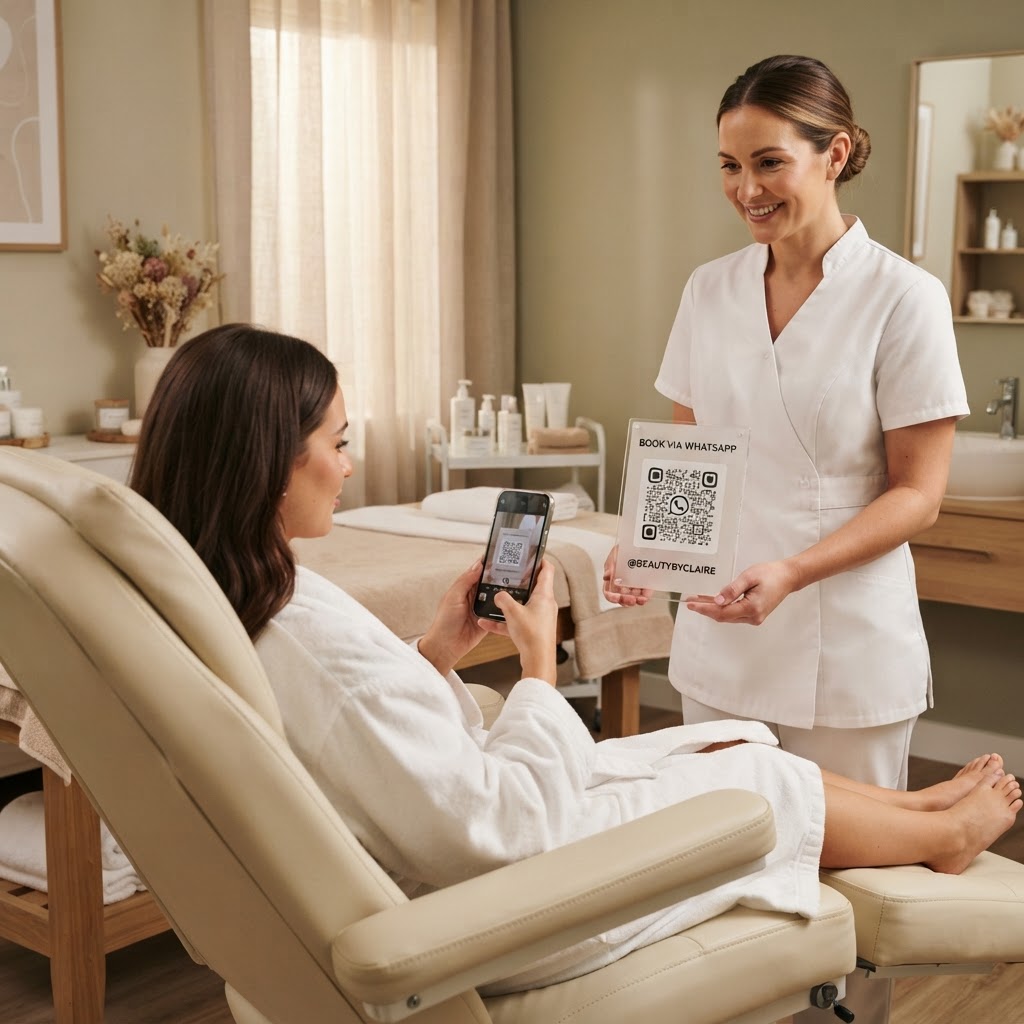
Why a WhatsApp QR code for beauty therapist workflows matters
Imagine a client walks past your salon window after hours and sees your latest promotion. If they have to manually type a number into their phone to inquire about a service, the likelihood of them following through drops significantly.
By using our free WhatsApp QR Code Generator, you provide an instant bridge between curiosity and a confirmed appointment. This frictionless approach is essential for beauty professionals who rely on building personal connections and maintaining a full appointment book.
What you need before you start
Before you begin, ensure you have your business WhatsApp phone number ready, including the correct country code. It is also helpful to draft a pre-filled message template, such as "Hi, I would like to book an appointment for a facial," to make the client experience even smoother.
You will need a reliable internet connection and a clear idea of where you plan to display the code. Whether you use Blue QR Code Generator for window stickers, business cards, or social media posts, having your assets ready beforehand saves time. If you want to understand more about the best practices for mobile engagement, check out our complete guide on creating QR codes for WhatsApp.
How to create a WhatsApp QR code for beauty therapist clients — step by step
- Access the tool: Navigate to our free WhatsApp QR Code Generator to begin the setup process.
- Input your number: Carefully enter your WhatsApp business phone number, ensuring you include the country code without any extra spaces or symbols.
- Draft your message: Write a custom greeting that helps you identify the inquiry, such as "I found your QR code and want to book a massage."
- Generate the code: Click the button to generate yours in seconds and preview how the QR code appears on your screen.
- Customize the design: Use the options within Blue QR Code Generator to adjust colors or patterns if you want the code to match your specific brand aesthetic.
- Download and save: Once you are satisfied with the look, download the file in a high-resolution format suitable for printing on flyers or signage.
How to test and deploy it
Testing is the most important step before you print your codes. Take your own smartphone, open your camera app, and scan the generated code to ensure it launches the correct WhatsApp chat with your pre-filled message.
If the chat opens successfully, you can confidently print it on your business cards, reception desk displays, or even your salon mirror. You can use Blue QR Code Generator's WhatsApp QR codes tool to create multiple versions for different marketing channels to track which ones generate the most leads.
Common mistakes that ruin results
- Invalid phone numbers: Forgetting to include the international country code, which prevents the link from initiating a chat.
- Low-resolution printing: Using a tiny, blurry image that scanners cannot read, resulting in frustrated clients.
- Lack of clear instructions: Placing a QR code without any label or CTA, leaving clients wondering what happens when they scan it.
- Over-complicating designs: Adding too many colors or patterns that interfere with the QR code's scanability.
Real examples of success
Consider a mobile nail technician who prints a small QR code sticker on the back of their van. When potential customers see the vehicle parked, they can scan the code while walking by to see availability for the coming week.
Another example is an esthetician who includes a QR code on their post-treatment care cards. This makes it effortless for existing clients to message them with follow-up questions, fostering repeat business and higher client satisfaction.