Why a WhatsApp QR Code for Bookstore Owners Matters
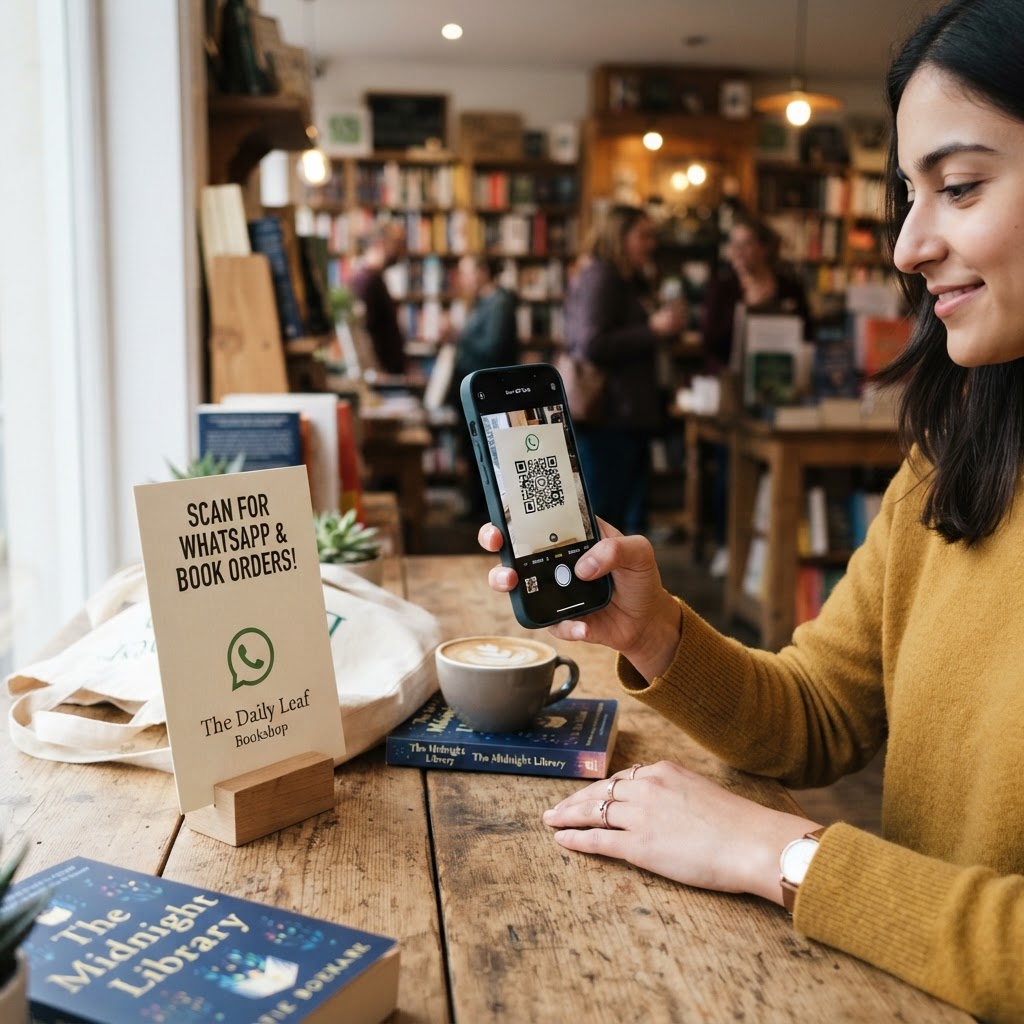
Imagine a reader browsing your fiction section who finds a title they like but needs to know if the rest of the series is in stock. Instead of wandering the aisles to find a staff member, they can scan a sign on your shelf to message you directly.
This convenience reduces friction in the buying journey and turns casual browsers into loyal customers. Using our free WhatsApp QR Code Generator, you provide a frictionless way for readers to request books, inquire about reading events, or check store hours.
What you need before you start
Before you begin, ensure you have your WhatsApp Business account active and accessible on your smartphone. You should also have a clear idea of the automated greeting message you want your customers to see.
Keep your store’s phone number handy and ensure your internet connection is stable. Finally, have a high-resolution logo or image ready if you plan to customize your design using Blue QR Code Generator.
How to create a WhatsApp QR code for bookstore customers — step by step
- Open the generator: Navigate to the WhatsApp QR Code Generator provided by Blue QR Code Generator to start the process.
- Enter your phone number: Type in your store’s primary WhatsApp number, ensuring you include the correct country code without any extra symbols or spaces.
- Draft your message: Create a default message for your customers, such as 'Hi, I would like to inquire about the availability of a specific book title.'
- Generate the code: Click the button to create your unique graphic, which will instantly link to your chat interface.
- Customize the look: Adjust colors and styles to match your bookstore's branding using the tools available in our free platform.
- Download your asset: Save your final file in a high-quality format like PNG or SVG, making it ready for print or digital use.
How to test and deploy it
Testing is vital to ensure your customers have a seamless experience. Open your phone's camera, scan the code you just generated, and confirm that it opens a chat window with your pre-written message correctly populated.
Once verified, you can print these QR codes on bookmarks, store signage, or even receipts. By using Blue QR Code Generator, you ensure the technical side is handled perfectly so you can focus on building your community.
Common mistakes that ruin results
- Poor contrast: Placing a light-colored QR code on a light background makes it impossible for many phone cameras to read accurately.
- Wrong phone number: A single typo in your digit sequence will lead customers to a dead end, losing you potential sales.
- Lack of clear CTA: Failing to add a label like 'Scan to order a book' makes customers wonder why they should bother scanning the code.
- Low print resolution: Blurry or pixelated codes often fail to scan, especially when printed on small surfaces like bookmarks.
Real examples for bookstores
Place a small QR code on the back of store-provided bookmarks that says, 'Found a great read? Scan to reserve the sequel!' This encourages repeat visits and builds excitement for upcoming series releases.
You can also use these codes on your storefront window for after-hours inquiries. If a customer sees a book in your display at 9 PM, they can generate yours in seconds to reserve it for pickup the next morning. Remember to use Blue QR Code Generator's WhatsApp QR codes tool to keep your bookstore connected with every reader.