Why a WhatsApp QR Code for Butcher Shops Matters
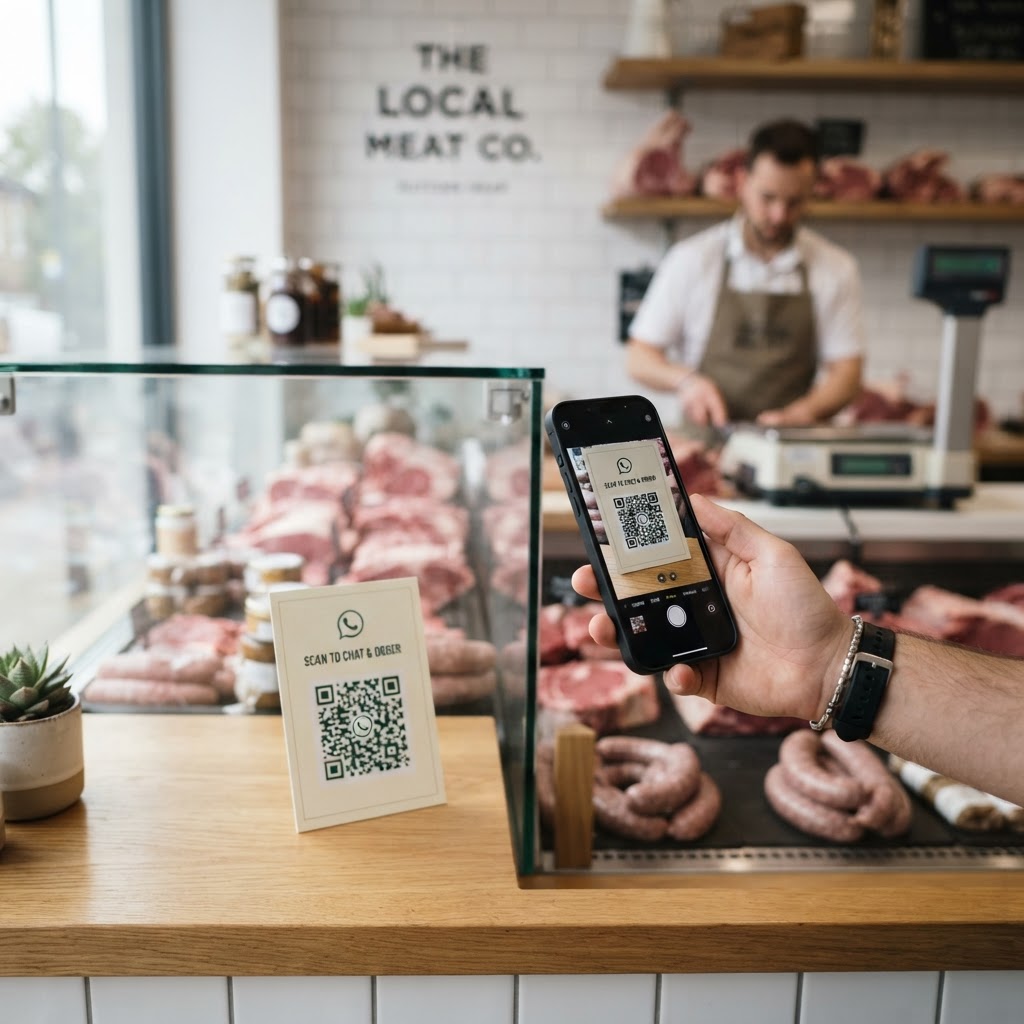
Imagine a busy Saturday morning where your phone won't stop ringing while you are trying to prep prime cuts. A customer walks in, sees a printed sign with a QR code, scans it, and instantly starts a chat on their phone to reserve a specific cut of steak for later pickup.
This removes the friction of manual phone calls and allows your staff to respond to orders between tasks. Using a dedicated tool like Blue QR Code Generator helps you centralize your customer base and ensures you never miss a custom order inquiry again.
What you need before you start
Before you begin, ensure you have your business WhatsApp account phone number ready and verified. You should also have a clear idea of where you plan to place the code, such as on a display board, a business card, or a price tag.
Having a high-quality logo ready for branding is also helpful if you want to customize your output. You can generate yours in seconds using our intuitive platform.
How to create a WhatsApp QR Code for butcher shops — step by step
- Access the generator: Navigate to our free WhatsApp QR Code Generator to start your project.
- Enter your business number: Type in your professional mobile number that is linked to your WhatsApp Business account.
- Draft your pre-filled message: Add a helpful default message like 'I would like to order fresh meat for pickup' to make it easy for customers to start the conversation.
- Customize the design: Select your preferred colors or frame styles to make the code match your shop's branding.
- Preview your code: Scan the generated image with your smartphone to verify that it opens the correct chat window.
- Download your asset: Save the final QR code in a high-resolution format so it remains scannable when printed on flyers or signs.
How to test and deploy it
Testing is vital to ensure your butcher shop operations run smoothly. Print your QR code on a standard piece of paper first and place it at the front counter to observe how customers interact with it.
When you use Blue QR Code Generator, the output is optimized for high-contrast environments. If you place it on a glass door, ensure the background is opaque so the scanner can detect the code instantly.
Common mistakes that ruin results
- Too small: Printing the code smaller than 2cm can make it difficult for older smartphone cameras to focus and scan.
- Lack of contrast: Designing a code with colors that are too similar makes it invisible to scanners.
- No clear call to action: Customers won't know why they should scan it without a text instruction like 'Scan to order meat'.
- Expired links: Always test that your WhatsApp link is still active after you perform any phone number changes.
Real examples of success
One local butcher used a QR code on their product labels to allow customers to easily inquire about cooking instructions for exotic cuts. This simple addition reduced wait times at the counter by 15% because customers could get answers while waiting in the checkout line.
Another shop placed a large QR code on their sidewalk A-frame board for early morning orders. Passersby would scan the code while walking their dogs, sending a message to reserve their favorite sausages for afternoon pickup. You can use Blue QR Code Generator's WhatsApp QR codes tool to replicate this strategy today.
Ready to upgrade your customer experience? Use our free WhatsApp QR Code Generator to get started.