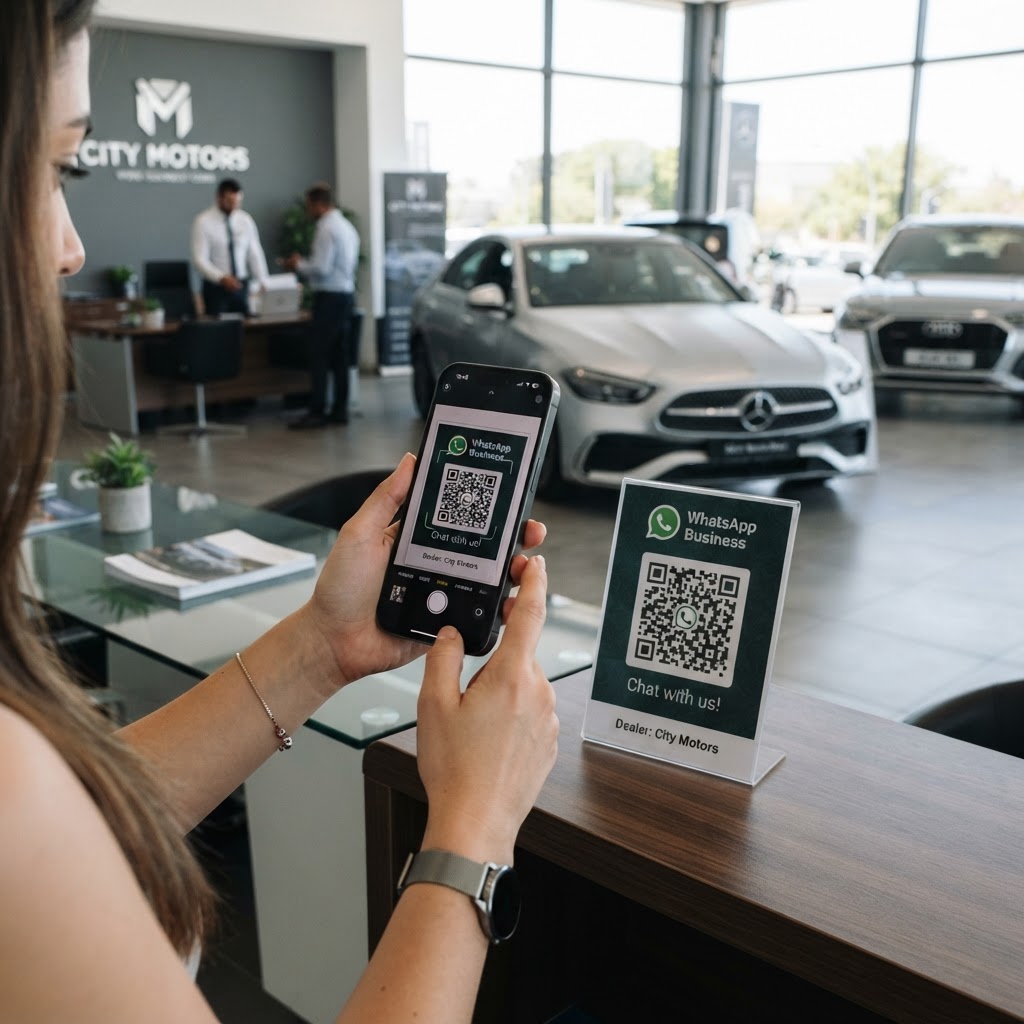
Why a WhatsApp QR code for car dealer operations matters
Imagine a potential buyer admiring a sedan on your lot after hours, but they have a question about the financing or trade-in value. Instead of hoping they remember to call your office on Monday, a QR code placed on the vehicle's window sticker allows them to send a pre-filled message directly to your salesperson's phone.
This tool transforms passive window shopping into active leads. By using our free WhatsApp QR Code Generator, you reduce friction and capitalize on high-intent moments immediately.
What you need before you start
You do not need complex software or coding skills to get this running today. Simply have your dealership's business phone number ready and a clear idea of what automated message you want the customer to send.
Using the Blue QR Code Generator, you can customize the intent of the conversation. Have your mobile device or desktop ready to verify the chat link once generated, and ensure your team has WhatsApp Business installed for the best tracking features.
How to create a WhatsApp QR code for car dealer leads — step by step
- Access the tool: Navigate to our free WhatsApp QR Code Generator to begin the setup.
- Enter your phone number: Type in your dealership’s mobile number, including the country code, to ensure messages reach the right desk.
- Craft a custom message: Write a specific trigger message like, "Hi, I am interested in this vehicle [Stock ID]. Can you provide more details?"
- Generate the code: Click the generate button to produce your unique QR code instantly.
- Personalize the design: Use the style options in the Blue QR Code Generator to match your brand colors or add your logo for a professional look.
- Download your asset: Save the final QR code as a high-resolution PNG or SVG file for printing on window stickers or showroom flyers.
How to test and deploy it
Before mass-printing your new stickers, scan the code with your own smartphone to ensure it opens the correct chat with the pre-filled text. If the message appears exactly as you typed it, you are ready to distribute these to your sales team.
Place these codes on every vehicle in your inventory to see which models get the most interest. As customers scan, you can generate yours in seconds and track which vehicles are moving fastest through digital inquiries.
Common mistakes that ruin results
- No context: Placing a QR code without a call-to-action like "Scan to get trade-in quote" leads to low scan rates.
- Broken links: Always test your code before printing it on expensive showroom signage.
- Ignoring response times: An automated WhatsApp reply is essential if you cannot answer the initial inquiry within five minutes.
- Poor placement: Putting codes in hard-to-reach or glare-heavy areas makes it difficult for customers to scan quickly.
Real examples of dealership implementation
A luxury dealership used a QR code on their high-end sports cars to allow users to book a test drive directly via chat. By linking to a specific "Test Drive Request" message, they increased weekend bookings by 40% compared to traditional paper sign-up forms.
Another small dealer used Blue QR Code Generator's WhatsApp QR codes tool to offer instant trade-in appraisals. When a user scanned the code on a used car, they were prompted to send a message with their license plate number, which allowed the sales team to pull preliminary history reports before the customer even walked inside. It is a seamless way to use our tool to drive your sales forward.