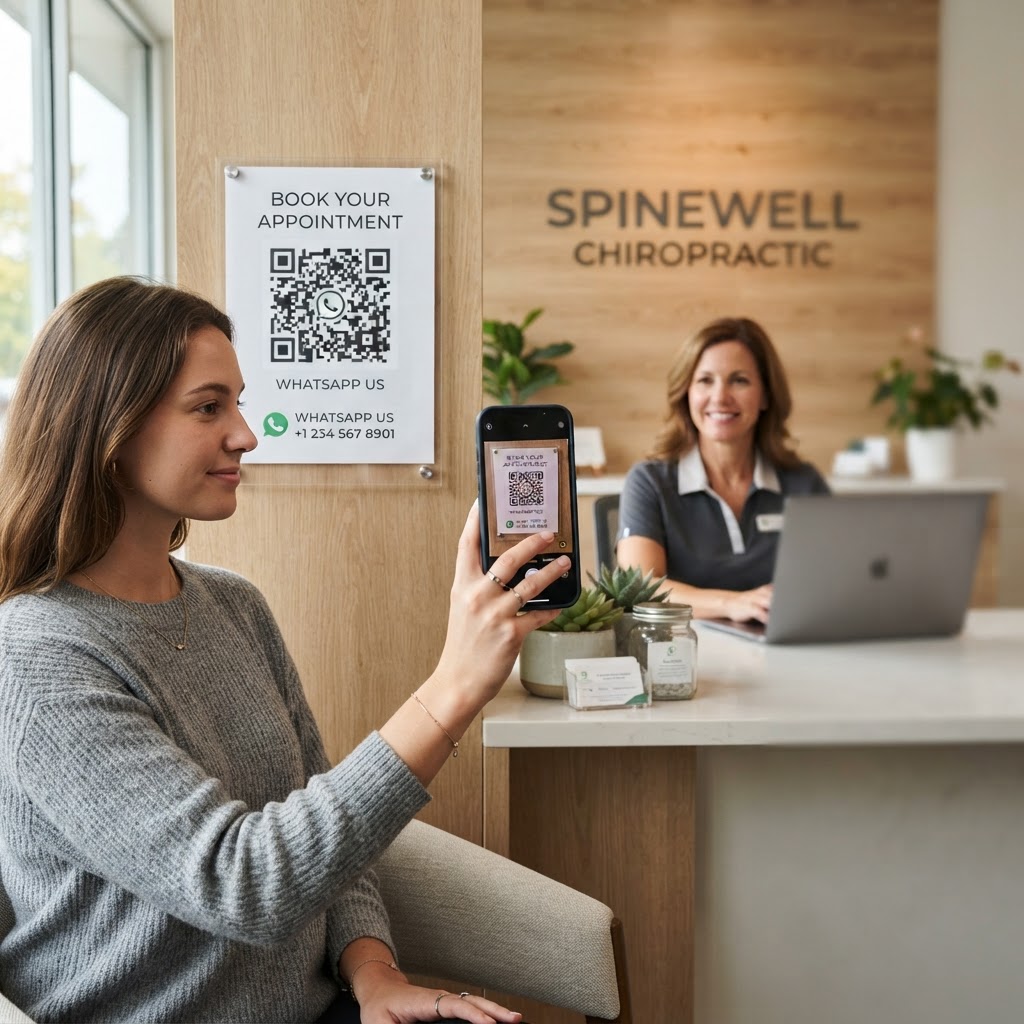
Why using a WhatsApp QR code for chiropractor efficiency matters
Imagine a patient standing in your clinic lobby or looking at your business card, needing to book a follow-up session. Instead of fumbling with your office phone number or navigating a clunky online portal, they simply scan a QR code on your desk or brochure.
This friction-free communication channel reduces missed appointments and allows your staff to handle intake questions in real-time. By utilizing our free WhatsApp QR Code Generator, you ensure that every patient interaction starts as quickly as possible, building trust and clinic professionalism.
What you need before you start
Before you begin, ensure you have your business WhatsApp account phone number ready, including your international country code. You should also have a clear idea of what the pre-filled message will say to help your team identify the patient's intent immediately.
Make sure you have access to a clean, high-resolution version of your clinic logo if you plan to customize the code. Finally, visit our free WhatsApp QR Code Generator to prepare your workspace for the generation process.
How to create a WhatsApp QR code for chiropractor services — step by step
- Access the tool: Head over to our free WhatsApp QR Code Generator to begin the setup process.
- Enter your phone number: Input the official WhatsApp number for your clinic, ensuring you include the full country and area code without spaces or extra symbols.
- Craft the pre-filled message: Write a custom message like 'Hi, I would like to schedule a chiropractic adjustment' so your front desk knows exactly why the patient is messaging.
- Generate the code: Click the generate button to build your unique code; the Blue QR Code Generator will process this information in an instant.
- Customize the look: Adjust the colors or add your clinic's logo if the tool allows, ensuring the branding aligns with your practice's identity.
- Download your file: Save the final QR code image in a high-quality format like PNG or SVG, which makes it ready for printing on clinic signage or brochures.
How to test and deploy it
Once you generate yours in seconds, open your phone's camera app to scan the code and ensure it launches a WhatsApp chat window with your pre-filled message. If the link triggers the app, you are ready to print the code on business cards, referral slips, or reception desk displays.
For optimal results, place the code in high-traffic areas where patients spend time waiting or checking out. When you use Blue QR Code Generator's WhatsApp QR codes tool, you can also test the code across different devices to confirm it remains readable even at smaller print sizes.
Common mistakes that ruin results
- Incorrect phone format: Forgetting the international prefix (like +1) is the most common reason a scan leads to a dead end.
- Low contrast printing: Printing a light-colored QR code on a light background makes it impossible for patient devices to scan effectively.
- Missing call to action: Placing a QR code without text like 'Scan to book an appointment' leaves patients unsure of what the code actually does.
- Testing only on one device: Always try scanning your final code with both Android and iOS devices before sending files to the print shop.
Real examples of success
A local chiropractic clinic in downtown Seattle placed these codes on the back of all physical patient receipts. This resulted in a 30% increase in repeat bookings because the patient had the appointment link in their hand immediately after their adjustment.
Another clinic added a 'New Patient Inquiry' WhatsApp QR code to their exterior window so passersby could ask about insurance coverage 24/7. This simple change allowed the clinic to capture leads outside of normal business hours, proving that you can generate yours here to make your practice a powerful asset for any wellness clinic.