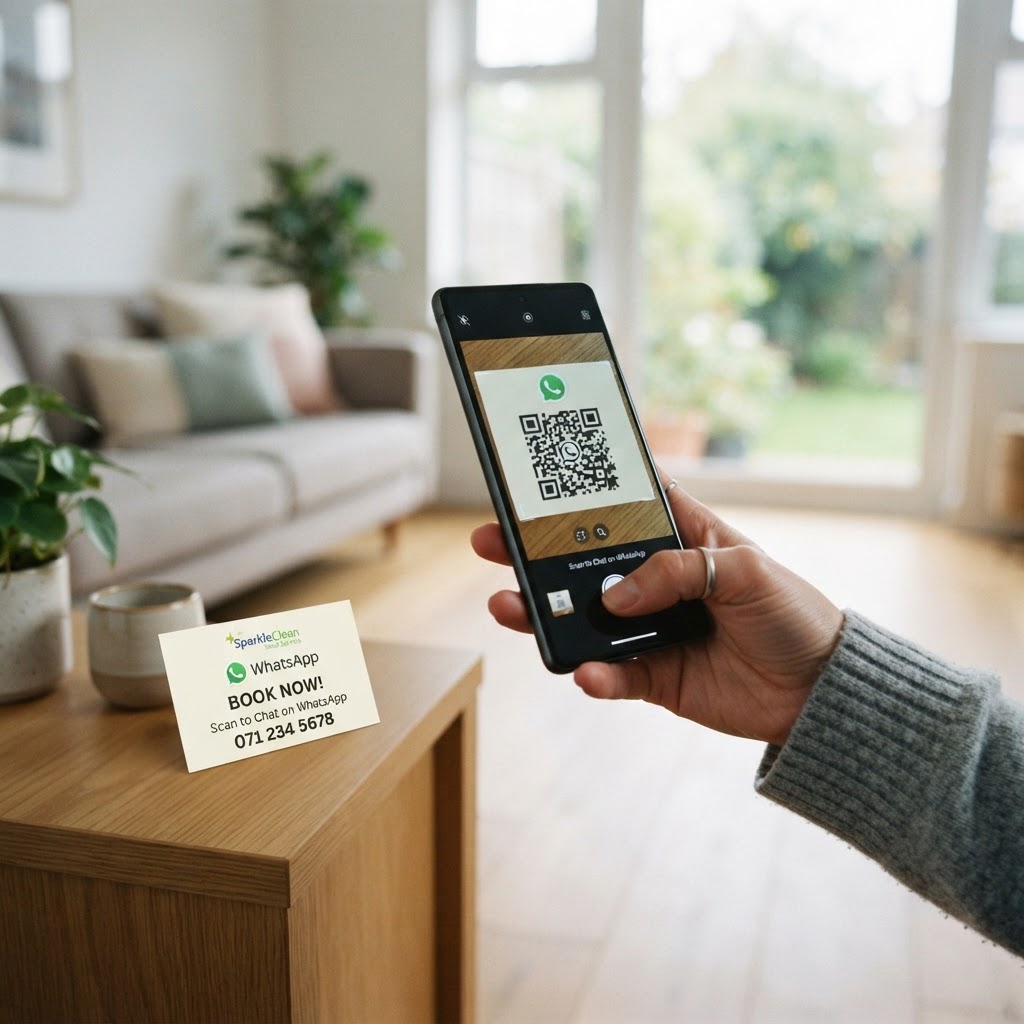
Why using a WhatsApp QR code for cleaning service matters
Imagine a homeowner walks past your flyer and wants a quote immediately but doesn't have time to call or fill out a long web form. When you provide a scannable bridge to your business, you turn a casual passerby into an active lead before they walk to the next house.
Using a dedicated shortcut removes friction from the sales process, ensuring that your availability is discussed in real-time. This efficiency is exactly why many companies now generate yours in seconds using our intuitive platform to keep their inbox organized and their appointments full.
What you need before you start
You don't need expensive software or a tech team to modernize your client intake process. Before you begin, ensure you have your business WhatsApp phone number ready, including the correct country code.
It is also helpful to have a pre-written greeting message in mind so your customers know exactly what to ask when they reach out. Finally, you can use Blue QR Code Generator to assemble the link and visual code seamlessly without any complex coding requirements.
How to create a WhatsApp QR code for cleaning service — step by step
- Access the generator: Visit the our free WhatsApp QR Code Generator to begin the setup process.
- Enter your business number: Input your professional WhatsApp business phone number, ensuring you include the country code without any extra symbols or spaces.
- Draft your template message: Create a default message like "I'd like to get a quote for home cleaning services," which prompts the client to start the conversation.
- Customize the design: Select a frame or color scheme that matches your cleaning company's branding to maintain a professional appearance.
- Generate the code: Click the build button to finalize your asset; the Blue QR Code Generator will create a high-quality file for your marketing materials.
- Save your image: Download the resulting file in a high-resolution format like PNG or SVG, which is perfect for printing on flyers, business cards, or window decals.
How to test and deploy it
Always perform a test scan with multiple devices before printing thousands of flyers or expensive vehicle wraps. Point your smartphone camera at the code to ensure it redirects you to the correct chat window with the pre-filled message already active.
Once verified, place these codes where your customers naturally look, such as on the back of your business cards or at the bottom of your service invoices. You can even use Blue QR Code Generator's WhatsApp QR codes tool to print stickers for your cleaning supply buckets or van doors.
Common mistakes that ruin results
- Printing too small: If the code is smaller than one inch, smartphones will struggle to focus on the pattern, resulting in a poor user experience.
- Ignoring the link: Always provide a text-based alternative (like a shortened URL) under the code for people who cannot scan the image.
- Using low contrast: Avoid printing light-colored codes on light backgrounds, as the camera needs distinct contrast to interpret the data successfully.
- Lack of instructions: Never assume the customer knows what to do; add a small label like "Scan to book your cleaning" near the code.
Real examples
A residential cleaning startup recently added a QR code to their door hangers, allowing neighbors to instantly text for a quote while looking at the flyer. This small change increased their lead volume by 30% because it captured the user's intent while it was at its peak.
Another commercial cleaning firm placed a QR code in the lobby of the office buildings they service, making it easy for facility managers to report spills or request extra services. Before you start your next campaign, remember to create your WhatsApp QR codes — free and start connecting with clients more efficiently.