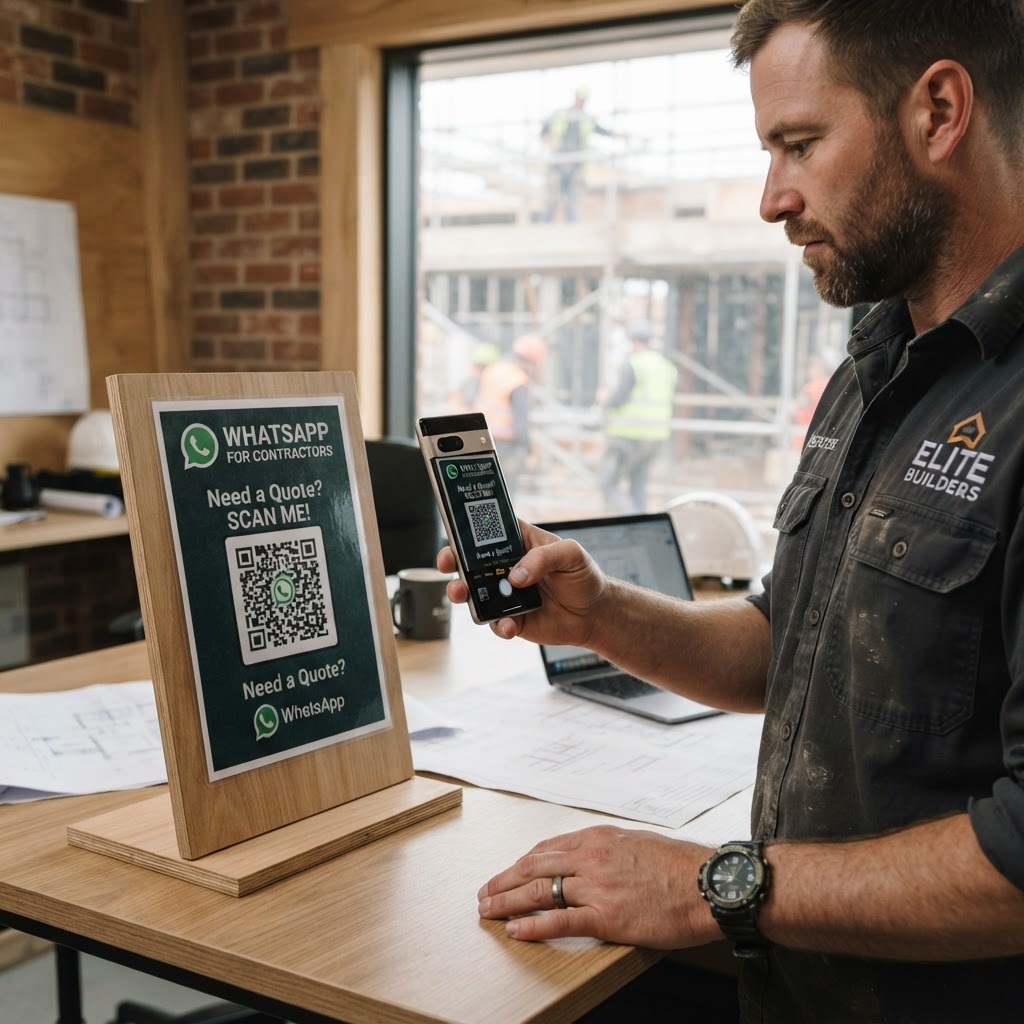
Why an effective communication channel matters
Imagine a homeowner standing in front of their leaking roof or damaged flooring, desperate for a quote. If they have to navigate a complex website form that never seems to submit properly, they will move on to your competitor within seconds.
By using our free WhatsApp QR Code Generator, you capture these immediate intent-driven leads directly to your mobile device. This level of responsiveness builds trust instantly, which is the most valuable asset you have in the contracting industry.
What you need before you start
You do not need specialized technical skills to get started with this tool. However, preparation is key to ensuring your automation works flawlessly for your business.
- A business WhatsApp account: Ensure you are using the WhatsApp Business app to access professional features like auto-replies and labels.
- Your phone number: Have the exact phone number linked to your business account ready to input.
- A clear project scope: Draft a short, professional greeting message that tells clients you are ready to receive their project details.
How to set up your WhatsApp QR code for contractor business
The process is designed to be fast and intuitive, ensuring you can generate yours in seconds without needing a developer.
- Access the tool: Navigate to the Blue QR Code Generator dashboard specifically for WhatsApp links.
- Input your phone number: Enter your business WhatsApp number, including the correct country code, to ensure international compatibility.
- Draft your message: Write a pre-filled message like, "Hi, I would like to get a quote for a home renovation project."
- Generate the code: Click the generate button to produce your unique visual QR code.
- Customize the design: Use the Blue QR Code Generator to add your brand color or frame the code to match your business aesthetic.
- Download your asset: Save the final QR code in a high-resolution format like PNG or SVG for printing on your job site signage or business cards.
How to test and deploy it
Before printing hundreds of flyers, scan the code with your own phone to ensure it routes correctly to your chat. Verify that the pre-filled message appears exactly as intended so that the client doesn't have to struggle to explain their needs.
You should place these codes on physical items like truck decals, yard signs, or printed invoices. Every interaction is an opportunity to streamline your workflow and use Blue QR Code Generator's WhatsApp QR codes tool to keep your pipeline full.
Common mistakes that ruin results
- Ignoring international format: Forgetting the country code in your phone number will cause the link to fail for potential customers.
- Poor print quality: Printing a blurry QR code on a rough surface makes it unreadable for standard smartphone cameras.
- Long, confusing messages: Overwhelming the client with a massive block of text in the pre-filled message causes them to hit 'send' without adding their specific project details.
- Lack of clear CTA: Failing to add a label like "Scan to get a fast quote" near the code means people won't know why they should scan it.
Real examples of success
A local electrical contractor placed a QR code on the back of his work van. Since people often see him parked while he is on a job, they can scan the van, send a quick message about their own electrical needs, and get a consultation scheduled immediately.
Another client, a flooring specialist, added a QR code to his paper business cards. Instead of potential customers losing his number, they scan the card once to save his contact information and open a chat thread, which keeps the professional history in one place.