Why a WhatsApp QR code for dance studio operations matters
Running a busy studio requires constant coordination between instructors, parents, and students. If you rely on email, you might miss urgent scheduling changes or enrollment questions that require quick, real-time responses.
By using our free WhatsApp QR Code Generator, you turn static signage into a direct line to your business. This simple tool eliminates the friction of saving phone numbers, helping you secure more trial class bookings and streamline daily operations.
What you need before you start
Before you begin, ensure you have your business WhatsApp account phone number ready and verified. You should also have a clear idea of what automated message you want to appear when a user clicks the link, such as "Hi, I would like to inquire about beginner ballet classes."
You do not need fancy design software to get started. Blue QR Code Generator simplifies the technical side so you can focus on your choreography and student growth.
How to create your code — step by step
- Open the generator: Navigate to the WhatsApp QR Code Generator to access the creation dashboard.
- Enter your phone number: Input your business number exactly, including the country code, to ensure messages reach the correct inbox.
- Draft your greeting: Write a helpful pre-filled message that hints at your studio services, like "I am interested in signing up for dance classes."
- Generate the preview: Click the button to visualize your code, which is where Blue QR Code Generator provides a clean, professional result.
- Customize the design: Use the available color options to match your dance studio's brand identity, ensuring the QR code fits your posters or website aesthetic.
- Download the file: Save the final QR code image in a high-resolution format like PNG or SVG for printing on large banners or business cards.
How to test and deploy it
Once you generate yours in seconds, use your personal mobile device to scan the code immediately. Check that the link correctly opens a WhatsApp chat window with the pre-filled message you created.
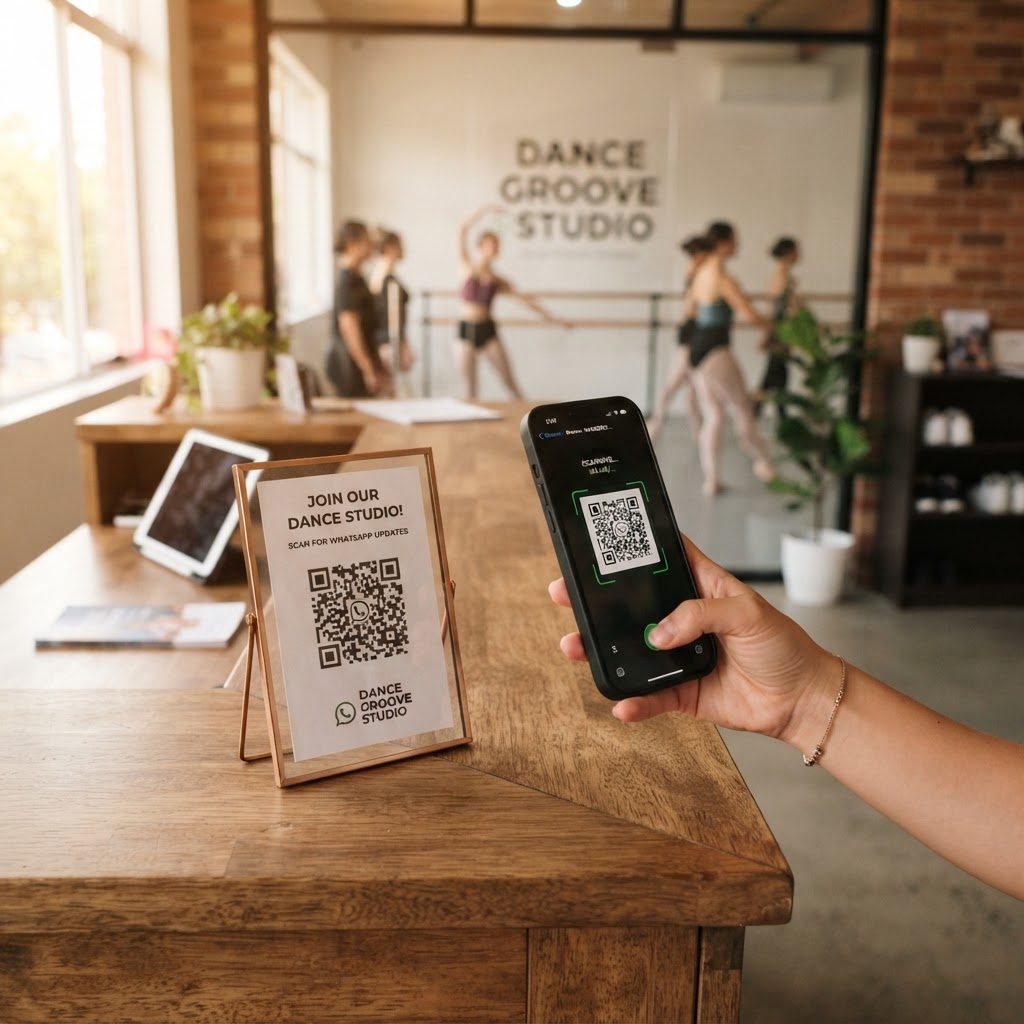
Place these codes in high-traffic areas such as your reception desk, studio windows, and printed flyers. When students see the code, they should know exactly what to do, so consider adding a small call-to-action nearby like "Scan to book a trial class!"
Common mistakes that ruin results
- Poor contrast: Placing a dark QR code on a dark background makes scanning nearly impossible for users.
- Lack of instructions: Always tell users what will happen when they scan; people are hesitant to scan "blind" codes.
- Wrong phone format: Forgetting the international country code prevents the WhatsApp app from correctly initiating the chat.
- Low resolution: Printing a blurry, pixelated image on a large studio banner will lead to scanning failures.
Real examples
Imagine a local studio owner who places a QR code on the back of their dance recital program. Parents can scan the code to instantly message the studio to request info on the upcoming summer session while they are already engaged with the brand.
Another example is using the code on a window decal after hours. Even when the studio is closed, potential customers can still use Blue QR Code Generator's WhatsApp QR codes tool to leave an inquiry that the staff can answer the following morning.