Why a WhatsApp QR Code for Doctor Offices Matters
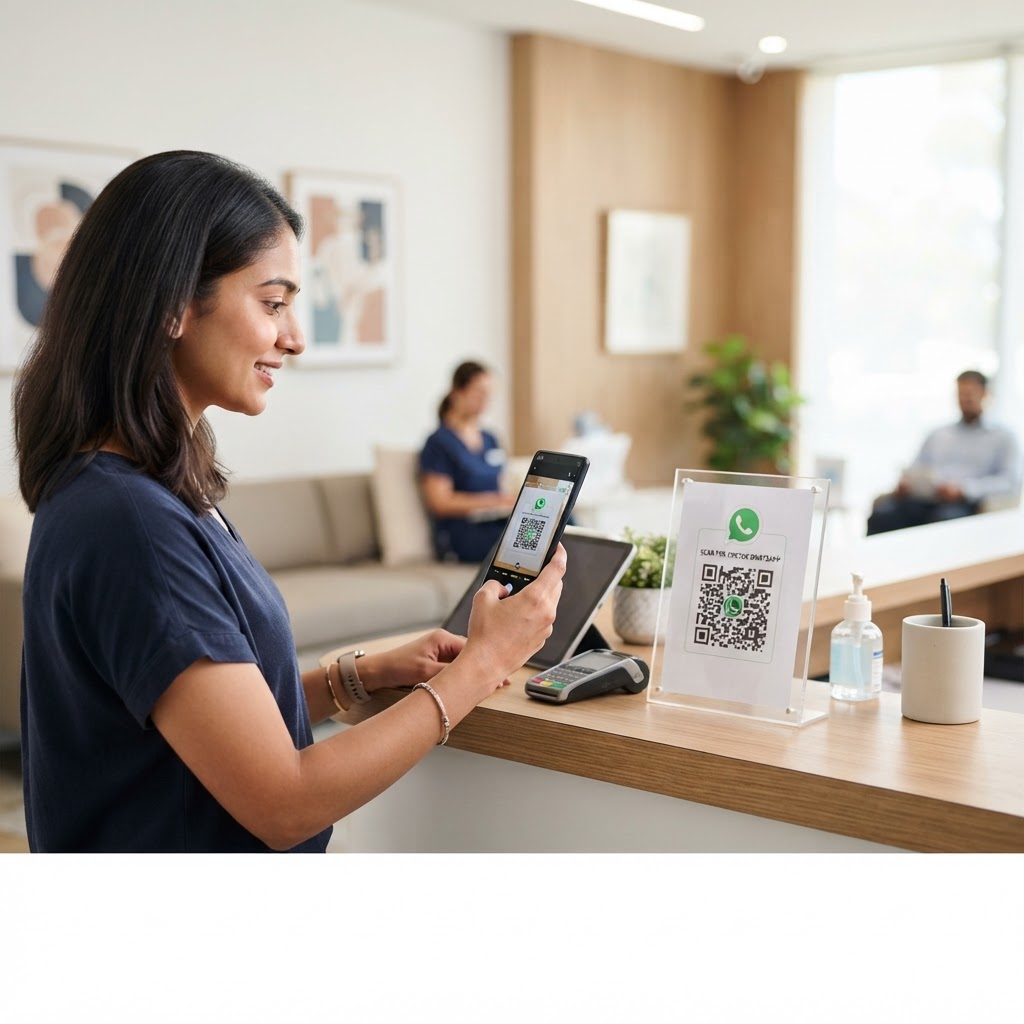
Patients often feel overwhelmed when trying to reach a medical office through traditional phone trees or buried contact forms. Imagine a patient in your waiting room who needs to update their insurance details or simply verify a follow-up date; by scanning a desk-side code, they instantly open a chat window with your administrative staff.
This immediacy reduces administrative friction and ensures that your front desk receives structured, documented inquiries rather than just disconnected voicemails. By choosing to use our free WhatsApp QR Code Generator, you provide a professional interface that simplifies the patient experience from the moment they walk through your doors.
What you need before you start
Before you begin, ensure you have a dedicated business phone number specifically for patient communication to maintain professional boundaries. You should also have a clear, pre-written message template that prompts patients to include their name and date of birth for HIPAA-compliant identification purposes.
Try it now: Generate a free Whatsapp Qr Code For Doctor →
Finally, have your clinic's business WhatsApp account linked to a stable internet connection. If you are ready to streamline your workflow, you can generate yours here in seconds to ensure your patients have a seamless way to connect.
How to Create Your QR Code — Step by Step
- Access the tool: Open the Blue QR Code Generator by visiting the WhatsApp QR Code Generator page in your web browser.
- Enter your phone number: Input the business mobile number exactly as it appears on your WhatsApp account, including the country code, to avoid connectivity errors.
- Draft your template: Compose a default message like "Hello, I am a patient requesting assistance with..." to make it easier for patients to start the conversation.
- Generate the code: Click the generate button to create your unique graphic, which links directly to your business chat interface.
- Customize the design: Use the built-in styling options to add your clinic's brand colors, ensuring the visual identity matches your office signage.
- Save your file: Download your finished QR code in a high-resolution format like PNG or SVG, which keeps the image sharp when printed for lobby displays.
How to test and deploy it
Once you have your file, print it on a small test card before ordering large lobby signage. Scan the code using at least three different smartphone models to ensure the link opens the WhatsApp application consistently without errors.
100% Free — No signup required
Create your Whatsapp Qr Code For Doctor in seconds
Create Free QR Code →Place your codes in high-traffic areas like the reception desk, examination rooms, or even on printed discharge paperwork. Using Blue QR Code Generator ensures that your link remains active and accessible, helping your staff maintain efficient communication throughout the work day.
Common mistakes that ruin results
- Ignoring print quality: Using a low-resolution or blurry image makes it impossible for patient devices to recognize the code, leading to frustration.
- Missing country codes: Forgetting to include the international prefix (e.g., +1 for US) will cause the WhatsApp link to fail for users.
- Lack of context: Placing a QR code without any instructions (e.g., "Scan for Appointment Questions") results in low engagement.
- Using a personal number: Linking to a private phone number rather than a business account confuses patients and compromises your practice privacy.
Real examples of usage
In a pediatric clinic, placing a scan-to-chat code on the nurse’s station allows parents to send photos of rashes or symptoms directly to the medical team for review. This quick interaction can save a family an unnecessary trip to the office while maintaining clear documentation.
Another excellent use case is a cardiology practice providing a WhatsApp QR code for doctor follow-ups located on all appointment reminder cards. This allows patients to confirm their visits or ask about medication side effects without waiting on hold, allowing your staff to use our professional tools to provide better service.
No watermark · No expiry · Works on all phones
Your QR code is ready in under 30 seconds.
Generate Free QR Code →