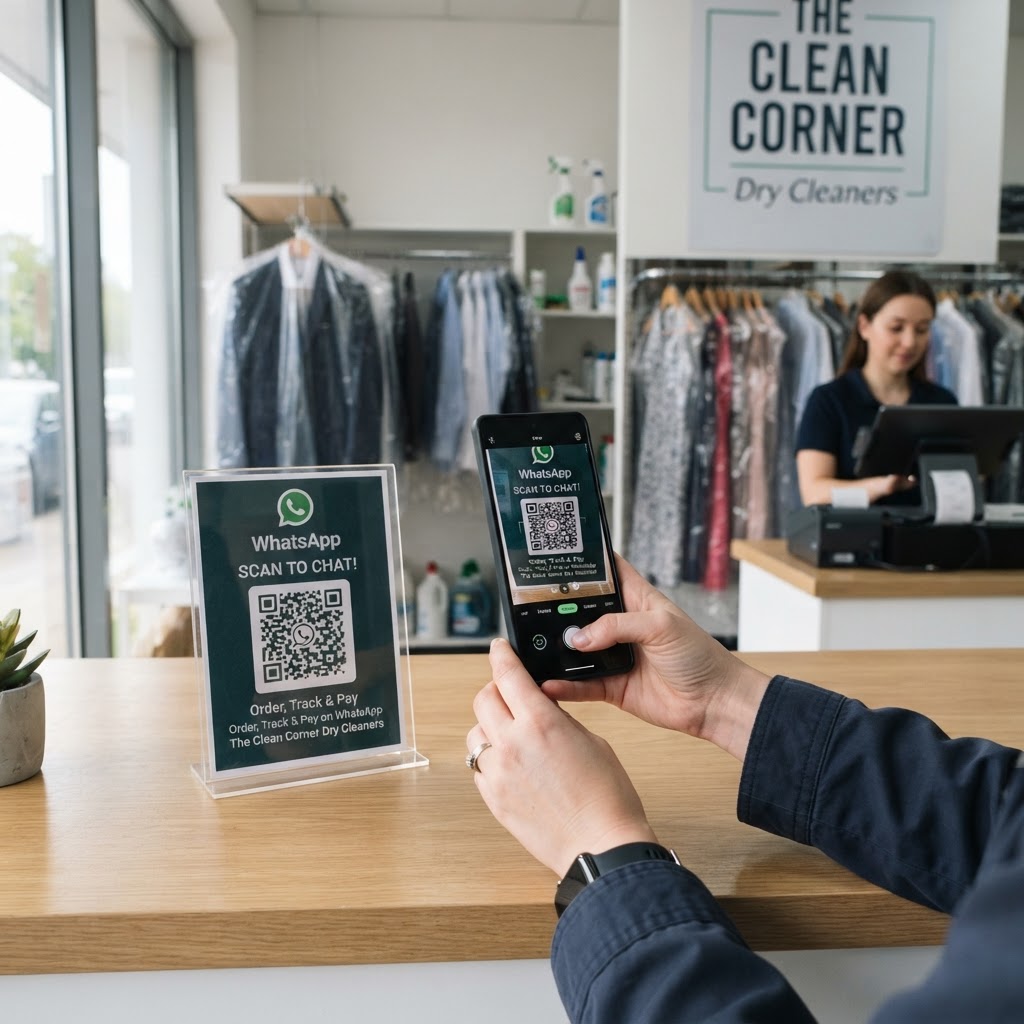
Why a WhatsApp QR Code for Dry Cleaner Operations Matters
Running a dry cleaning business involves constant communication regarding pickup times, special fabric care, or price quotes for bulk orders. When customers call, they often encounter busy signals or hold music, which leads to frustration and missed business opportunities.
By placing a QR code on your storefront window or physical service receipts, you bridge the gap between offline interaction and digital support. This tool allows customers to message you directly about their orders, effectively turning a static sign into a live communication channel that drives customer retention and service transparency.
What You Need Before You Start
Before you begin the setup process, ensure you have your business WhatsApp account details ready. You will need the specific phone number registered to your business account to ensure all messages land in your professional inbox rather than your personal one.
You should also have a clear understanding of the message you want your customers to send. Crafting a default message, such as "I am inquiring about my order #", helps you identify the customer's intent immediately upon receiving the notification through our free WhatsApp QR Code Generator.
How to Create a WhatsApp QR Code for Dry Cleaner Shops
- Open the Generator: Visit the official Blue QR Code Generator dashboard to start the process.
- Enter Your Business Number: Input your business-registered WhatsApp number, including the country code, to ensure your potential customers can reach you correctly.
- Draft Your Default Message: Customize the pre-filled text that users will send to you, like "Hello, I need help with my dry cleaning pickup."
- Generate the Code: Click the generate button to produce a clean, professional QR code that is ready for your specific business branding.
- Customize the Appearance: Adjust the colors or add a logo to match your business aesthetic using the tools available in our free WhatsApp QR Code Generator.
- Download and Save: Save the final QR image as a high-quality file for printing on marketing materials or window displays.
How to Test and Deploy It
Before printing hundreds of flyers or window stickers, scan your new code with multiple devices to verify it opens the correct chat window. Check if the default message appears exactly as you intended and that the phone number connects properly to your business application.
Once tested, place your QR code at high-traffic points like the front counter, receipts, and even directly on garment bags. The Blue QR Code Generator makes it easy to create versions that are readable even in low light, ensuring that your customers can connect with you the moment they look at their dry cleaning tag.
Common Mistakes That Ruin Results
- Poor Print Resolution: Using a blurry or pixelated QR code makes it impossible for customer phones to scan the image effectively.
- Missing Call-to-Action: Simply placing a code without a label like "Scan to check order status" leaves customers unsure of why they should scan it.
- Wrong Phone Number: Typos in your phone number lead to dead-end chats, which harms your professional image significantly.
- Low Contrast Backgrounds: Placing a light-colored QR code on a light background prevents the scanner from identifying the data points properly.
Real Examples
One local dry cleaning business placed a QR code directly on their branded hangers, allowing customers to scan for instant help regarding delicate fabric care instructions. This reduced their incoming phone inquiries by nearly 30% because customers could simply read the digital information provided in the chat.
Another business used a QR code on their storefront window after hours, enabling customers to leave inquiries about emergency next-day cleaning services. When the staff arrived in the morning, they had a queue of pre-arranged requests ready for immediate processing. You can use Blue QR Code Generator's WhatsApp QR codes tool to achieve similar levels of efficiency for your own shop.