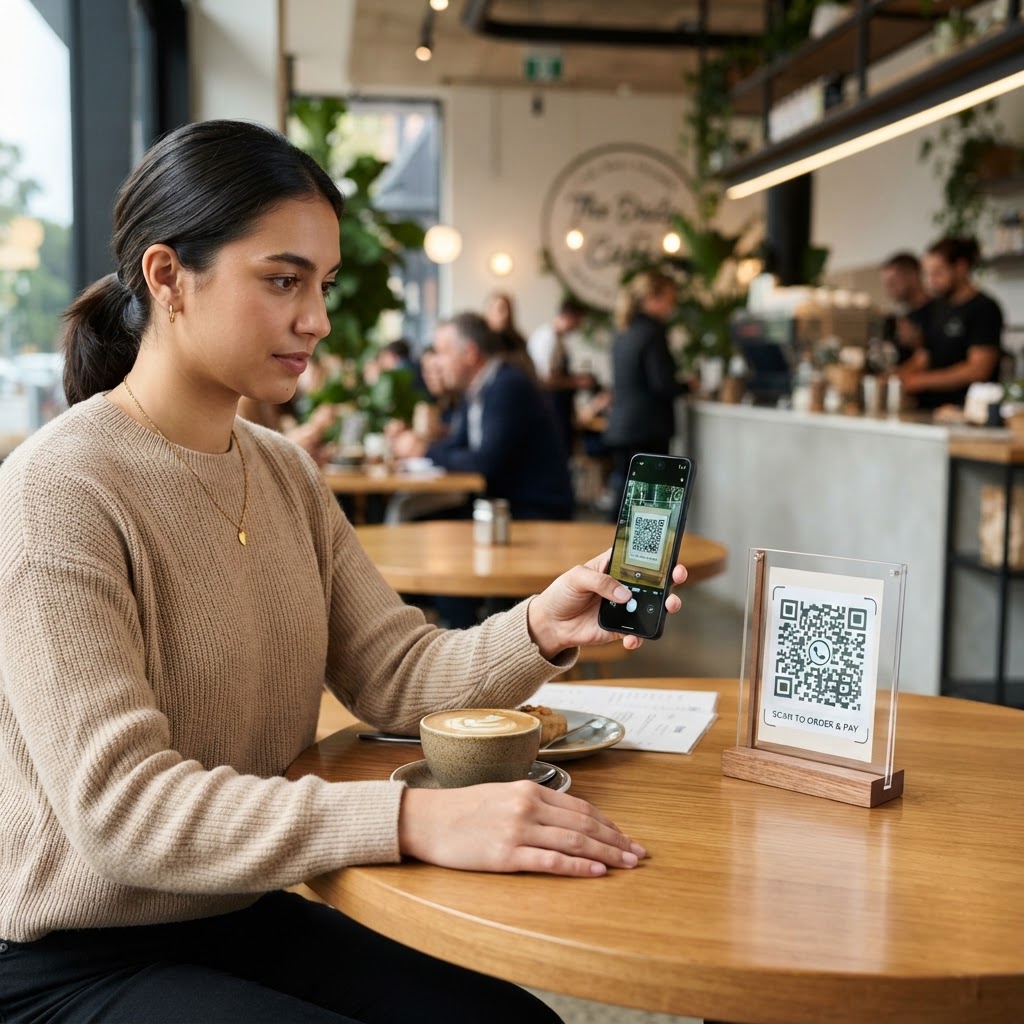
Why a WhatsApp QR Code for Ecommerce Matters
Imagine a customer looking at a high-end coffee machine on your website but hesitating because they aren't sure about the warranty or shipping times. If they have to search for a support email or navigate a complex contact form, they will likely leave your site forever. By placing a QR code on your product detail page or packaging, you open an immediate, human-to-human line of communication that turns a nervous shopper into a confident buyer. You can generate yours here to start engaging your customers today.
What you need before you start
Before you begin, ensure you have your official WhatsApp Business number ready to go. You should also have a clear, pre-filled message drafted—something simple like "I have a question about the coffee machine I saw on your site" works wonders to set the stage. Finally, ensure your website has a designated space to display the image, such as a contact sidebar or a QR code graphic on your shipping inserts.
Try it now: Generate a free Whatsapp Qr Code For Ecommerce →
How to create your code — step by step
- Visit the generator: Navigate to our free WhatsApp QR Code Generator to begin the setup process.
- Input your number: Enter your full international business phone number, including the country code, to ensure international customers can reach you.
- Draft your message: Write a custom message that identifies which product or service the user is inquiring about.
- Generate the code: Click the generate button to see your unique QR code appear instantly on the screen.
- Customize the look: Use the Blue QR Code Generator interface to adjust the frame, colors, and logo integration to match your brand style.
- Download your asset: Save the final QR code as a high-resolution PNG or SVG file for your website or print materials.
How to test and deploy it
Before publishing your code, point your phone’s camera at the screen to ensure it triggers the chat correctly. You want to make sure the pre-filled message appears in the input field without any typos or formatting errors. When you use Blue QR Code Generator, you can rely on high-precision code outputs that are easily readable by all smartphone cameras. Once verified, place the image near your "Add to Cart" button or include it in your post-purchase confirmation emails to offer real-time support.
100% Free — No signup required
Create your Whatsapp Qr Code For Ecommerce in seconds
Create Free QR Code →Common mistakes that ruin results
- Poor placement: Putting the QR code in the website footer where users rarely scroll reduces scan rates by up to 80%.
- No call to action: Simply displaying a square pattern without a text prompt like "Scan for instant support" leaves customers confused.
- Low contrast: Using light-colored codes on light backgrounds makes it impossible for most mobile devices to focus.
- Incorrect formatting: Omitting the country code when inputting your phone number results in a broken link that leads nowhere.
Real examples
A clothing brand recently used a WhatsApp QR code for ecommerce on their digital sizing chart page, allowing shoppers to chat with a stylist to find their perfect fit. This change reduced their return rate by 15% in just one month. Another merchant selling artisanal furniture placed a QR code on the back of their invoices, leading customers directly to a WhatsApp chat for assembly questions. This minimized the number of calls to their primary support line and improved overall satisfaction scores. If you work in other professional services, you might also find our guides on creating codes for lawyers helpful for your business network.
Ready to streamline your customer interactions and close more sales? Use Blue QR Code Generator's WhatsApp QR codes tool to create yours today.
No watermark · No expiry · Works on all phones
Your QR code is ready in under 30 seconds.
Generate Free QR Code →