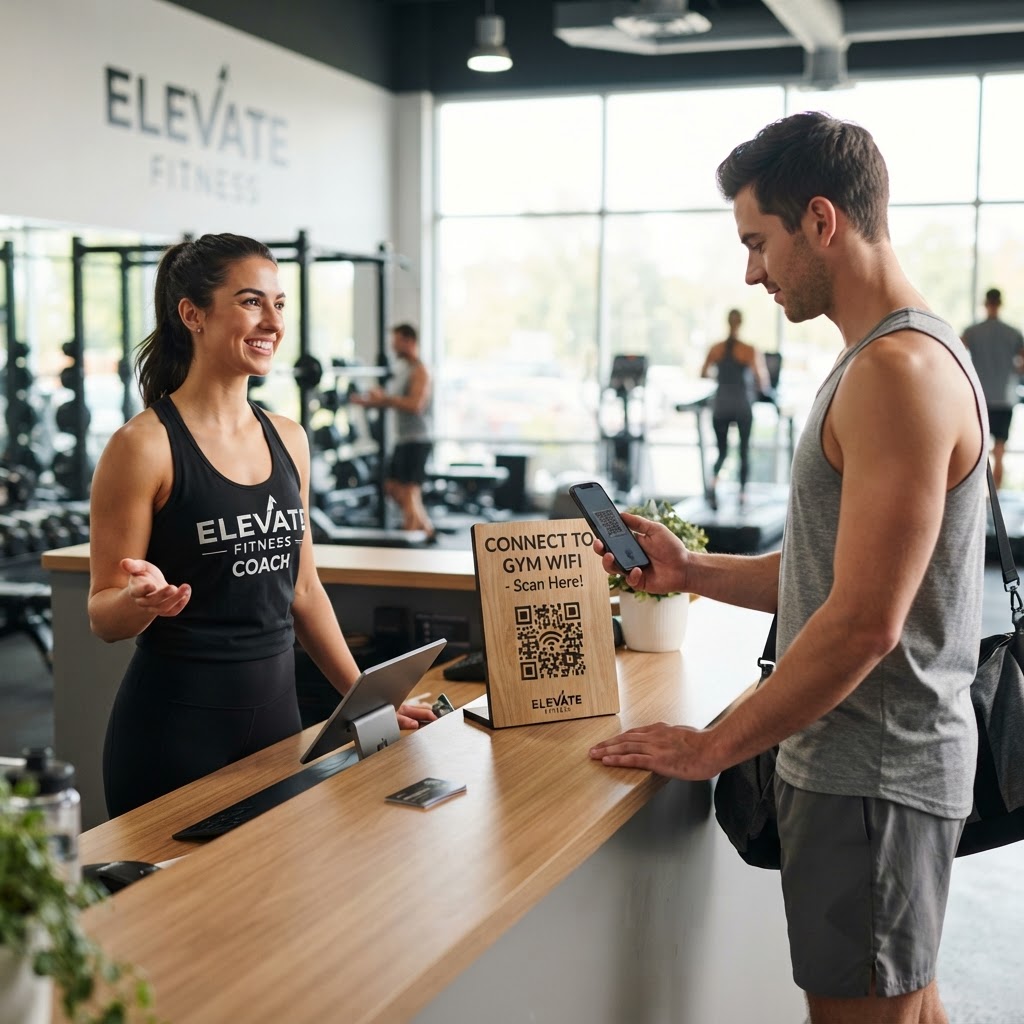
When a potential client scans your code, they are immediately connected to your WhatsApp business chat. Our free WhatsApp QR Code Generator makes this seamless process possible for anyone looking to scale their business.
Why a WhatsApp QR code for fitness coach marketing matters
Imagine a potential client sees your flyer at a local community center. They are interested in your boot camp but are too busy to call or navigate a complex website signup form on their phone.
By placing a QR code on that flyer, they scan and immediately open a pre-filled message asking about your training availability. This removes the friction, effectively acting as an automated lead capture system that works while you are busy training other clients.
What you need before you start
Preparation ensures your campaign runs smoothly from the moment you hit print. You will need a few simple things ready to go before you head over to our tool.
- A verified WhatsApp Business account: Using a professional account ensures you have features like automated replies and business labels enabled.
- Your phone number: Double-check the country code and number to ensure potential clients reach the right inbox.
- An introductory message template: Prepare a professional greeting that prompts the user to introduce themselves or ask for your current session rates.
How to set up your code — step by step
You can generate yours in seconds by following these simple steps. This tool is designed to make the transition from marketing to conversation as simple as possible.
- Access the tool: Open the Blue QR Code Generator dashboard to find the WhatsApp configuration section.
- Input your business number: Enter your registered WhatsApp Business phone number, including the international country code without any extra spaces.
- Draft your greeting: Add a pre-filled message like 'Hi, I saw your flyer and would like to learn more about 1-on-1 personal training sessions.'
- Customize the design: Select your preferred frame, eye style, and color scheme to ensure your code matches your personal fitness brand aesthetic.
- Preview your code: Use the live preview window to check that all details are correct and that the QR code renders clearly.
- Generate and download: Hit the generate button and export your high-resolution image file for immediate use in your marketing materials.
How to test and deploy it
Once you have your file, do not rush to print thousands of flyers just yet. Always test the code by scanning it with both an iPhone and an Android device to ensure the link redirects perfectly to your WhatsApp chat.
When you deploy the code, consider placing it at eye level on posters, business cards, or even as a sticker on your gym bag. Many trainers find success by adding a simple call-to-action nearby, such as 'Scan to chat with me about your fitness goals,' which helps users understand the value of the scan.
Common mistakes that ruin results
- Using low-contrast colors: A code with insufficient contrast between the foreground and background will fail to scan, frustrating potential clients.
- Skipping the CTA: Leaving a code without instructions forces users to guess what happens when they scan it, leading to lower engagement.
- Incorrect formatting: Forgetting the country code in your phone number will break the link and prevent any chats from initiating.
- Too much clutter: Placing the code near other busy graphics or reflective surfaces can interfere with the camera's ability to focus on the image.
Real examples of usage
A neighborhood personal trainer might print the code on a business card to hand out at local running clubs, allowing athletes to inquire about training plans instantly. Another coach might place a vinyl sticker of the code on the window of their private studio so that prospective members can reach out outside of business hours.
By utilizing the Blue QR Code Generator, you maintain a consistent professional brand presence across all your physical marketing touchpoints. Remember that we provide the tools, but your proactive follow-up is what converts these scans into long-term training clients. Feel free to use Blue QR Code Generator's WhatsApp QR codes tool to keep your outreach organized and efficient.