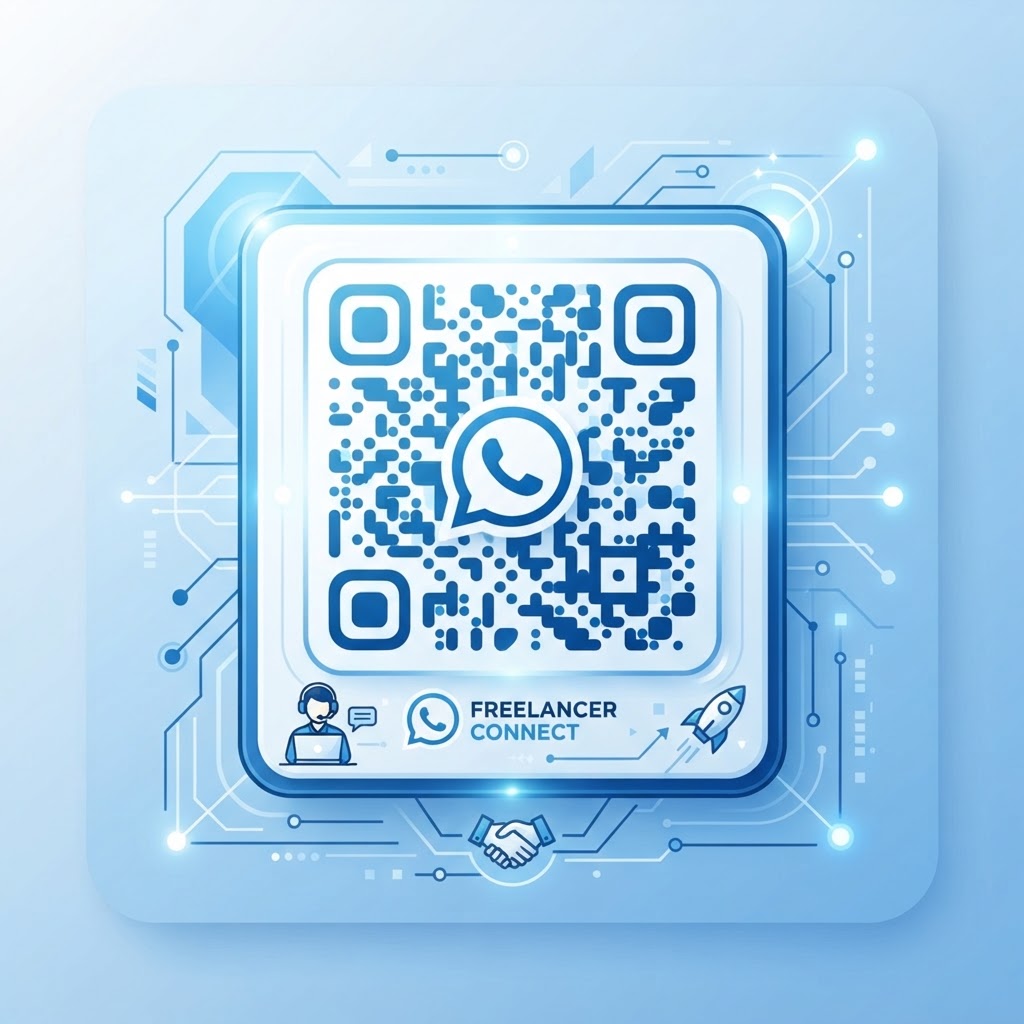
Why a WhatsApp QR code for freelancer branding matters
As a freelancer, your most valuable asset is your accessibility. When a potential client views your business card or portfolio, they often want to ask a quick question without the friction of email forms or phone calls.
A QR code acts as a bridge between your physical materials and your digital inbox. By offering an instant, pre-filled message pathway, you remove the barriers that cause prospective clients to abandon their inquiry and look elsewhere. If you are ready to streamline your client communication, you can use our free WhatsApp QR Code Generator to get started right away.
What you need before you start
To begin, you will need your professional WhatsApp business phone number ready to go. Make sure you have your account verified or at least active on your smartphone.
You should also have a clear idea of your default message text. This helps the client start the conversation by telling you exactly what service they are interested in, saving you from back-and-forth small talk.
How to create yours — step by step
Using the Blue QR Code Generator is straightforward and ensures your professional image remains intact.
- Navigate to the tool: Open our free WhatsApp QR Code Generator in your browser.
- Input your number: Enter your WhatsApp-registered phone number, including the country code without any extra symbols.
- Draft your greeting: Write a professional, pre-filled message like "Hi, I saw your portfolio and would like to discuss a project."
- Preview the output: Once the system populates the data, verify the link by clicking the preview option.
- Customize the design: Use Blue QR Code Generator's styling options to adjust colors or add a frame so it matches your brand palette.
- Generate and download: Hit the download button to save your high-resolution file for your print or digital assets.
How to test and deploy it
Always print a test version on plain paper before putting it on expensive marketing collateral. Use your phone’s camera to scan the code, ensuring it opens your WhatsApp app directly to the correct chat window.
100% Free — No signup required
Create your Whatsapp Qr Code For Freelancer in seconds
Create Free QR Code →Place your new QR code where your audience spends the most time. This might be on your physical business cards, the footer of your invoice, or as a corner element on your digital slide deck.
Common mistakes that ruin results
- Small size: Printing the code too small makes it unreadable by standard smartphone cameras.
- Lack of contrast: Using light-colored codes on light backgrounds prevents the scanner from identifying the data points.
- No call to action: Forgetting to add a label like "Scan to chat on WhatsApp" leaves users guessing what the code is for.
- Dead links: Failing to test if the phone number entered into the tool was accurate before mass-printing.
Real examples
A graphic designer might use this on their business card alongside a prompt: "Scan here to request a free quote." This directs the lead straight to a chat where the designer can send a PDF of their current rates immediately.
Alternatively, a freelance consultant can place the code on the last slide of their pitch deck. It allows stakeholders to message them instantly during the presentation, proving the effectiveness of using Blue QR Code Generator's WhatsApp QR codes tool for high-ticket sales.
When you are ready to modernize your outreach, generate yours in seconds to start converting more leads today.
No watermark · No expiry · Works on all phones
Your QR code is ready in under 30 seconds.
Generate Free QR Code →