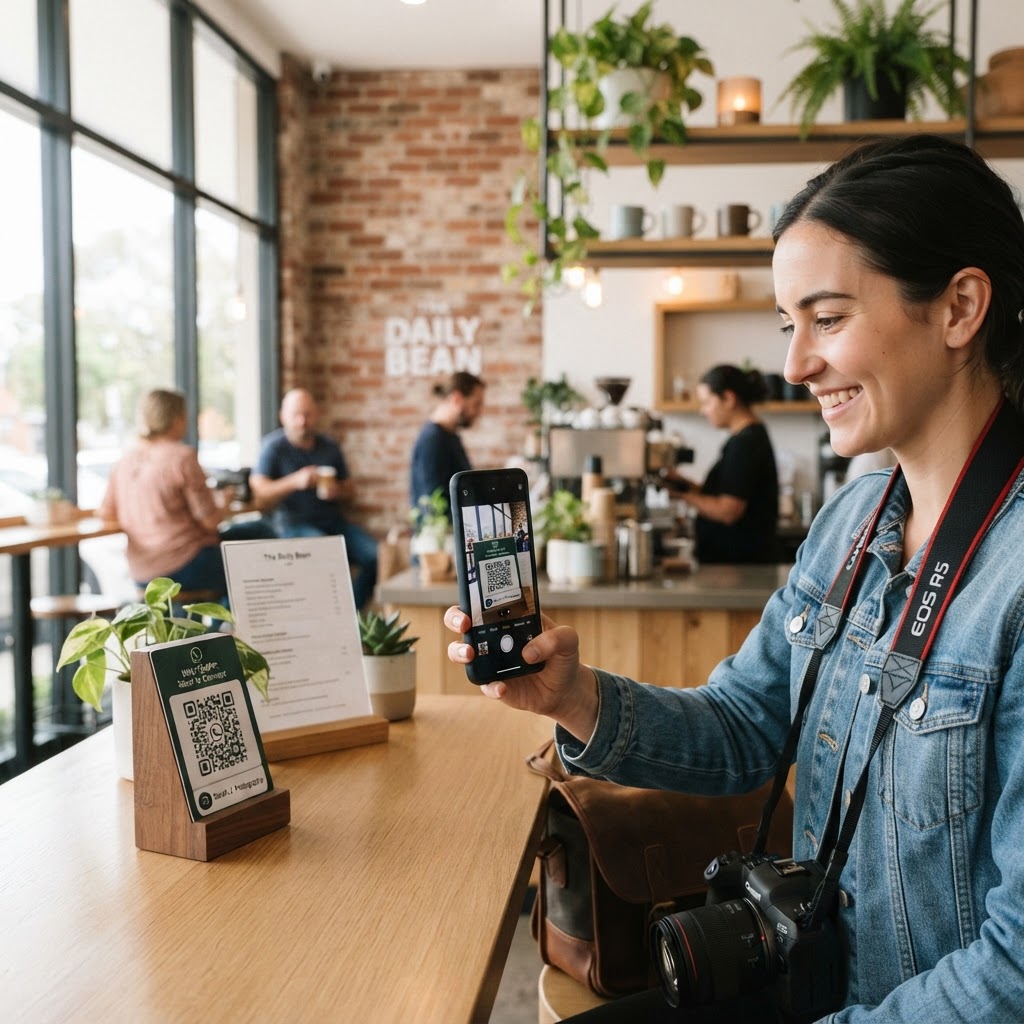
Why a WhatsApp QR code for photographer booking matters
In the competitive world of photography, speed is your greatest asset. When a potential client views your portfolio at an event or on a printed flyer, they want to discuss packages immediately without searching for your contact number or navigating a slow web form.
By placing a WhatsApp QR code on your business card or portfolio, you remove the friction of manual data entry. You can generate yours in seconds, allowing clients to send you an instant message regarding dates, pricing, or custom session requests without ever leaving your physical materials.
What you need before you start
Before you dive into the creation process, ensure you have your business phone number ready and accessible. It is helpful to decide on a pre-filled message that the client will send, such as 'Hi, I saw your portfolio and would like to book a session.' You should also choose a high-resolution logo if you want to customize your branding, though the Blue QR Code Generator works perfectly with standard settings.
How to create a WhatsApp QR code for photographer business — step by step
- Prepare your contact details: Have your WhatsApp Business number ready, including the correct country code.
- Visit the generator: Navigate to our free WhatsApp QR Code Generator to begin the process.
- Enter your number: Input your mobile number into the required field carefully, double-checking the digits to ensure no errors occur.
- Draft your message: Write a custom greeting that helps you identify where the lead came from, such as 'I'm inquiring about wedding photography.'
- Generate the code: Click the button to create your unique graphic, which links directly to your chat interface.
- Download your file: Save the image in a high-quality format like PNG or SVG for your print marketing needs.
How to test and deploy it
Testing is non-negotiable for professional use cases. Open your smartphone camera, scan the code you just created, and ensure it triggers a WhatsApp chat session with your pre-filled message correctly.
100% Free — No signup required
Create your Whatsapp Qr Code For Photographer in seconds
Create Free QR Code →Once tested, integrate the code into your physical marketing assets. Using the Blue QR Code Generator, you can ensure your codes are always clean and scannable, even when printed on smaller media like business cards or matte-finish flyers.
Common mistakes that ruin results
- Printing at low resolution: Always use vector or high-DPI images so the code stays crisp on large prints.
- Ignoring contrast: Never place a light-colored QR code on a light background; it needs high contrast to be read by cameras.
- Forgetting the CTA: A code without a label like 'Scan to Book' often gets ignored by potential clients.
- Linking to a dead number: Always verify that the phone number attached to your code is still active and assigned to your business account.
Real examples
One wedding photographer uses this tool on the back of every physical print provided to event guests. It allows people to request the digital file of their specific photo instantly by scanning the code.
Another portrait photographer adds a QR code to their booth signage at craft fairs. This allows passersby to scan and chat about availability without needing to speak over the loud event music. To optimize your own setup, simply use Blue QR Code Generator's WhatsApp QR codes tool to keep your branding professional and your communication seamless.
No watermark · No expiry · Works on all phones
Your QR code is ready in under 30 seconds.
Generate Free QR Code →