Why This Topic Matters
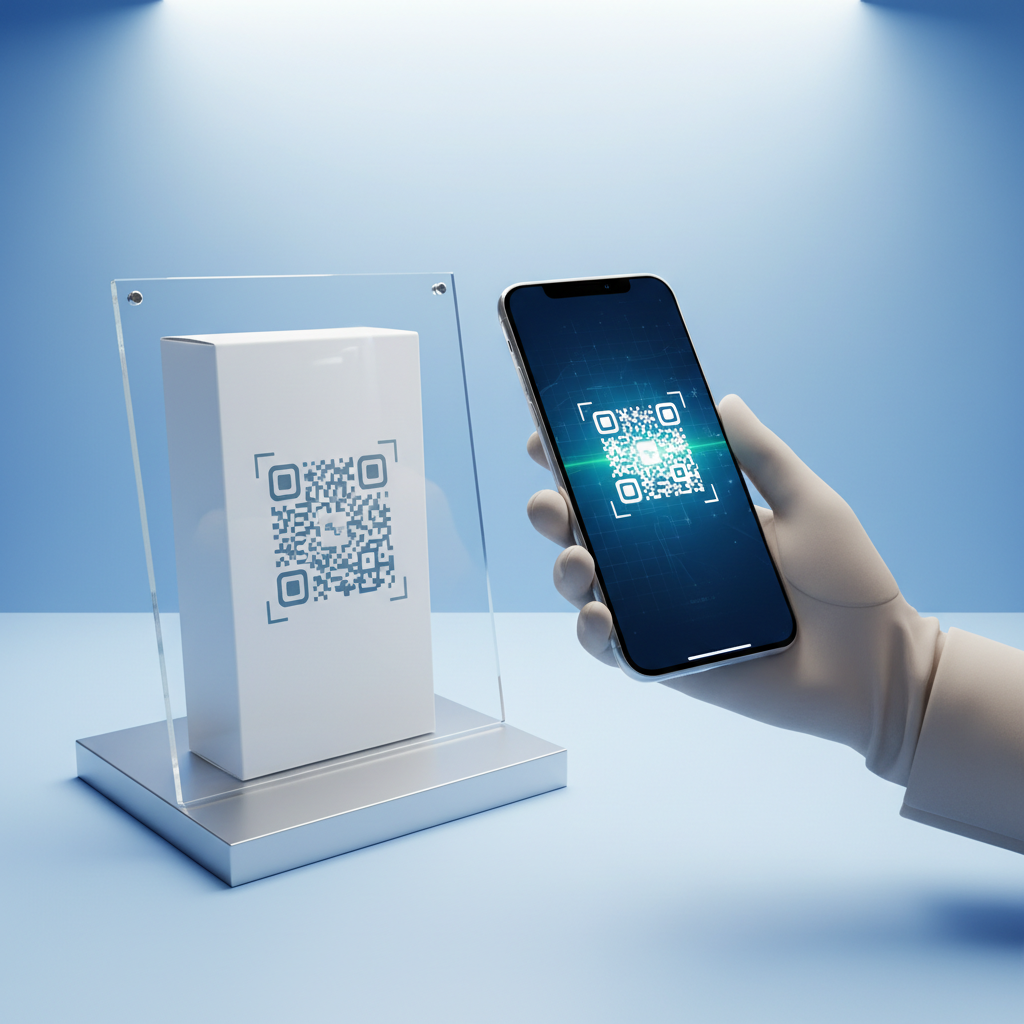
A WiFi QR code is a scannable image that, when read by a smartphone camera, automatically connects the device to a wireless network — no typing, no spelling errors, no frustration. Guests simply point their phone at a printed or digital code and gain instant internet access.
Wireless connectivity is a baseline expectation in 2026: whether in a café, hotel, waiting room, or conference, people expect easy access. A WiFi QR code eliminates the friction of long or complex passwords and improves the guest experience.
Key Points
- Instant connection without manual typing or errors
- Broad compatibility with most modern smartphones (native camera scanning)
- Practical business benefits: less staff time reciting passwords and more hygienic, contactless onboarding
Step-by-Step Guide
Follow these steps to create a WiFi QR code quickly on blueqrcode.com.
- Step 1: Open the generator at blueqrcode.com/qr-code-generator in any browser. The tool loads immediately with no sign-up required.
- Step 2: Select the WiFi QR type from the list of available QR code types so the input panel shows the WiFi-specific fields.
- Step 3: Enter your network details.
- SSID (Network Name): Enter the exact network name as shown in device settings. Capitalization and spaces matter.
- Password: Type the WiFi password exactly, including special characters and case.
- Encryption Type: Choose from WPA2, WPA3, WEP, or nopass to match your router's security.
- Step 4: Generate and preview the QR code, then test it immediately with your smartphone camera to confirm the connection works.
- Step 5: Download the code in your preferred format (PNG for print, SVG for scalable digital use) and deploy it where guests can easily scan.
Best Practices
How and where you deploy the QR code affects whether guests actually use it and whether it continues to work reliably.
Try it now: Generate a free Wifi Qr Code →
- Choose placement carefully: Place codes where guests first arrive — entrances, counters, bedside tables, or reception desks.
- Ensure size and contrast: Print at least 2.5 cm × 2.5 cm and use high contrast (black on white). Avoid patterned backgrounds.
- Protect and label: Laminate for durability, include a short instruction like "Scan to connect to WiFi," and show the SSID to build trust.
Common Mistakes to Avoid
Avoid these common errors when creating or deploying a WiFi QR code to prevent failed connections and user frustration.
- Entering the wrong SSID or password: Both fields are case-sensitive; copy directly from router settings to avoid typos.
- Selecting the wrong encryption type: The encoded encryption must match the router (e.g., choosing WEP when the router uses WPA2 will fail).
- Printing below minimum size: Codes smaller than 2.5 cm × 2.5 cm often fail to scan reliably; use SVG to scale when needed.
- Forgetting to update after changes: WiFi QR codes are static — regenerate the code if you change the password or encryption.
- Poor placement or lighting: Dim corners, glare, or obstructed codes reduce scan rates; use matte lamination to avoid reflections.
How WiFi QR Code Works — The Technical Foundation
At its core, a WiFi QR code encodes a structured text string recognized by smartphone OSes that bundles the SSID, password, and encryption type.
The encoded pattern follows this form: WIFI:T:[encryption];S:[SSID];P:[password];;. When scanned, the OS presents a native prompt to join the network so the user can tap "Join" without typing credentials.
Encryption Types Supported
- WPA2: Widely used standard with strong security and broad compatibility.
- WPA3: Newer, more secure protocol found on many routers sold after 2020; recommended when supported.
- WEP: Older and less secure; functional on legacy hardware but not recommended for sensitive environments.
- nopass: For open, password-free networks like public hotspots.
Because the QR encodes static data, any password change requires generating a new code. Error correction at Level H (up to 30%) improves readability if the printed code is partially damaged.
Deployment Best Practices for WiFi QR Code
Generating the code is only half the work — deployment determines usability and longevity.
- Place at natural touchpoints: Entrance, counters, tables, bedside tables, and reception areas intercept users when they think to connect.
- Maintain readability: Use adequate size, contrast, and avoid patterned backgrounds; laminate in high-traffic or humid areas.
- Provide clear instructions: Add a short line like "Scan to connect to WiFi" and display the SSID under the code for transparency.
Use the SVG format for digital signage, websites, email confirmations, or event apps so a single generation can serve multiple channels.
Real-World Use Cases: WiFi QR Code Across Industries
WiFi QR codes are useful across many sectors where easy connectivity improves experience and efficiency.
- Hospitality and Food Service: Cafés, restaurants, and hotels reduce staff time answering password queries and provide seamless guest access.
- Healthcare and Waiting Rooms: Contactless WiFi access reduces touchpoints and improves perceived wait times.
- Retail and Showrooms: Facilitate browsing, app engagement, and access to digital catalogs.
- Events and Conferences: Print on programs, badges, or display on welcome screens to avoid registration bottlenecks.
- Co-working and Offices: Place codes at entrances, meeting rooms, and hot desks to streamline guest access.
- Education and Libraries: Post in classrooms and study areas for easy student and patron connectivity.
- Short-Term Rentals: Replace sticky notes with a framed QR code to elevate the guest welcome experience.
Frequently Asked Questions
Does my WiFi QR code expire?
No. WiFi QR codes created on blueqrcode.com are static codes that never expire. The credentials are encoded permanently into the image until you change the network name or password.
If you update your router password, generate a new QR code with the updated credentials. There are no subscription fees or renewal requirements.
Which smartphones can scan a WiFi QR code?
Most modern smartphones released from 2020 onward support native QR scanning via the built-in Camera app. On iOS and most current Android devices, the Camera app detects the WiFi QR format and shows a prompt to join.
Some older Android models may require a dedicated scanner, but overall compatibility is excellent across current devices.
What encryption type should I select — WPA2 or WPA3?
The encryption you select must match your router. WPA2 is the most common and appropriate for most users. WPA3 is more secure and preferable if your router supports it.
When unsure, check the router admin panel or the device label. Selecting the wrong type (for example WEP when the router uses WPA2) will prevent connections.
Is it safe to encode my WiFi password in a QR code?
Anyone who scans the QR code gains access to the encoded network. For that reason, QR codes are best used for guest networks with limited access rather than administrative networks.
Create a separate guest network on most modern routers to compartmentalize access when sharing via QR codes.
What is the minimum print size for a reliable WiFi QR code scan?
The recommended minimum print size is 2.5 cm × 2.5 cm (about 1 inch × 1 inch). Smaller sizes often fail to scan reliably, especially on mobile devices.
For signs and wall displays, print much larger (10 cm × 10 cm or more) and use the SVG format to scale without quality loss.
Conclusion
WiFi QR codes provide effortless, contactless access that improves guest experience and reduces staff effort. blueqrcode.com lets you generate a free, static WiFi QR code with no watermark and no account required.
Generate your free WiFi QR code at blueqrcode.com and test it immediately to ensure a smooth guest connection experience.
No watermark · No expiry · Works on all phones
Your QR code is ready in under 30 seconds.
Generate Free QR Code →