Why offering instant internet access matters
In a modern exhibition space, visitors rely on their smartphones to check artist information, listen to audio guides, or upload photos to social media. When the internet connection is difficult to access, the entire visitor experience suffers and engagement drops significantly.
Using our free WiFi QR Code Generator allows you to bridge this gap seamlessly. Instead of manually typing credentials into dozens of phones, you provide a single, scannable point of entry that keeps guests connected to your gallery's digital content.
What you need before you start
Preparation is key to ensuring your digital signage works perfectly from the moment you print it. You should have your exact network name, also known as the SSID, ready for use.
Verify your WiFi security protocol, which is usually WPA/WPA2, to ensure the code works on all modern devices. Having these technical details ready makes the process to generate yours in seconds much faster and more reliable.
How to create a wifi qr code for art gallery connectivity — step by step
- Gather your credentials: Find your exact network name and the password printed on your router or in your configuration dashboard.
- Access the tool: Navigate to the Blue QR Code Generator to begin the creation process.
- Input network details: Enter your SSID and password exactly as they appear, keeping case sensitivity in mind.
- Select security mode: Choose the appropriate security protocol, such as WPA or WPA2, from the dropdown menu to ensure compatibility.
- Generate the code: Click the button to create your custom image; you can then use Blue QR Code Generator's WiFi QR codes tool to adjust the design.
- Download and save: Save your final QR code file in a high-resolution format like PNG or SVG for the best printing results.
How to test and deploy it
Once you have generated your file, always perform a real-world test before mass-printing your placards. Use multiple devices, including both Android and iOS smartphones, to ensure they connect instantly without error messages.
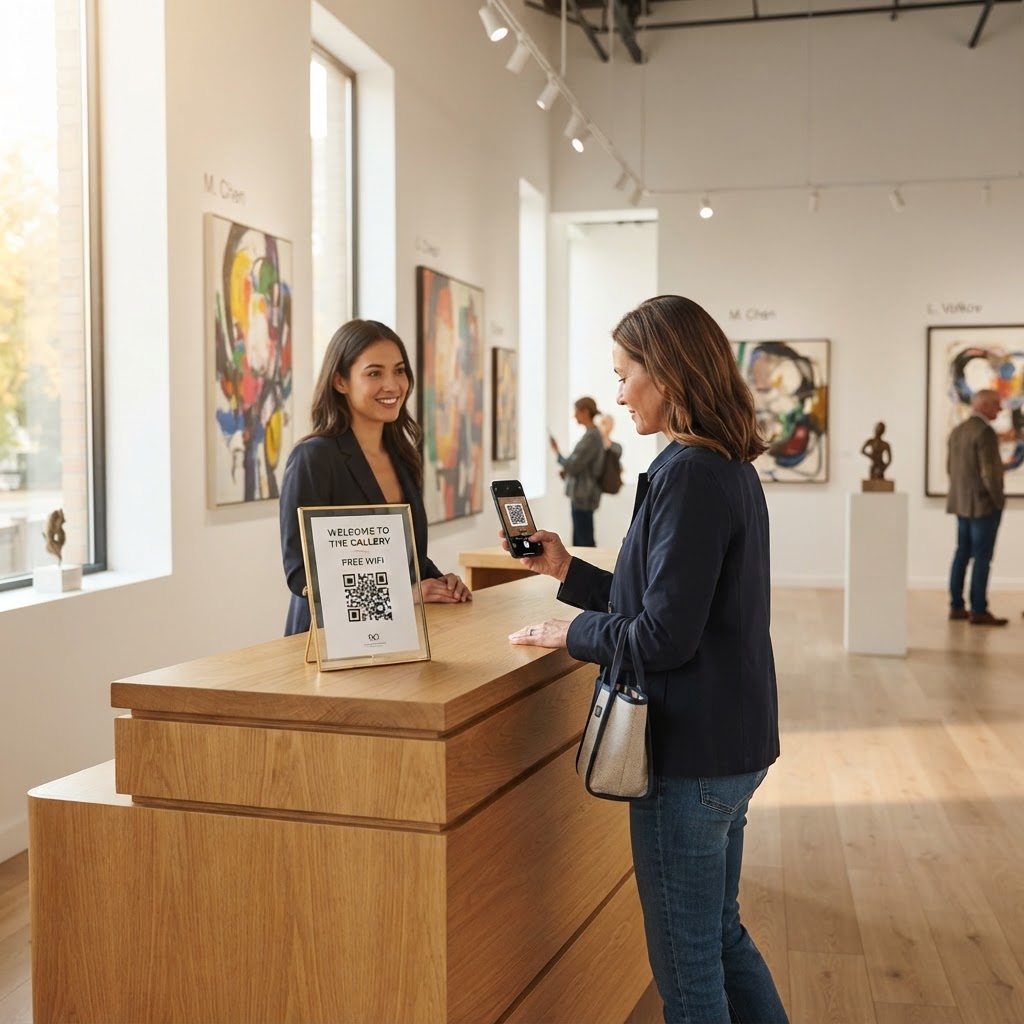
Placement is equally vital for a successful deployment. Mount your wifi qr code for art gallery display at eye level near the entrance or ticket desk where guests congregate. A clean, minimalist frame helps ensure the code remains scannable even in variable lighting conditions.
Common mistakes that ruin results
- Typos in credentials: Even a single missing character or wrong capitalization will prevent connection, so double-check every entry.
- Low contrast printing: Printing your code in light grey on a white background makes it unreadable for many smartphone cameras.
- Over-complicating the design: Adding too many logos or colors directly over the QR modules can confuse the scanning software.
- Neglecting signal strength: Placing the QR code in a spot with weak WiFi reception ensures guests can connect, but they will still be frustrated by slow speeds.
Real examples
Imagine a contemporary art space that features QR-accessible audio tours for each sculpture. By placing a custom WiFi QR Code Generator printout nearby, they ensure that visitors never run out of data while streaming information.
Alternatively, a smaller local gallery might use a framed QR code at the reception counter. This simple gesture allows their guests to tag the gallery in photos, significantly increasing their social media reach organically throughout the day.