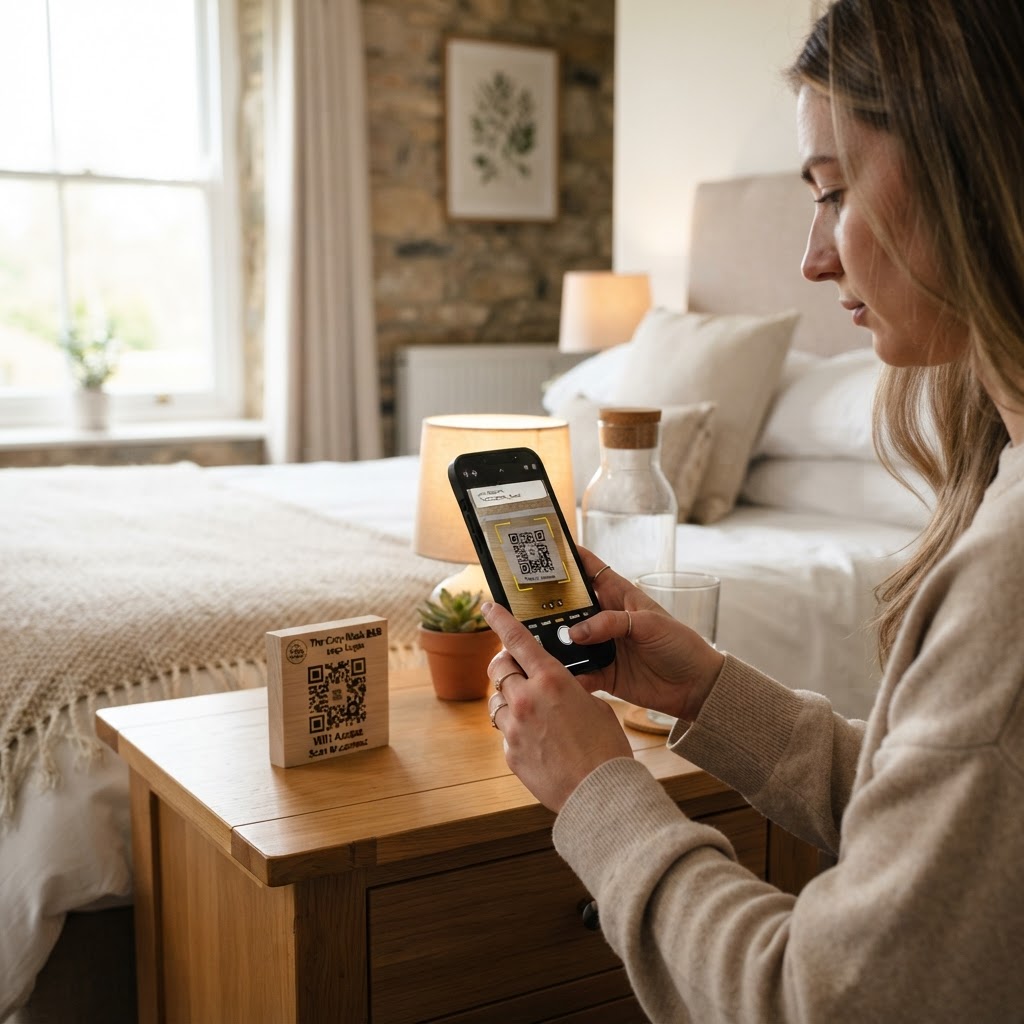
Why your B&B needs a dedicated WiFi QR code
Running a guest house means managing endless small interactions, and connectivity is usually the first point of friction. Imagine a weary traveler checking in late at night; instead of fumbling with a printed note or a whiteboard, they simply scan a frame on your bedside table.
This level of professional hospitality reduces guest frustration and prevents your staff from repeating the same password dozens of times a week. Implementing a wifi qr code for bed and breakfast operations creates a seamless, modern experience that encourages positive reviews.
What you need before you start
Before you begin, ensure you have your network details ready at hand. You will need the exact Network Name (SSID) as it appears on devices, the password, and your specific encryption type (usually WPA2 or WPA3).
You should also have a clear idea of where the code will be placed so you can design it for readability. When you are ready to start, simply head over to our free WiFi QR Code Generator to build your assets.
How to generate a WiFi QR code for bed and breakfast usage
- Access the tool: Navigate to the Blue QR Code Generator dashboard specifically designed for network sharing.
- Input network credentials: Carefully enter your network name and password exactly as they are saved in your router settings.
- Select encryption: Choose the appropriate security protocol, such as WPA2 or WPA3, from the provided dropdown menu.
- Customize your design: Use the aesthetic tools to match your B&B brand colors, ensuring the contrast is high enough for mobile cameras to detect easily.
- Preview the code: Always double-check the preview window to ensure all data was captured without character errors.
- Download and save: Export your final code in a high-resolution format like PNG or SVG, which keeps the image sharp when printed for different signage needs.
How to test and deploy it
Once you download your image, test it with at least three different smartphone models to ensure the connection triggers automatically. Place the finished QR code in high-traffic areas, such as the guest welcome folder, the entrance foyer, or directly on a bedside card holder.
The Blue QR Code Generator ensures your file remains valid regardless of the device scanning it. By using this tool, you provide a professional touch that guests notice immediately upon arrival.
Common mistakes that ruin results
- Low contrast colors: Using light-colored ink on a light background makes it impossible for the camera to isolate the pattern.
- Incorrect SSID typing: Even a minor case-sensitivity error will cause the connection to fail, defeating the purpose of the code.
- Printing too small: If the code is smaller than 2cm x 2cm, cameras struggle to focus on the intricate data points.
- Forgetting to test: Assuming it works without scanning it yourself often leads to guest frustration when they discover a broken link.
Real examples of successful deployment
One boutique bed and breakfast decided to print their custom QR code on high-quality cardstock and frame it within a small, elegant acrylic stand on the nightstand. This subtle placement increased guest satisfaction scores related to "ease of check-in" by 15% within the first two months.
Another property owner used the code as part of a welcome postcard left on the pillows. This allowed them to link their guest manual and house rules, showing how versatile and professional it is to use Blue QR Code Generator's WiFi QR codes tool to enhance the guest journey. Before you finalize your printed materials, remember you can always generate yours in seconds if you ever need to change your network password for security reasons.