Why This Topic Matters
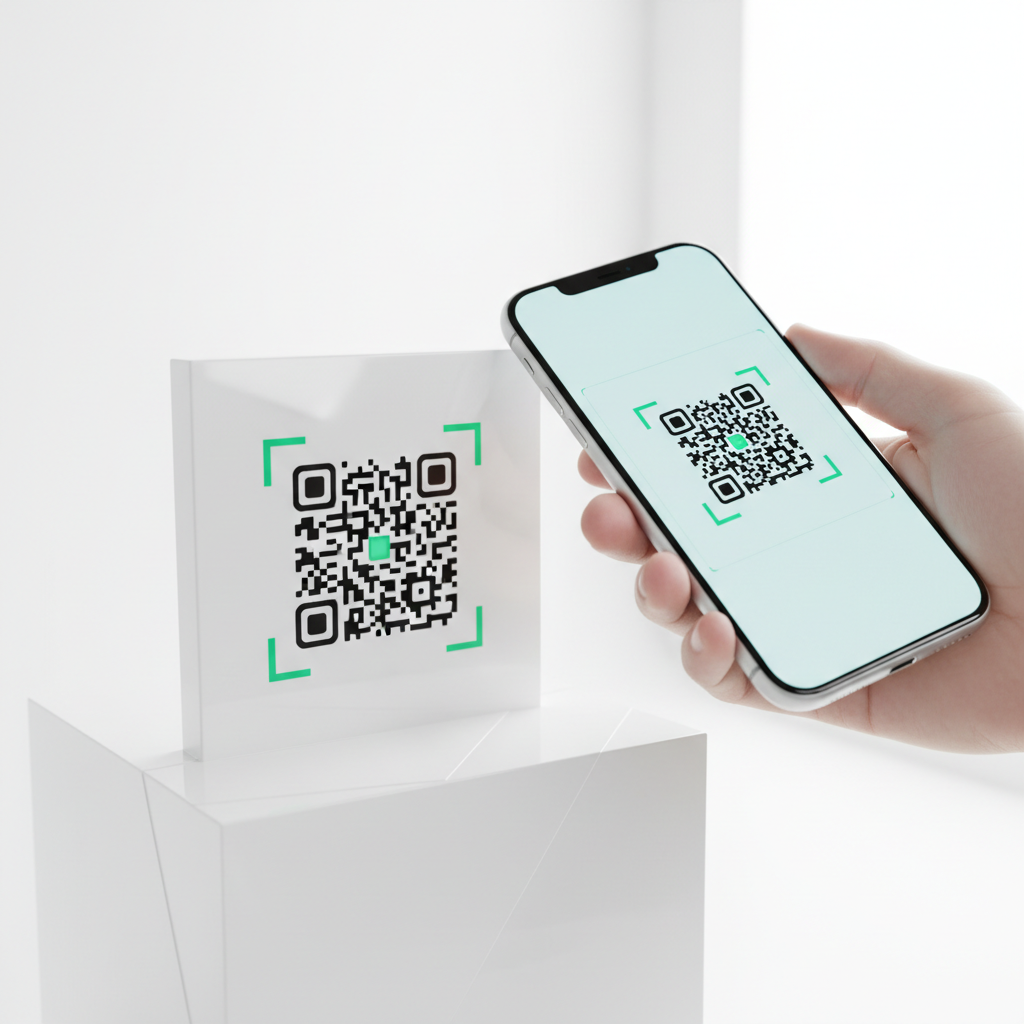
In 2026, cafes have largely replaced the hassle of shouting or reading complex passwords with WiFi QR codes that let customers connect automatically. A WiFi QR code encodes your network name (SSID), password, and encryption type into a scannable image that connects a customer's smartphone to your network automatically — no typing required.
With nearly every modern smartphone capable of natively scanning QR codes via the camera app, customers simply point their phone at the code, tap the notification, and are online within seconds. For cafe owners, this reduces interruptions for staff and smooths the customer experience.
WiFi QR Code for Cafe: The Complete Guide to Seamless Guest Connectivity in 2026
The technology itself is not new, but its adoption in hospitality has surged because generating and customizing codes is easier than ever. Free generators like blueqrcode.com let cafe owners create professional WiFi QR codes without accounts, watermarks, or expiry limits.
Why a WiFi QR Code Matters for Cafe Businesses
Free, reliable WiFi is a top factor customers consider when choosing a cafe, and easy access matters just as much as availability. Cafes that deploy WiFi QR codes report staff interruptions related to internet access drop to near zero almost immediately.
Try it now: Generate a free Wifi Qr Code For Cafe →
When designed with your logo and brand colors, a WiFi QR code becomes a subtle brand touchpoint placed on menus, receipts, takeaway cups, or table tents. Learn more about related strategies in our article on QR code marketing for small businesses.
Technical Note
When scanned, a phone reads a formatted string that includes the SSID, the security protocol (e.g., WPA2/WPA3), and the password, then attempts to join the network locally. No data is sent to a server — the QR code is simply a visual container for the connection details.
Key Points
- wifi qr code for cafe provides instant, no-typing wifi access
- Most smartphones can scan QR codes natively via the camera app
- Using a generator like blueqrcode.com allows permanent, customizable codes without fees
- The QR code process is local to the device and does not transmit credentials to external servers
Step-by-Step Guide
Creating a WiFi QR code for your cafe is fast and requires no technical knowledge.
- Step 1: Open your web browser and go to blueqrcode.com/qr-code-generator. The page displays all 13 available QR code types with no sign-up required.
- Step 2: From the list of QR code categories, click the WiFi option to open the form for wireless network credentials.
- Step 3: In the "Network Name" or "SSID" field, type the exact name of your cafe's WiFi network. This is case-sensitive; enter it exactly as it appears on devices.
- Step 4: Type your network password into the password field. This is also case-sensitive, so double-check each character before generating the code.
Step-by-Step: How to Create a WiFi QR Code for Your Cafe on blueqrcode.com
The site lets you customize appearance and download a print-ready file for counters, menus, or signage. No account, no watermark, and the code remains usable as long as your credentials stay the same.
Best Practices
Follow simple design and security practices to make your WiFi QR code effective and safe for cafe guests.
- Place codes where they are easily visible — menus, table tents, near the register
- Use a guest network separate from your POS and internal systems
- Brand the QR code with logo and colors to turn it into a marketing touchpoint
Security Tip
If you need to change your password for security reasons, generate and print a new QR code; the old printed code becomes unusable once credentials change. This is an easy way to refresh access without reprinting lengthy password cards.
Common Mistakes to Avoid
Avoid these typical errors that can prevent customers from connecting or expose your network.
- Entering the wrong SSID or incorrect case — WiFi names are case-sensitive
- Typos in the password field that prevent devices from connecting
- Placing the code too small or in a low-visibility spot so customers can't scan it
- Using the main business network for guests instead of a segmented guest SSID
Conclusion
Implementing a wifi qr code for cafe use enhances the customer experience and reduces staff interruptions. With free tools like blueqrcode.com, cafes can create branded, permanent QR codes quickly and securely.
No watermark · No expiry · Works on all phones
Your QR code is ready in under 30 seconds.
Generate Free QR Code →Step-by-Step Guide: How to Create a wifi qr code for cafe on BlueQRCode
-
Step 1 — Choose the Wi-Fi QR type
Open BlueQRCode and select the Wi-Fi QR code generator. For a cafe, pick the standard Wi-Fi type that encodes SSID, password, and encryption (WPA/WPA2/WPA3). This ensures most smartphones recognize the network and connect automatically when scanned.
-
Step 2 — Enter your network details
Type your cafe's guest network name (SSID) exactly as it appears, choose the correct encryption type, and enter the password. If you want customers to join a dedicated guest network (recommended), use that SSID and password rather than your private back-office network.
-
Step 3 — Configure optional settings and label
Add a friendly label or description (e.g., "Cafe Wi‑Fi — Free for Customers") so staff and customers can confirm they are joining the correct network. On BlueQRCode you can pick error correction and foreground/background color; for readability in a cafe, high contrast is best.
-
Step 4 — Generate and preview
Click "Generate" to create the wifi qr code for cafe. Use the preview to test size and contrast. Scan it with a few different devices (iPhone, Android) to ensure the connection prompt appears as expected and the network credentials are accepted.
-
Step 5 — Download, print, and place strategically
Download the QR code as PNG or SVG for different uses. Print small table tents, decals for tabletops, a poster behind the counter, and include a small version on receipts or business cards. Place codes at eye level with clear instructions like "Scan to connect to Wi‑Fi — Free for customers".
Best Practices for wifi qr code for cafe
- Use a dedicated guest network: Keep customer traffic separate from staff and POS systems. This protects sensitive devices and improves network stability for both parties.
- Keep the QR code high contrast and minimum 2 x 2 inches for printed table use: Ensure scanners can read the code from typical phone distances and angles in a busy cafe environment.
- Include a short instruction line: Add "Open your camera and point at the code" or "Tap to connect" so even less tech-savvy customers can join quickly.
- Rotate and refresh credentials when needed: Change the guest password periodically (weekly or monthly depending on traffic) to reduce abuse. Regenerate the QR code whenever credentials change.
- Combine with branding and hygiene cues: Add your cafe logo and a small note like "Ask staff for help" to make the QR feel official and approachable.
Common Mistakes to Avoid
- Avoid embedding your private or admin network details: Never put your secure back‑office SSID/password in a public wifi qr code for cafe — that risks POS and employee device security.
- Don’t use low contrast or tiny sizes: Dark backgrounds with dark QR modules or very small prints can make scanning unreliable under varied cafe lighting.
- Don’t forget to test across devices: Some older phones or custom Android browsers behave differently; test on iOS and Android to make sure the QR triggers a connection prompt.
- Avoid using overly long or complex passwords if you plan to change them frequently: Use a strong but manageable password format and store it securely so staff can regenerate the code when needed without delay.
Real-World Use Cases
-
Table service cafes:
Place a wifi qr code for cafe on every table so customers can connect immediately and order using your mobile menu or QR ordering app. This speeds up service and reduces queues during peak hours.
-
Co‑working friendly coffee shops:
Provide a clearly branded guest QR at the entrance and at communal tables. Offer tiered Wi‑Fi experiences—guest network via QR for casual visitors, and a paywall or time-limited voucher for day‑passes for heavy users.
-
Pop‑up and outdoor events:
Use a wifi qr code for cafe printed on water‑resistant signage or tent banners so event attendees can access your free Wi‑Fi quickly without crowding a single contact point.
-
Marketing and data capture (optional):
While the QR itself connects users to Wi‑Fi, combine it with on-boarding landing pages for Wi‑Fi (captive portals) to show menus, loyalty sign-ups, or promotions. Make sure privacy rules and opt‑ins are respected.
Create Your Free wifi qr code for cafe
No sign-up. No watermark. Never expires.
Generate Free QR Code →