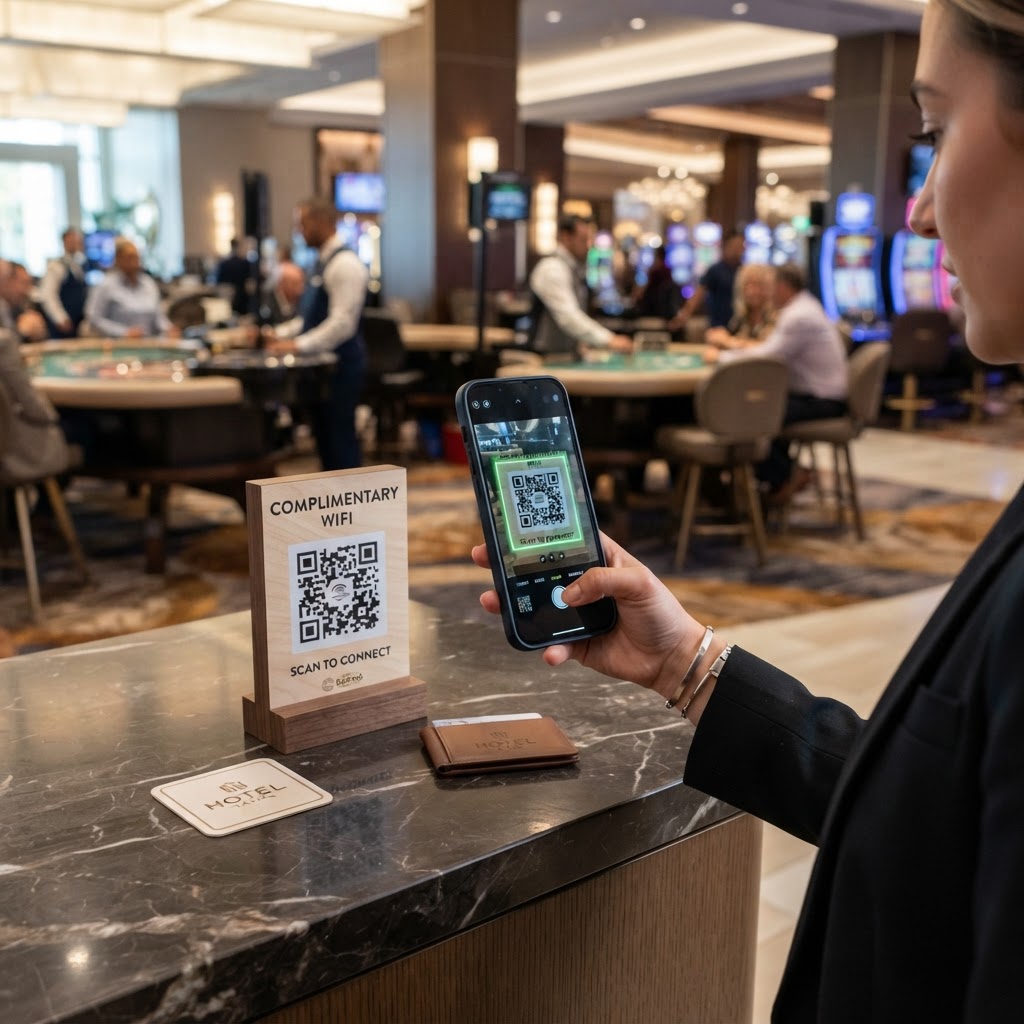
Why a wifi qr code for casino environments matters
Casinos are high-energy environments where every second counts, and downtime caused by connectivity issues often results in lost revenue. When a VIP guest has to flag down a staff member just to ask for the password, the premium experience is interrupted.
Using a dedicated QR code removes this friction entirely. It creates an instant, secure handshake between the guest's mobile device and your venue's network, keeping them focused on the entertainment rather than troubleshooting tech issues. You can generate yours here to streamline guest access immediately.
What you need before you start
Before you begin, ensure you have your network credentials clearly written down to avoid errors. You will need your exact Network Name (SSID) and the Network Password.
Remember that case sensitivity is critical here; if your password includes symbols or specific casing, input them exactly as they appear in your router settings. Having your Blue QR Code Generator account ready or simply using the public tool makes this process seamless.
How to create a wifi qr code for casino visitors
- Open the generator: Navigate to our free WiFi QR Code Generator to begin the setup process.
- Input network details: Enter your exact network SSID and the corresponding password into the fields provided.
- Select encryption type: Choose the appropriate security protocol (usually WPA/WPA2) that matches your local casino router settings.
- Customize the design: Use Blue QR Code Generator to adjust the colors or add a logo to match your casino branding aesthetic.
- Generate the code: Click the build button to finalize the digital asset based on your inputs.
- Download and save: Export the high-resolution file as a PNG or SVG to ensure it remains scannable when printed on signage.
How to test and deploy it
Once you generate your code, always test it with both an iOS and Android device before printing it in bulk. Simply point the camera at the code to verify that the "Join Network" prompt appears immediately.
For deployment, place the codes on small acrylic stands near the cage, at the entrance of lounge areas, or on the back of slot machine informational cards. Using Blue QR Code Generator allows you to create high-quality files that look great on any marketing collateral.
Common mistakes that ruin results
- Typos in the SSID: Even a single missing space or character case error will make the QR code invalid for your guests.
- Low contrast printing: Printing a light-colored QR code on a light background prevents scanners from picking up the pattern.
- Incorrect security protocol: Selecting 'None' when your network is password-protected will lead to a connection failure.
- Lack of clear signage: Placing the code somewhere obscure makes it invisible to the guests who need it most.
- Over-complicating the design: Adding too many graphic elements inside the QR pattern itself can corrupt the data and render it unreadable.
Real examples of successful implementation
One boutique casino placed these QR codes on the menus at their sports bar, allowing guests to check betting apps without consuming cellular data. This small change significantly reduced the number of service calls to the front desk regarding login issues.
Another venue utilized these codes on the guest registration desks, placing them under a transparent desk mat. This allowed international travelers to get online instantly without language barriers, and they could use Blue QR Code Generator's WiFi QR codes tool to ensure the codes were distinct for different wings of the hotel.
If you are ready to modernize your guest experience, you can use our free WiFi QR Code Generator right now. It is the fastest way to get your venue connected today.