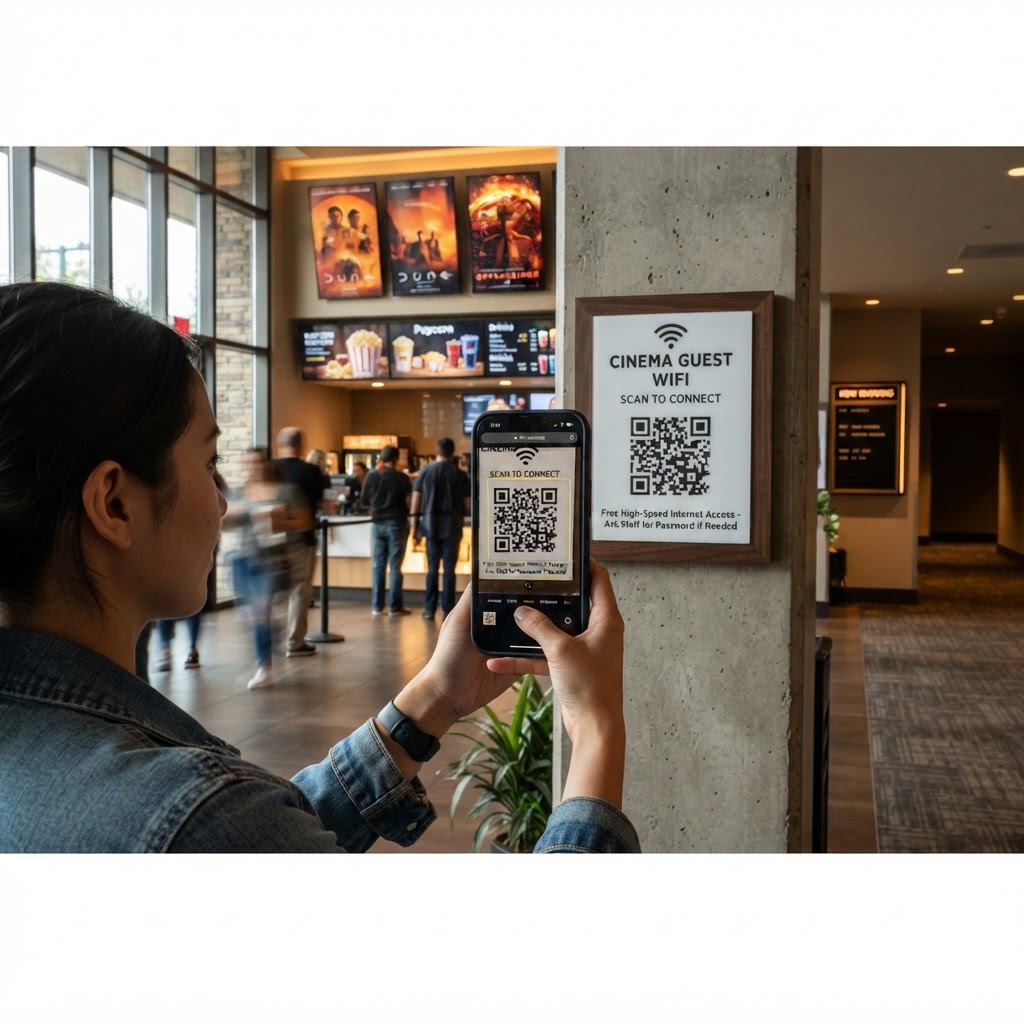
Why a wifi qr code for cinema venues matters
Movie theaters are high-traffic environments where speed is everything. When guests reach the lobby, they often want to quickly check movie times, share their location, or look up cast information before the previews start.
If your staff is constantly distracted by manual password entries, it slows down concession lines and causes frustration. Using our free WiFi QR Code Generator helps you provide seamless connectivity, which keeps guests happy and moves lines faster.
What you need before you start
Preparation is key to ensuring your digital signage works perfectly the first time. You do not need expensive hardware or technical expertise to get started.
- Network Credentials: Ensure you have the exact SSID (network name) and password handy, as these are case-sensitive.
- Device Access: A smartphone or tablet to test the connection once the code is generated.
- Design Assets: Have your cinema’s logo ready if you want to customize the look using Blue QR Code Generator.
How to set up your cinema connectivity
- Access the Tool: Navigate to the WiFi QR Code Generator to begin the process.
- Enter Network Details: Carefully type your network SSID exactly as it appears in your router settings.
- Input the Password: Input your WiFi password and select the correct encryption type, such as WPA or WPA2, which is standard for most cinema routers.
- Customize the Appearance: Use Blue QR Code Generator options to adjust colors or add a frame to match your theater's branding.
- Generate the Code: Click the generate button to create your unique image and prepare it for printing.
- Download the File: Save the file in a high-resolution format like PNG or SVG to ensure it remains scannable on large posters.
How to test and deploy it
Before printing hundreds of flyers, perform a live test on your own device. Turn off your cellular data and scan the generated code to see if the network joins automatically without further prompts.
Place your signs in high-visibility areas like the ticket booth, concession counters, or near the entrance doors. You can also generate yours in seconds and incorporate the code directly onto digital menu boards to encourage guest engagement.
Common mistakes that ruin results
- Incorrect SSID: Double-check for spaces or hidden characters in your network name, as these cause immediate connection failures.
- Too Much Complexity: Over-designing the QR code with too many colors or patterns can make it unreadable by older phone cameras.
- Small Print Size: Placing a tiny code on a large wall makes it inaccessible; ensure the QR code is at least 3 inches wide.
- Security Risks: Avoid sharing your admin network; create a separate guest network for your cinema visitors to keep your office systems isolated.
Real examples of success
One local theater manager used Blue QR Code Generator's WiFi QR codes tool to place codes on every popcorn container lid, which increased social media check-ins by 40% during the opening weekend of a blockbuster film.
Another example involves a boutique cinema chain that placed a large framed QR code in the lobby. This allowed guests to connect to WiFi while waiting for their doors to open, drastically reducing the number of people asking staff for passwords at the ticket counter.
Ready to streamline your cinema operations? Create your WiFi QR codes — free today to provide instant, hassle-free internet access to your audience.