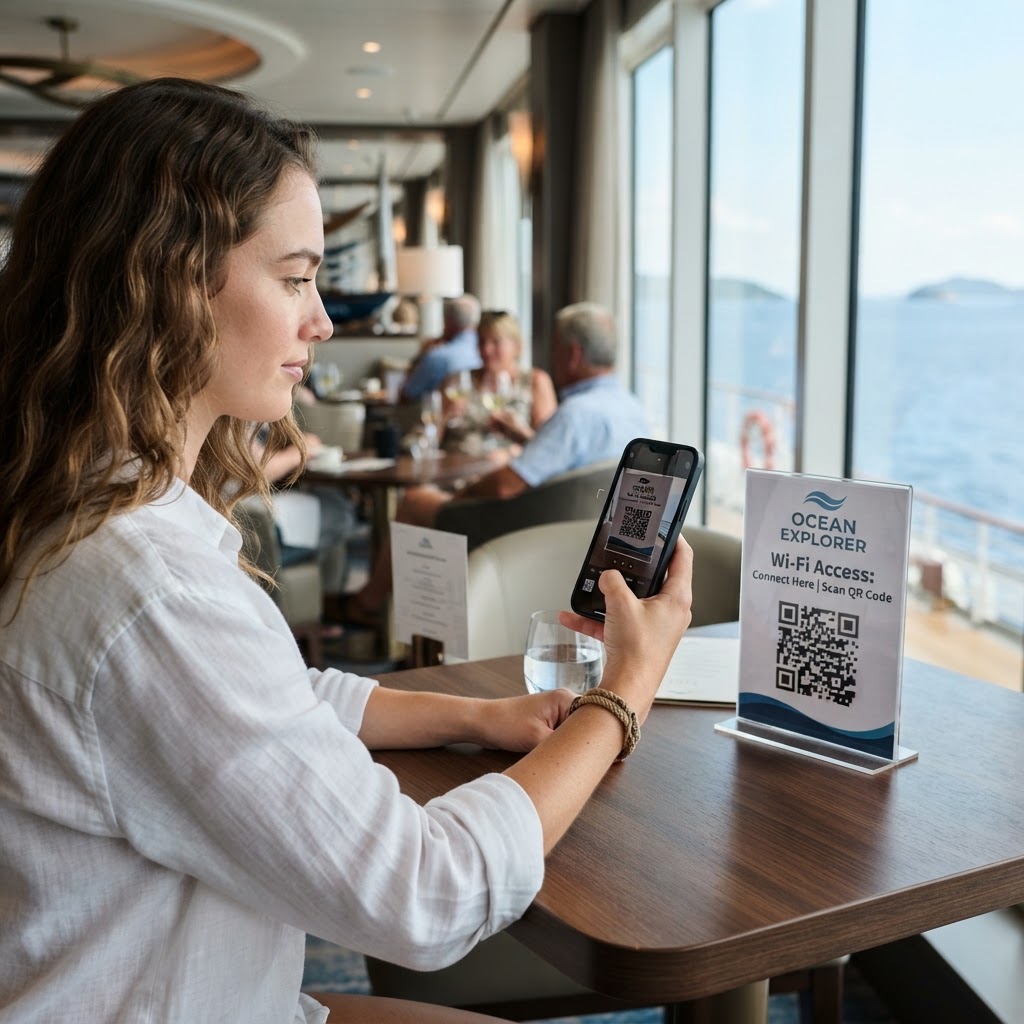
Why a WiFi QR Code for Cruise Ship Connectivity Matters
Providing seamless internet access on a cruise ship is a logistical challenge due to limited cellular signals and the high volume of guests. When passengers move between cabin decks, lounges, and common areas, they frequently need to reconnect, leading to repetitive password requests at the front desk or concierge.
By deploying a strategically placed scan code, you eliminate the bottleneck caused by manual entry. Using our free WiFi QR Code Generator, you can direct guests to the network instantly, reducing staff workload while drastically improving the onboard digital experience.
What you need before you start
Before you jump into the process, make sure you have the exact technical details of your onboard network. You will need the precise SSID (the name of your WiFi network), the security protocol (usually WPA/WPA2 or WPA3), and the current password.
Ensure you have access to a reliable browser and a printer if you intend to display these codes in physical locations like lobbies or cabin doors. You can generate yours in seconds by having these details ready to input.
How to create a wifi qr code for cruise ship connectivity — step by step
- Gather your credentials: Confirm the exact WiFi name and password you wish to share with guests. Accuracy here is vital to avoid connection failures.
- Access the generator: Navigate to our free WiFi QR Code Generator to begin the setup process.
- Input your network details: Enter the SSID and password exactly as they appear on your router settings into the fields provided.
- Select security type: Choose the appropriate encryption method from the dropdown menu, typically WPA2/WPA3 for modern cruise ship systems.
- Customize the design: Use the Blue QR Code Generator tools to adjust the contrast and size, ensuring the code is readable on glossy cruise ship signage.
- Download your file: Export the generated image in a high-resolution format like PNG or SVG for maximum clarity.
- Deploy to surfaces: Print the code and mount it in visible areas where passengers typically look for connection info, such as the cabin desk or lounge tables.
How to test and deploy it
Testing is the most important final step to ensure your configuration actually works. Use at least three different types of mobile devices—iOS and Android—to scan the code and verify that they connect automatically without asking for manual password entry.
Once tested, laminate your signs so they hold up against the humid, salt-heavy environment common on cruise ships. Utilizing the Blue QR Code Generator ensures that the output is crisp, making it easier for older smartphone cameras to scan the code from a distance without difficulty.
Common mistakes that ruin results
- Incorrect security settings: Choosing the wrong encryption standard will cause connection timeouts for your guests.
- Low contrast printing: Printing light-colored QR codes on light surfaces makes them impossible to scan in dim cabin lighting.
- Too many network changes: Don't generate a code for a temporary network that expires in an hour, as this leads to guest frustration.
- Ignoring sizing: Creating a tiny code that requires a magnifying glass to scan is counterproductive to the goal of easy connectivity.
- Misaligned passwords: Even one missing character or incorrect capitalization will lead to a 'connection failed' error.
Real examples of successful deployment
A cruise ship lounge manager recently placed a 4x4 inch QR code on every table in the main entertainment deck. Guests were able to jump onto the network instantly during peak hours, which reduced support tickets by 40% during that weekend voyage.
Another example involves a boutique river cruise line that integrated Blue QR Code Generator's WiFi QR codes tool directly onto their digital welcome screen in the boarding terminal. Passengers scan the screen as they walk onto the ship, ensuring they are connected before they even reach their cabins. You can get started with your own deployment today using our specialized utility.