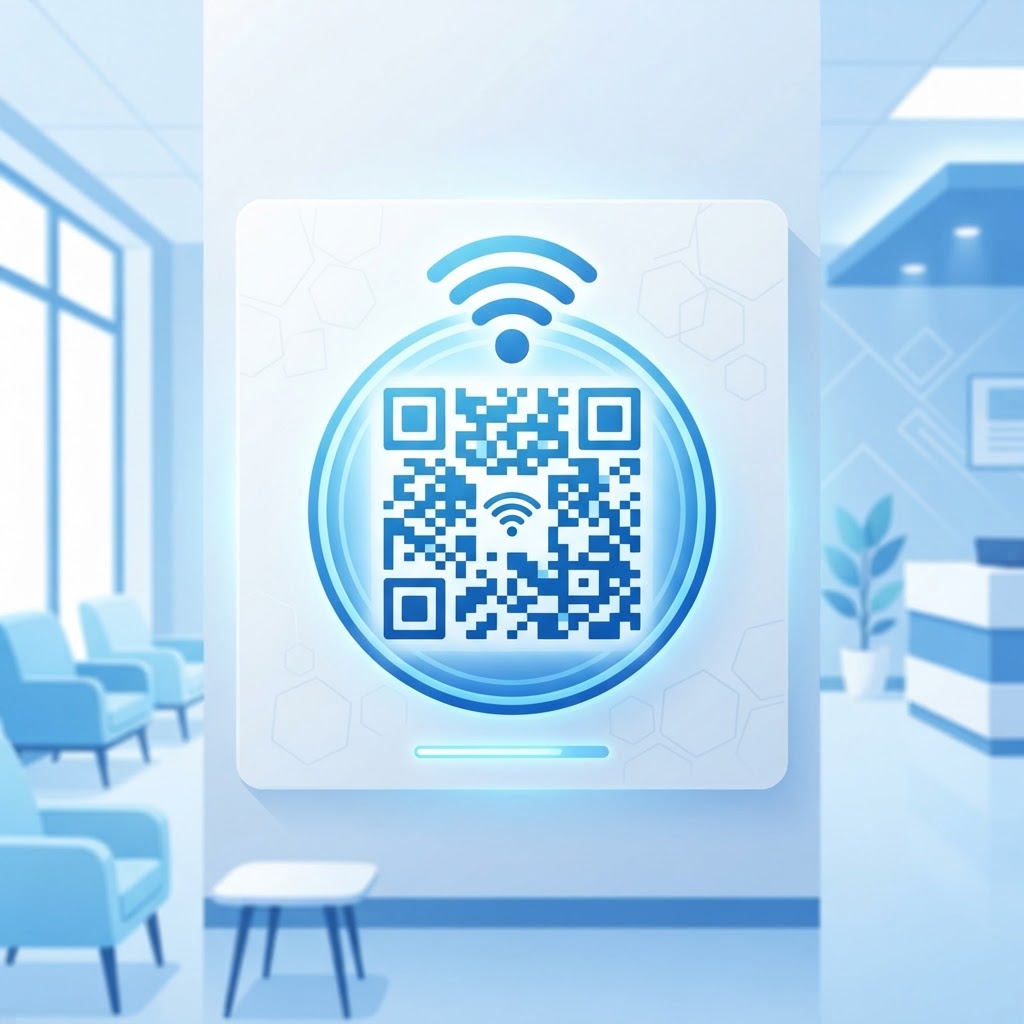
Why a WiFi QR code for hospital waiting room environments matters
Patients and their families are often distracted or anxious while waiting for updates, making complex login procedures a significant source of irritation. A clear, scannable code replaces the need for staff to recite long, complicated passwords, which saves valuable time for medical administrators who should be focusing on patient care.
By deploying a dedicated access point, you improve the patient experience immediately. Using our free WiFi QR Code Generator, you can ensure that visitors get online without constant help-desk requests.
What you need before you start
Before you begin, you need to gather a few essential technical details to ensure your code works correctly on the first attempt. You must have your exact network name, also known as the SSID, which is case-sensitive.
- Network Credentials: Your current WiFi network name and the associated password.
- Security Protocol: Knowing whether your network uses WPA, WPA2, or WPA3 encryption.
- Stable Internet: Access to a web browser to use Blue QR Code Generator.
How to create a WiFi QR code for hospital waiting room access
- Access the Tool: Navigate to the WiFi QR Code Generator to begin the creation process.
- Input SSID: Type your hospital's public WiFi network name exactly as it appears in your router settings.
- Enter Password: Carefully input the security key, ensuring there are no leading or trailing spaces.
- Select Encryption: Choose the appropriate security type, which is most commonly WPA2 for modern office and hospital environments.
- Generate Preview: Click the generate button to view your unique code instantly.
- Download File: Save the high-resolution image file to your device so it is ready for printing or digital display.
How to test and deploy it
Testing is vital to ensure that your visitors can actually connect. Print a sample on plain paper and attempt to scan it with both an iPhone and an Android device, as some phones handle network handshakes slightly differently.
100% Free — No signup required
Create your Wifi Qr Code For Hospital Waiting Room in seconds
Create Free QR Code →Once verified, display the code in a high-traffic area, such as near the reception desk or on prominent signage on the waiting room wall. Using the Blue QR Code Generator ensures the image remains crisp, even when printed in larger formats for better visibility.
Common mistakes that ruin results
- Incorrect Encryption Type: Selecting the wrong security setting will prevent the user's device from authenticating successfully.
- Low Image Quality: Printing a low-resolution or blurry code makes it impossible for standard smartphone cameras to focus.
- Displaying Sensitive Info: Putting the actual password text in plain sight next to the QR code defeats the purpose of the security convenience.
- Lack of Instructions: Failing to add a simple line of text like "Scan to Connect to WiFi" leaves guests confused about the purpose of the graphic.
Real examples of deployment
In a large urban hospital, admins placed these codes inside the patient registration folders. This allowed family members to get connected immediately after check-in without needing to ask the clerk for credentials.
Another clinic utilized the Blue QR Code Generator to print stickers for the back of waiting room chairs. Because the code was at eye level, it reduced the amount of time staff spent helping elderly patients navigate network settings. If you are ready to improve your facility's connectivity, you can generate yours in seconds using our platform.
No watermark · No expiry · Works on all phones
Your QR code is ready in under 30 seconds.
Generate Free QR Code →