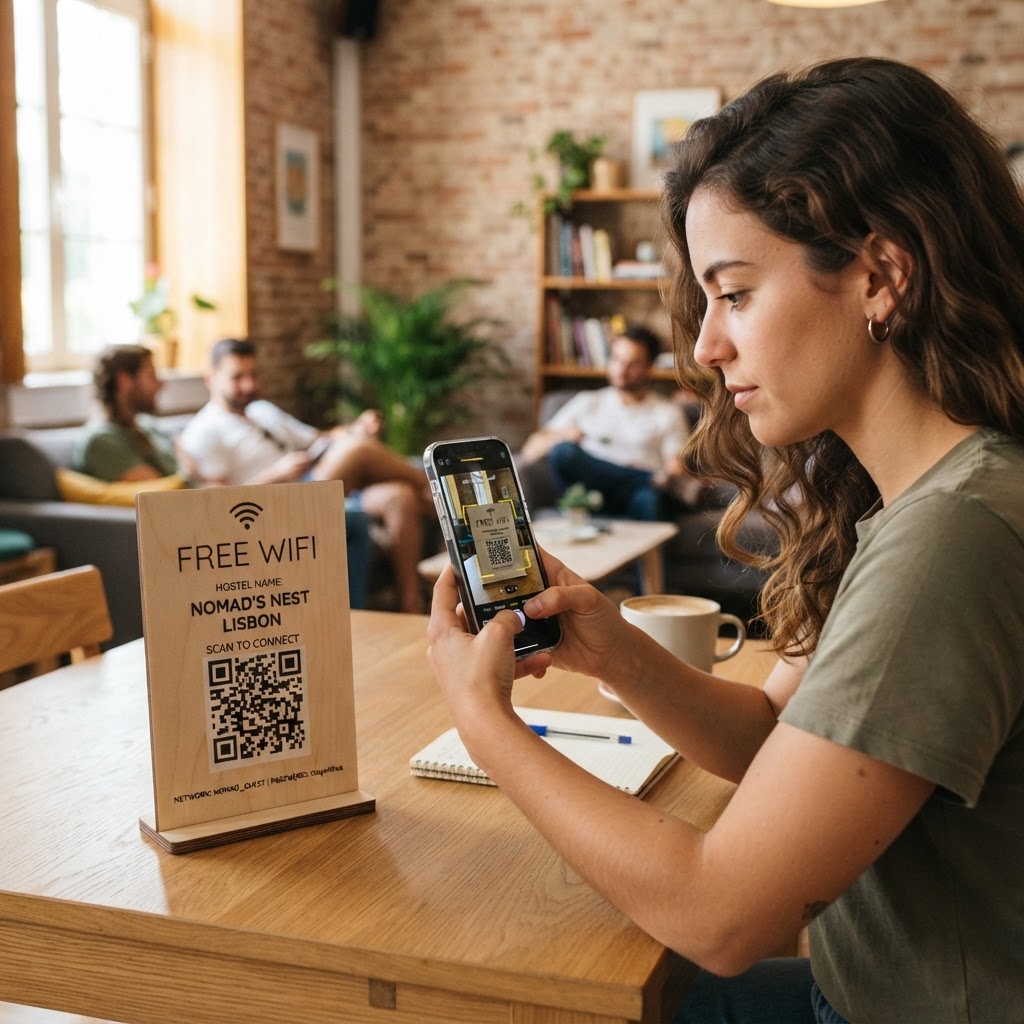
Why a hostel WiFi QR code matters
Hostels thrive on community, but connectivity hurdles often create friction during the check-in process. When international travelers arrive exhausted, they want immediate internet access to check maps or message family without struggling with complex, long, or confusing network keys.
By providing a simple scanning solution, you improve the guest experience and significantly reduce the administrative burden on your reception staff. Using our free WiFi QR Code Generator, you can ensure that connectivity becomes a seamless part of your welcome package.
What you need before you start
Before you begin the generation process, ensure you have your network details ready. You will need your exact Network Name (SSID) as it appears when scanning for devices, and your current network security password.
Double-check your encryption type, which is usually WPA/WPA2/WPA3. Most modern routers use WPA2, but verifying this in your router settings ensures the QR code works flawlessly the first time a guest scans it.
How to create a wifi qr code for hostel access — step by step
- Access the tool: Open the WiFi QR Code Generator provided by Blue QR Code Generator to start your design.
- Enter your SSID: Type your exact network name into the network name field, ensuring you match capitalization and special characters perfectly.
- Input your password: Carefully enter your WiFi password in the security key field.
- Select encryption: Choose the appropriate security protocol (typically WPA or WPA2) to match your hostel's router configuration.
- Generate the code: Click the generate button to see your unique QR code appear on the screen immediately.
- Download your file: Select your preferred format, such as PNG or SVG, and save the image to your computer or mobile device for printing.
How to test and deploy it
Before printing hundreds of copies, always test the code using a guest smartphone or a tablet. Simply open the native camera app, point it at the code, and confirm that the device automatically prompts you to join the network.
Once verified, display the code in high-traffic areas where guests spend their downtime. Placing the code on the reception desk, in communal kitchen areas, or inside individual dorm room frames ensures it is always visible when someone needs to connect.
Common mistakes that ruin results
- Case sensitivity errors: WiFi passwords are case-sensitive; even a single uppercase letter mistake will cause the code to fail.
- Low contrast printing: Printing your code in light colors on a light background makes it unreadable for many smartphone cameras.
- Incorrect SSID naming: If your network name has trailing spaces or unique symbols, ensure they are included exactly in the generator tool.
- Over-complicating the design: Adding too many logos or complex artistic elements over the functional parts of the QR code can interfere with scanning accuracy.
Real examples for your hostel
Imagine a busy hostel lounge where guests often gather to plan their next trip. By placing a framed 4x6 print of your generated code near the charging station, you allow travelers to connect effortlessly without asking staff for help.
Another excellent use case is printing the code on the back of your hostel room key cards or welcome brochures. Utilizing the Blue QR Code Generator to create these codes is a low-cost, high-impact way to improve your hostel's overall guest satisfaction scores. You can use Blue QR Code Generator's WiFi QR codes tool to keep your guests happy and connected at all times.
Whether you manage a small local hostel or a large international chain, these digital assets serve as a silent, helpful concierge for your visitors. When you are ready, generate yours in seconds and upgrade your guest experience today.